Modern garage access systems offer convenience and security, but they can also present a range of challenges. Homeowners often encounter problems with keypads and smart openers, from unresponsive buttons to connectivity failures. Understanding the most common garage door keypad and smart opener issues can help you troubleshoot quickly and restore reliable operation.
This article explores the typical malfunctions, their causes, and practical solutions for both traditional keypads and advanced smart openers. Whether you’re dealing with intermittent response, power problems, or programming errors, you’ll find clear guidance to address the most frequent concerns. For those interested in learning more about emergency entry methods, see our detailed guide on garage door keypad emergency access options.
Common Causes of Garage Keypad and Smart Opener Malfunctions
Troubles with garage entry systems can arise from a variety of sources. Some are straightforward, like dead batteries or worn-out buttons, while others involve more complex connectivity or programming faults. Recognizing the root cause is the first step to a solution.
- Battery failure: The most frequent reason for a non-responsive keypad is a depleted battery. Even smart openers with backup batteries can fail if not replaced regularly.
- Worn or damaged buttons: Frequent use can wear out keypad buttons, making them less responsive or completely non-functional.
- Signal interference: Wireless systems may experience interference from nearby electronics, LED lights, or even thick walls, disrupting communication between the keypad and opener.
- Programming errors: Incorrectly entered codes, lost synchronization, or accidental resets can all prevent proper operation.
- Power supply issues: For wired keypads and openers, a tripped circuit breaker or loose wiring can cut off power, rendering the system inoperable.
- Environmental factors: Extreme temperatures, moisture, and dust can affect both mechanical and electronic components.
Troubleshooting Steps for Keypad and Smart Opener Problems
When your garage access system isn’t working as expected, a systematic approach can help you identify and resolve the issue. Here are practical steps to follow:
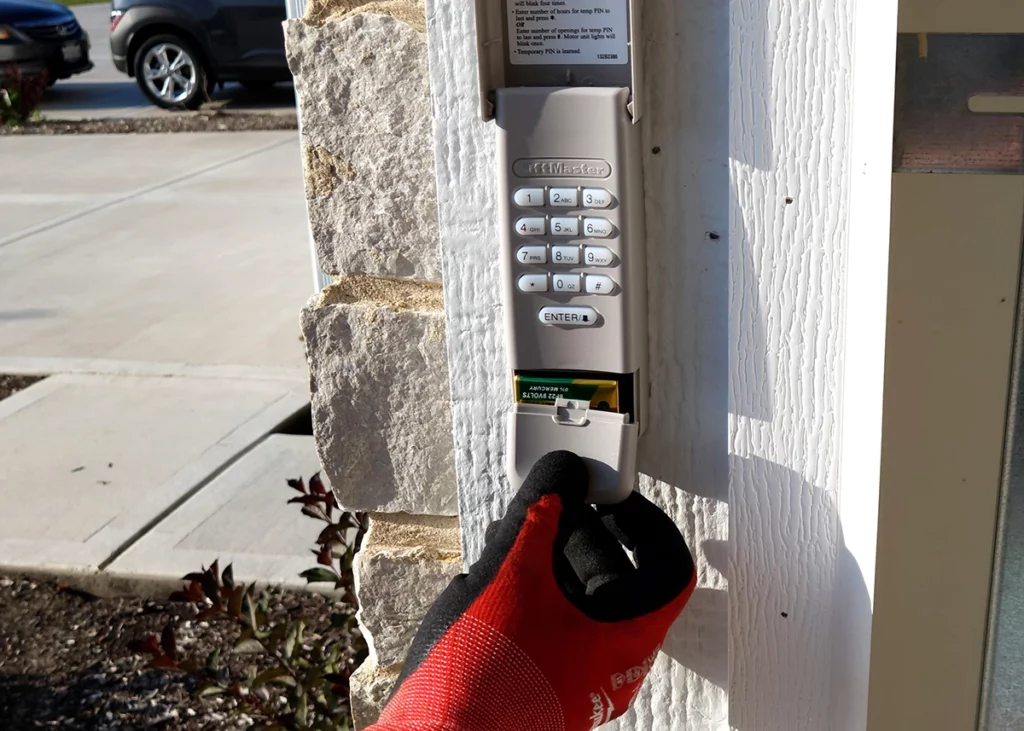
- Check the batteries: Replace the keypad or remote batteries with fresh ones, even if the indicator light still turns on.
- Inspect for physical damage: Examine the keypad for stuck, worn, or broken buttons. Clean the surface to remove dirt or debris.
- Test the power source: Ensure that the opener is plugged in and the circuit breaker hasn’t tripped. For hardwired keypads, check wiring connections.
- Reprogram the keypad: If the code isn’t working, follow the manufacturer’s instructions to reset and re-enter your access code.
- Check for interference: Move or turn off nearby electronic devices that could disrupt wireless signals. Replace LED bulbs with non-interfering types if needed.
- Review smart opener connectivity: For Wi-Fi or Bluetooth-enabled systems, verify your home network is working and that the opener is still connected. Restart your router if necessary.
- Consult the manual: Manufacturer guides often include troubleshooting charts for specific error codes or light patterns.

Programming and Resetting: Solutions for Code and Connectivity Issues
Many garage door keypad and smart opener issues stem from lost codes or failed connections. Resetting and reprogramming are often effective remedies. Here’s how to approach these tasks:
Resetting a Keypad
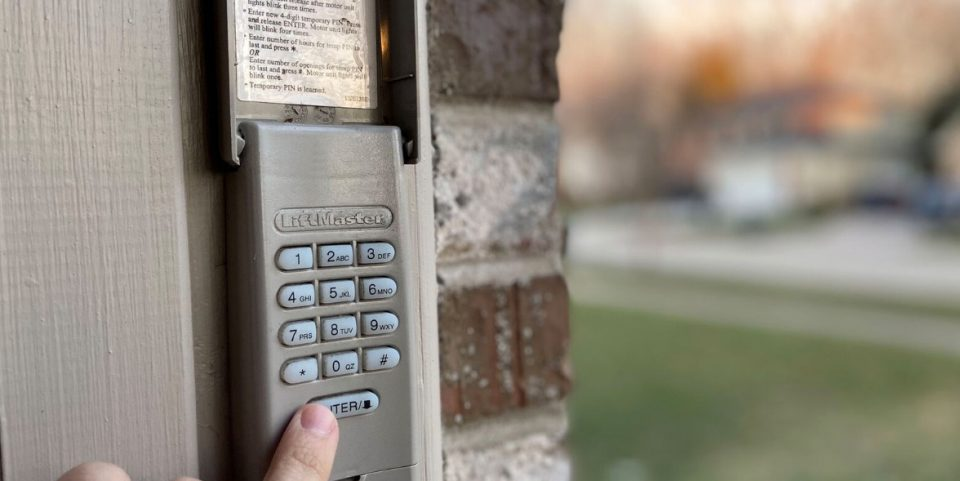
Most keypads have a dedicated reset button or a process involving the “learn” button on the opener unit. Typically, you’ll need to:
- Press and hold the “learn” button until the indicator light turns off (about 6 seconds).
- Within 30 seconds, enter your new code on the keypad and press the “enter” button.
- Wait for the opener light to blink, confirming successful programming.
If the keypad still doesn’t respond, check for power or battery issues before repeating the process. For more detailed steps, see our resource on garage door keypad power issues.
Smart Opener Connectivity Fixes
Smart openers rely on stable Wi-Fi or Bluetooth connections. If your app can’t control the door, try these steps:
- Restart your home router and ensure the opener is within range.
- Update the opener’s firmware via the manufacturer’s app.
- Re-link the opener to your account, following the in-app instructions.
- Check for app updates or reinstall if persistent errors occur.
Persistent connectivity problems may indicate a hardware fault or a need for professional service.
When to Seek Professional Help for Garage Entry Systems
While many keypad and opener problems can be resolved with DIY troubleshooting, some situations call for expert assistance. If you notice electrical burning smells, visible wiring damage, or repeated failures after reprogramming, contact a qualified technician. Complex issues such as circuit board failures or persistent wireless interference may require specialized tools and knowledge.
For more in-depth troubleshooting, you can consult resources like this comprehensive guide to non-working garage door keypads. If your keypad display or backlight is not functioning, our articles on garage door keypad display not lighting up and garage door keypad backlight not working offer targeted solutions.
Preventive Maintenance Tips for Reliable Operation
Regular upkeep can minimize the risk of future garage door keypad and smart opener issues. Here are some best practices:
- Replace batteries in keypads and remotes at least once a year, or sooner if response is slow.
- Clean keypad surfaces gently to prevent dirt buildup and button sticking.
- Inspect wiring and connections for signs of corrosion or wear.
- Keep smart opener firmware and apps updated to the latest versions.
- Test your system monthly to catch problems early, especially before travel or bad weather.
- Store backup access methods, such as a manual key or alternate remote, in a secure location.
For details on voltage requirements and safe installation, see our overview of garage door keypad voltage requirements.
Frequently Asked Questions
Why does my garage keypad stop working in cold or wet weather?
Extreme temperatures and moisture can affect electronic components, causing condensation or corrosion inside the keypad. Sealing the unit and using weather-resistant models can help prevent these problems.
How do I know if my smart opener has lost its Wi-Fi connection?
Most smart openers have indicator lights or app notifications that signal a lost connection. If your app cannot control the door and the opener’s Wi-Fi light is off or blinking, you may need to reconnect to your home network.
Can I reprogram my garage keypad without knowing the old code?
Yes, most systems allow you to reset the keypad using the “learn” button on the opener unit. This process erases all previous codes, letting you set a new one without needing the old code.