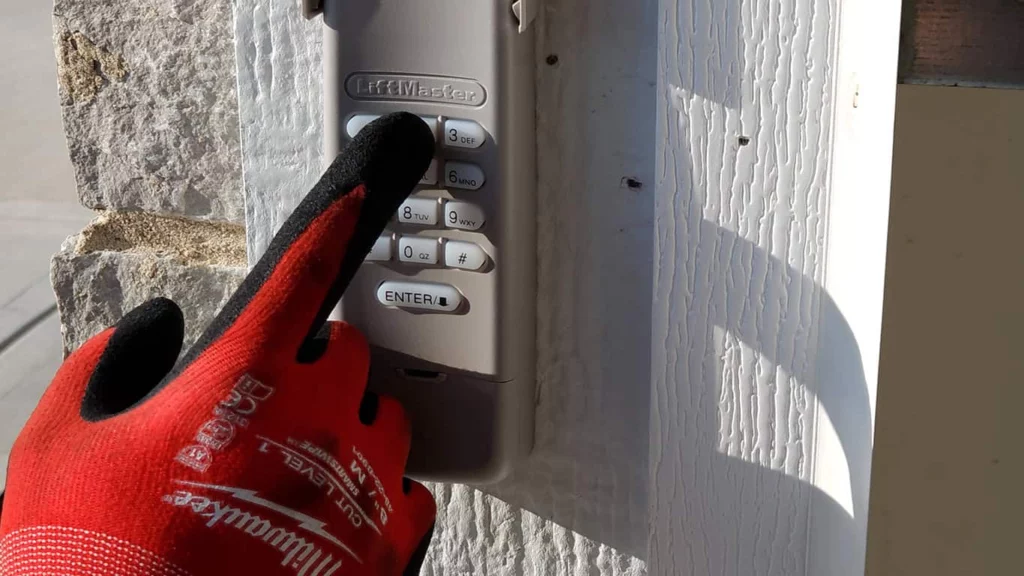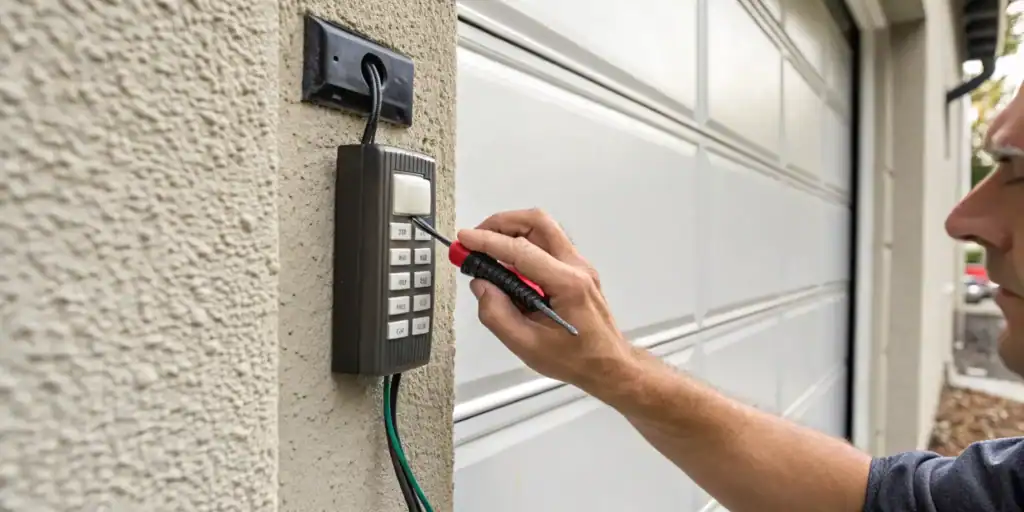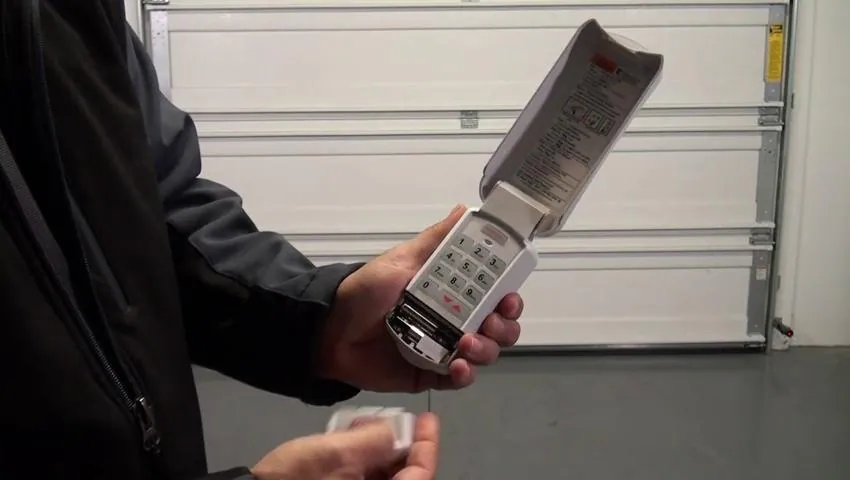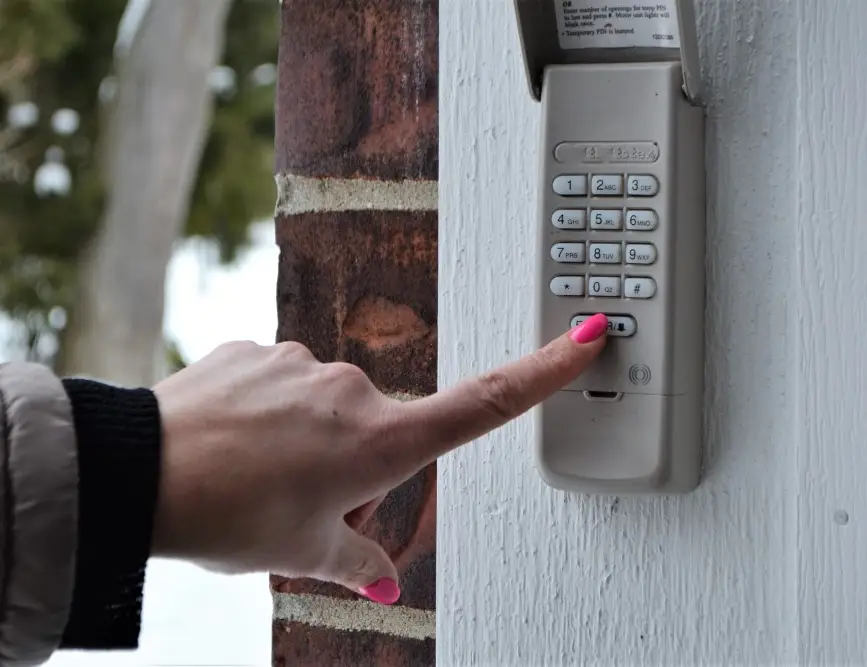
A non-working garage door keypad can be a frustrating problem, especially when you rely on it for daily access. Whether your keypad is completely unresponsive, only works intermittently, or flashes but doesn’t open the door, understanding the underlying causes can help you troubleshoot and restore convenience. This article breaks down the most common reasons a garage door keypad not responding issue occurs, along with practical solutions you can try before calling a professional.
If you’re also dealing with other garage door issues, such as your door stopping halfway or experiencing resistance, you may find this guide on garage door halfway mechanical resistance helpful for additional troubleshooting tips.
Why Your Garage Door Keypad May Stop Working
There are several reasons why a wireless keypad might fail to operate your garage door opener. Some issues are simple to fix, while others may require more in-depth troubleshooting. Below, we’ll explore the most frequent causes and how to address them.
Dead or Weak Keypad Batteries
The most common reason for a garage door keypad not responding is depleted batteries. Most keypads use standard 9V or AA batteries, and over time, these lose their charge. If your keypad is completely unresponsive or only works sporadically, replacing the batteries is a quick first step.
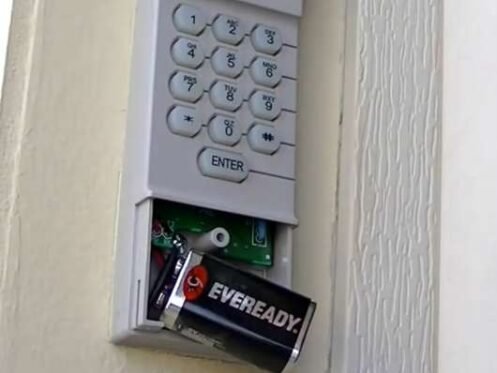
After installing new batteries, test the keypad. If it still doesn’t work, move on to the next troubleshooting steps.
Worn or Stuck Keypad Buttons
Over time, the buttons on a keypad can become stuck, worn out, or unresponsive due to dirt, moisture, or frequent use. If certain numbers don’t register or the keypad feels sticky, gently clean the surface with a soft cloth. Avoid using excessive moisture, as this can damage the electronics inside.
- Check for visible dirt or debris around the buttons.
- Use a can of compressed air to clear out dust.
- If cleaning doesn’t help, the keypad membrane may be worn and require replacement.
Out of Sync With Garage Door Opener
Sometimes, the keypad loses its connection with the garage door opener, especially after a power outage or battery change. In this case, reprogramming the keypad is necessary. Refer to your opener’s manual for specific instructions, as the process varies by brand and model.
For many units, you’ll need to press the “learn” button on the opener motor, then enter your desired code on the keypad. Wait for the confirmation light or sound before testing the system.
Other Factors Affecting Keypad Responsiveness
Electrical Interference or Signal Blockage
Wireless keypads communicate with the opener using radio frequency signals. Interference from nearby electronics, LED lights, or even metal objects can disrupt this communication. If your keypad works only when you’re very close to the opener, or not at all, consider the following:
- Move or turn off nearby electronic devices that might cause interference.
- Check for metal siding or objects between the keypad and opener that could block the signal.
- Try repositioning the keypad for a clearer line of sight to the opener.
Weather-Related Issues
Exposure to rain, snow, or extreme temperatures can damage the keypad’s internal circuitry. Moisture may seep inside, causing corrosion or short circuits. If you notice condensation or visible water damage, allow the keypad to dry thoroughly before testing again. In some cases, a weatherproof cover can help prevent future problems.
Wiring and Power Problems
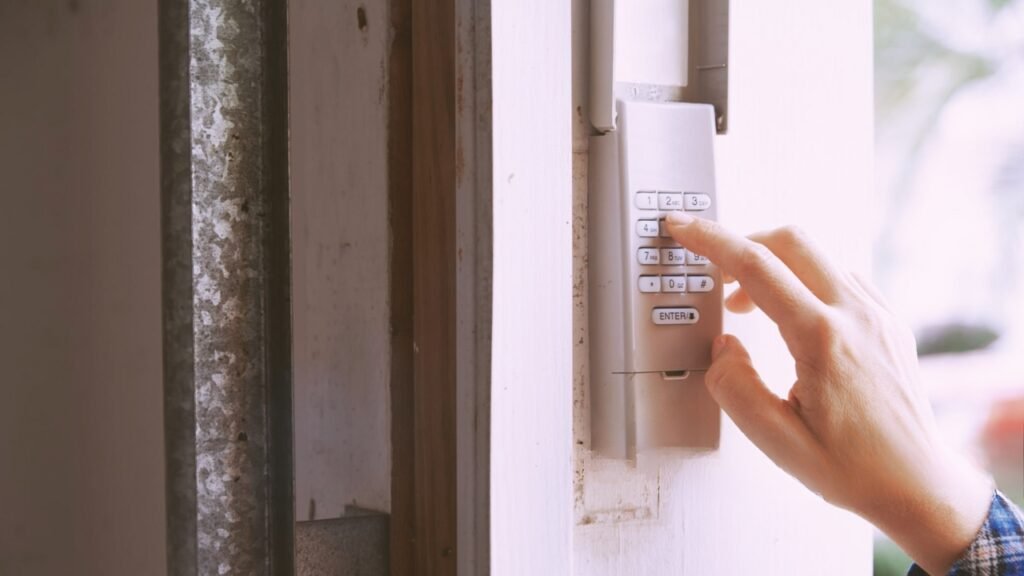
While most modern keypads are wireless, some older models are hardwired. If you have a wired keypad, check for loose, frayed, or corroded wires. Ensure the connections are secure and free of rust. For wireless models, make sure the battery contacts are clean and not oxidized.
When to Replace or Upgrade Your Keypad
If you’ve tried all the above troubleshooting steps and your entry system still doesn’t work, it may be time for a replacement. Keypads generally last 8–10 years, but exposure to the elements or frequent use can shorten their lifespan. When shopping for a new unit, make sure it’s compatible with your opener’s brand and model.
For more information about opener compatibility, you can review this guide on different types of garage door openers to ensure you select the right keypad for your system.
Tips for Preventing Future Keypad Problems
- Replace batteries at least once a year, or when you notice weak performance.
- Keep the keypad clean and dry, and install a weatherproof cover if it’s exposed to the elements.
- Reprogram the keypad after any power outage or battery change to maintain a reliable connection.
- Inspect for signs of wear, corrosion, or physical damage regularly.
- Address any mechanical issues with your garage door promptly to avoid extra strain on the opener and keypad. For maintenance tips, see this resource on garage door halfway maintenance frequency.
Frequently Asked Questions
Why does my garage door keypad work sometimes but not always?
Intermittent operation is usually caused by weak batteries, electrical interference, or worn-out keypad buttons. Try replacing the batteries and cleaning the keypad. If the issue persists, check for sources of interference or consider reprogramming the device.
How do I reset my garage door keypad?
Most keypads can be reset by pressing the “learn” button on the opener motor and entering a new code on the keypad. Refer to your manufacturer’s instructions for the exact process, as steps may vary by model.
Can weather affect my garage door keypad?
Yes, exposure to rain, snow, or extreme temperatures can cause malfunctions. Moisture can corrode internal components, while heat and cold may impact battery performance. Using a weatherproof cover can help protect your keypad.
Is it possible to fix a non-responsive keypad myself?
Many issues, such as dead batteries or minor cleaning, can be resolved without professional help. If the keypad remains unresponsive after basic troubleshooting, it may require replacement or expert repair.
Conclusion
A garage door keypad not responding can often be fixed with simple steps such as changing the batteries, cleaning the buttons, or reprogramming the device. If these solutions don’t work, consider replacing the keypad or consulting a professional. Regular maintenance and prompt attention to minor issues will help keep your entry system reliable for years to come.