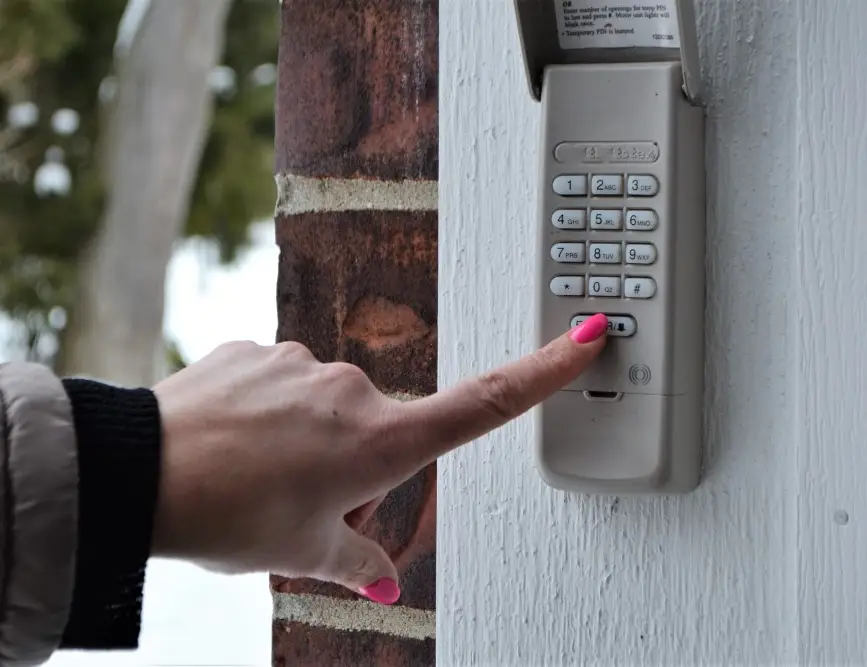
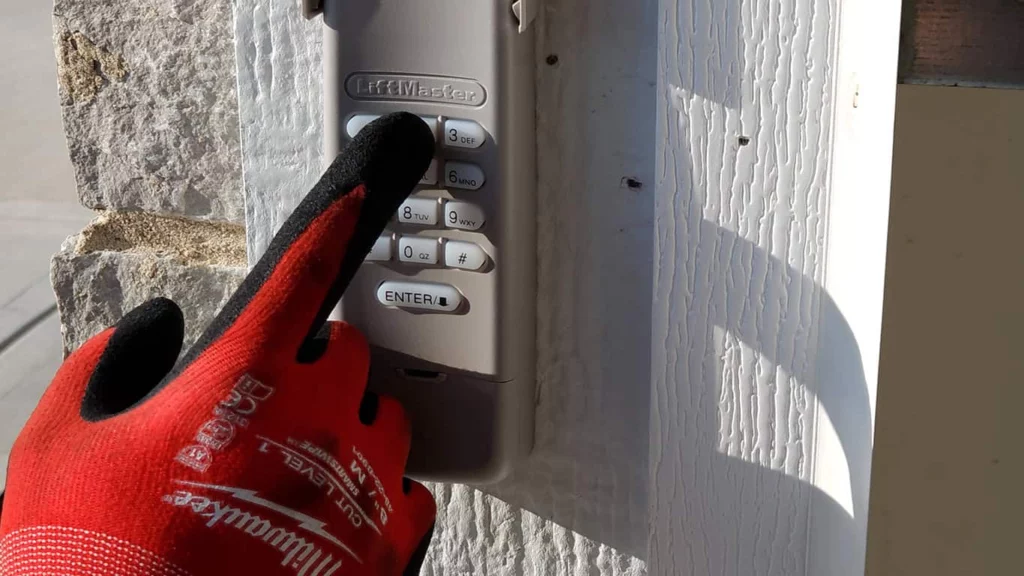
When your garage door keypad stops working, it can be both inconvenient and frustrating. Understanding the reasons behind keypad malfunctions and knowing how to address them can save you time and money. This guide offers a comprehensive look at the most common causes of keypad issues, step-by-step troubleshooting, and practical repair solutions. Whether you’re dealing with unresponsive buttons, code errors, or intermittent operation, you’ll find actionable advice to restore your keypad’s functionality.
If you’re also experiencing problems with your garage door stopping halfway, you might want to review garage door halfway mechanical resistance for additional troubleshooting tips.
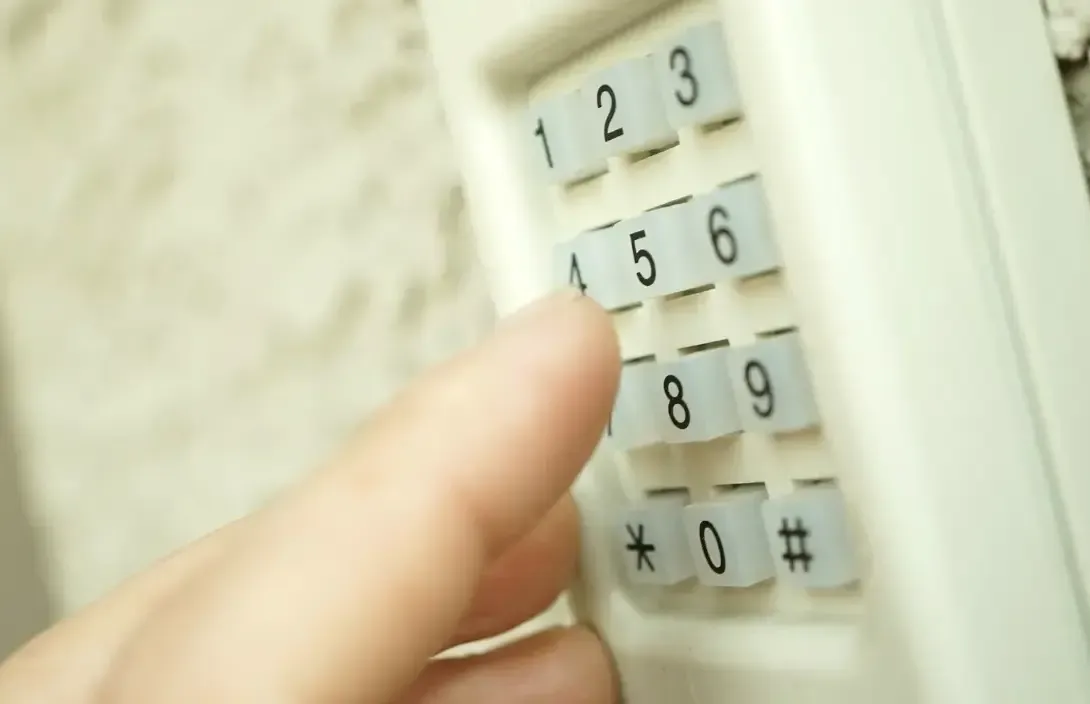
Understanding Common Garage Door Keypad Issues
Keypads are exposed to the elements and frequent use, making them susceptible to a variety of problems. Here are some of the most frequent issues homeowners encounter:
- Dead or weak batteries causing the keypad to lose power or work intermittently.
- Worn-out or stuck buttons that prevent code entry.
- Incorrect programming or forgotten codes.
- Electrical interference from nearby devices disrupting the signal.
- Weather damage such as moisture, dust, or extreme temperatures affecting the circuitry.
- Wiring issues or loose connections inside the keypad.
Recognizing these symptoms is the first step toward effective garage door keypad repair. In many cases, simple fixes can restore your keypad’s operation without the need for professional help.
Step-by-Step Troubleshooting for Keypad Malfunctions
Before replacing your keypad or calling a technician, try these troubleshooting steps to identify and resolve the problem:
-
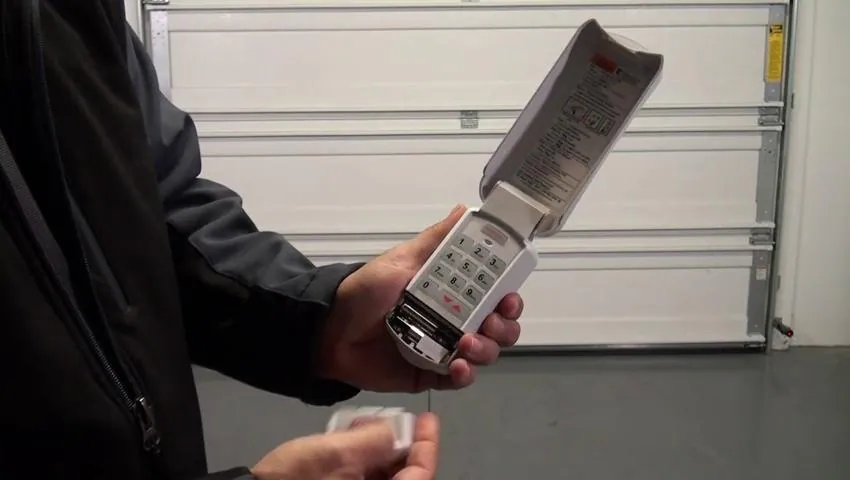
Check and Replace the Batteries
Most keypads use standard AA or 9V batteries. Open the battery compartment and replace old batteries with fresh ones. Test the keypad after installation. -
Inspect for Physical Damage
Look for cracked buttons, worn-out numbers, or visible corrosion. If the buttons are stuck or unresponsive, gently clean around them with a soft cloth. -
Reprogram the Keypad
If the keypad isn’t accepting your code, consult your opener’s manual to reset and reprogram the access code. This often resolves issues caused by accidental code changes or memory loss. -
Check for Interference
Move any wireless devices or electronics away from the keypad and opener. Sometimes, interference from nearby gadgets can disrupt the signal. -
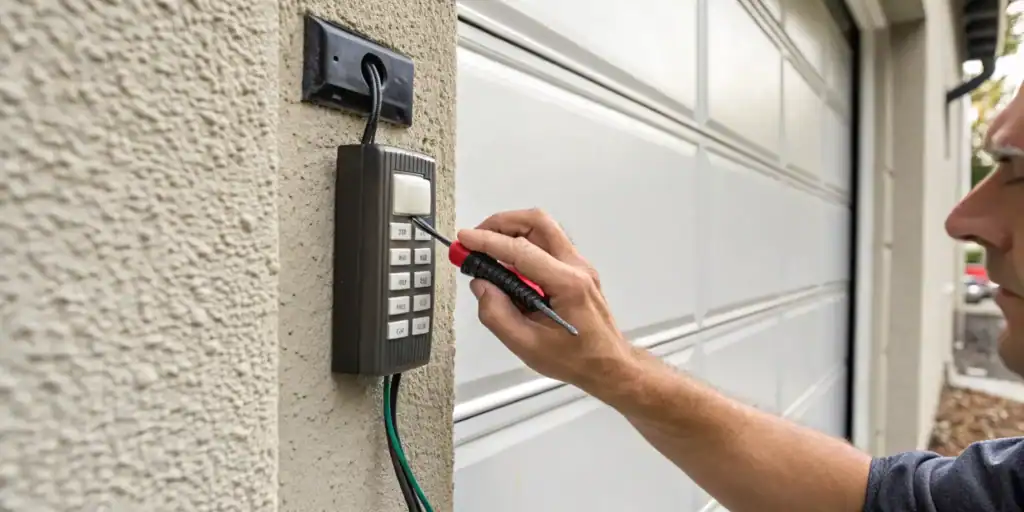
Examine the Wiring
For wired keypads, ensure all connections are secure and free of corrosion. If you notice frayed wires, consider replacing or repairing them. -
Test the Opener
Try operating the garage door with the remote control. If the remote works but the keypad does not, the issue is likely with the keypad itself.
If these steps don’t resolve the issue, further inspection or replacement may be necessary.
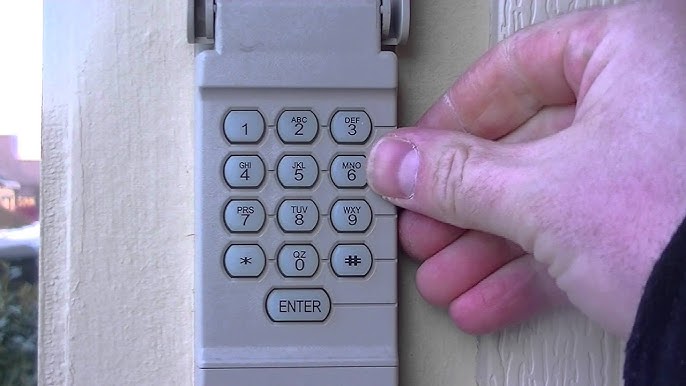
Typical Causes of Keypad Failure
Understanding what leads to keypad malfunctions can help you prevent future problems. Here are the most common causes:
- Battery Drain: Frequent use and exposure to cold weather can quickly deplete batteries.
- Moisture Intrusion: Rain, humidity, or condensation can seep into the keypad, leading to corrosion or short circuits.
- Physical Wear: Over time, repeated pressing can wear out the buttons and internal contacts.
- Improper Installation: Keypads that aren’t mounted securely or are exposed to direct sunlight may fail prematurely.
- Programming Errors: Entering incorrect codes or not following the proper sequence can lock out the keypad.
For more on maintaining your garage door system, see garage door halfway maintenance frequency for tips on regular upkeep.
How to Fix a Non-Working Garage Door Keypad
Once you’ve identified the likely cause, you can take targeted steps to repair your keypad. Here’s how to address the most common problems:
Battery Replacement and Cleaning
Open the keypad’s battery compartment, remove old batteries, and replace them with new ones. While the compartment is open, check for corrosion on the contacts. If present, gently clean with a cotton swab and a small amount of rubbing alcohol.
Resetting and Reprogramming
Most keypads have a reset button or a specific sequence to clear the old code. Refer to your manufacturer’s manual for instructions. After resetting, enter a new code and test the keypad.
Addressing Physical and Environmental Damage
If the keypad is exposed to rain or direct sunlight, consider relocating it to a more sheltered spot. For stuck or unresponsive buttons, carefully clean around the buttons and check for debris. If the keypad is cracked or severely damaged, replacement is usually the best option.
When to Replace Your Keypad
If your keypad is more than 5–7 years old, or if repairs don’t restore full function, it may be time to upgrade. Modern keypads offer improved durability, backlit buttons, and enhanced security features. For a detailed comparison of keypad options, see this guide to choosing the right garage door keypad.
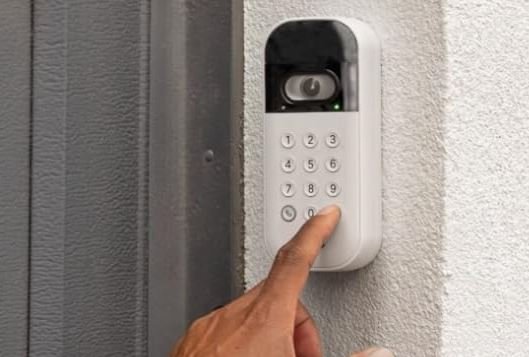
Preventive Maintenance Tips
Regular care can extend the life of your keypad and prevent unexpected failures. Here’s how to keep your entry system in top shape:
- Replace batteries every 6–12 months, or sooner if you notice sluggish response.
- Wipe the keypad with a dry cloth to remove dust and debris.
- Check for signs of moisture or corrosion after heavy rain or snow.
- Reprogram your code periodically to enhance security.
- Inspect mounting hardware to ensure the keypad is secure and protected from the elements.
If you’re troubleshooting other garage door issues, such as doors that stop midway, you may find garage door halfway repair mistakes to avoid helpful for broader maintenance advice.
Frequently Asked Questions
Why does my garage door keypad only work sometimes?
Intermittent operation is often caused by weak batteries, loose wiring, or environmental interference. Try replacing the batteries and checking for moisture or debris inside the keypad. If the problem persists, reprogram the code and ensure the keypad is mounted securely.
Can I reprogram my keypad without the original manual?
Most keypads can be reset and reprogrammed using a standard process, even without the manual. Typically, this involves pressing a “learn” or “reset” button on the opener and entering a new code on the keypad. If you’re unsure, check the manufacturer’s website for model-specific instructions.
How do I know if I need to replace my keypad?
If your keypad is unresponsive after battery replacement and cleaning, or if the buttons are physically damaged, it’s likely time for a new unit. Upgrading to a modern keypad can improve reliability and security.
What should I do if my keypad gets wet?
Remove the batteries immediately and allow the keypad to dry thoroughly before reinstalling. If corrosion or malfunction persists, replacement may be necessary.
Conclusion
Addressing keypad problems doesn’t have to be complicated. By understanding the typical causes and following a logical troubleshooting process, most homeowners can resolve issues quickly. Regular maintenance and prompt repairs will keep your garage entry system reliable for years to come. For more in-depth guidance on related topics, explore resources on how to adjust garage door tracks safely and garage door halfway issue due to tension loss to ensure your entire system operates smoothly.