Wireless keypads for garage doors offer a convenient and secure way to access your garage without needing a physical key or remote. However, like any electronic device, these keypads can sometimes malfunction, leaving homeowners frustrated and unsure of the next steps. Understanding the most common wireless garage door keypad issues can help you troubleshoot problems quickly and restore reliable access to your garage.
In this article, we’ll break down the typical reasons why a wireless keypad might stop working, how to diagnose the problem, and practical solutions you can try at home. We’ll also cover when it’s best to seek professional help, and provide useful resources for further reading. If you’re interested in learning more about keypad operation and troubleshooting, check out our detailed guide on garage door keypad not responding for additional insights.
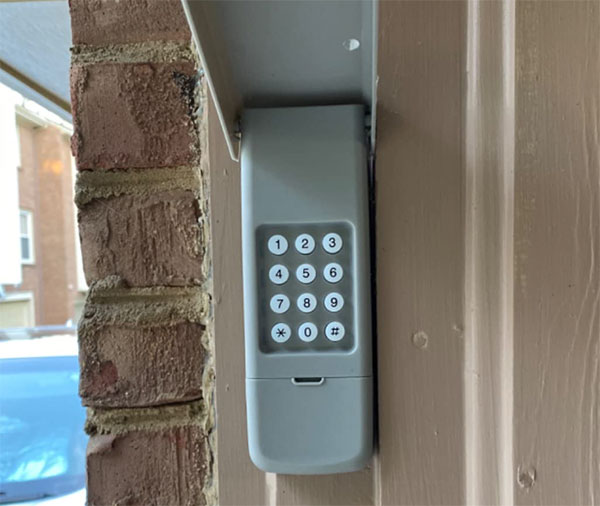
Common Problems With Wireless Garage Keypads
Wireless keypads are designed for durability, but several factors can cause them to malfunction. Below are some of the most frequent wireless garage door keypad issues homeowners encounter:
- Dead or Weak Batteries: The most common reason for keypad failure is depleted batteries. Even if the keypad lights up, weak batteries may not provide enough power for a strong signal.
- Worn-Out Keypad Buttons: Over time, frequent use can cause buttons to stick or become unresponsive, making it difficult to enter your code.
- Signal Interference: Wireless devices rely on radio frequencies that can be disrupted by nearby electronics, metal objects, or even thick walls.
- Incorrect or Lost Programming: If the keypad loses its programming or is not synced correctly with the garage door opener, it won’t function as intended.
- Weather Damage: Exposure to rain, snow, or extreme temperatures can damage the keypad’s internal components.
- Physical Damage: Dropping the keypad or accidental impacts can break internal circuits or connectors.
Troubleshooting Wireless Keypad Malfunctions
When your keypad isn’t working, a systematic approach can help you identify and resolve the issue. Here’s a step-by-step guide to troubleshooting:
- Check the Batteries: Open the battery compartment and replace the batteries with fresh ones, ensuring they are installed correctly. Test the keypad after replacing.
- Inspect for Physical or Weather Damage: Look for cracks, corrosion, or moisture inside the keypad. If you find any, the device may need to be replaced.
- Test the Buttons: Press each button to see if they respond. If some buttons don’t work, the keypad membrane may be worn out.
- Reprogram the Keypad: Refer to your manufacturer’s instructions to reset and reprogram the keypad. This often involves pressing a “learn” button on the garage door opener and entering a new code.
- Reduce Interference: Move other wireless devices away from the keypad and opener. Remove large metal objects that could block the signal path.
- Test the Opener: Use a remote control to see if the garage door opener itself is working. If not, the issue may be with the opener, not the keypad.
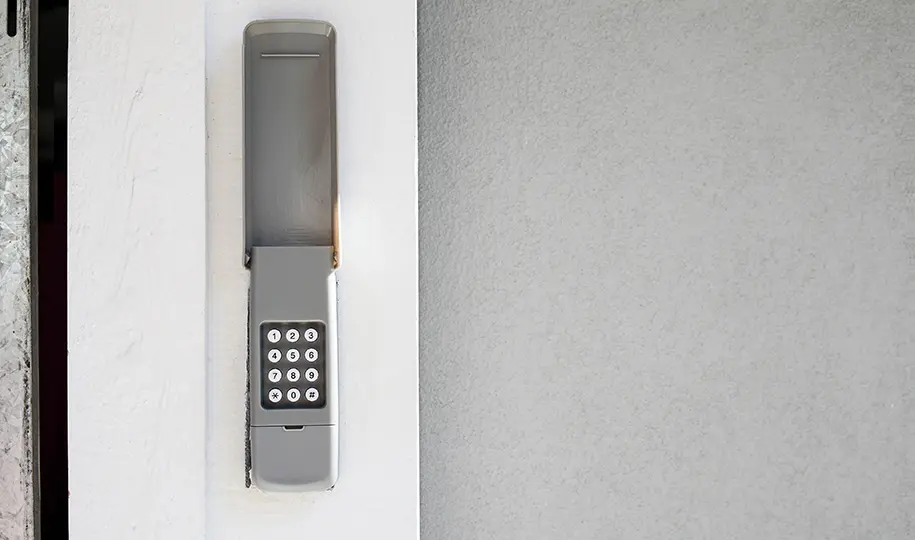
How to Prevent Future Wireless Keypad Problems
Preventative maintenance can help you avoid many of the most common wireless garage door keypad issues. Consider these tips to keep your keypad functioning smoothly:
- Replace batteries at least once a year, or when you notice the keypad response slowing down.
- Clean the keypad regularly with a dry cloth to remove dust and debris.
- Install a weatherproof cover if your keypad is exposed to the elements.
- Keep the area around the keypad clear of metal objects and other electronics that could cause interference.
- Reprogram your keypad if you change your garage door opener or after a power outage.
For a deeper understanding of how these devices work and their benefits, you might find our resource on what is a garage door keypad helpful.
When to Repair or Replace Your Garage Door Keypad
Not all keypad problems can be fixed with simple troubleshooting. Here’s how to decide whether to repair or replace your device:
- Repair: If the issue is minor—such as battery replacement, reprogramming, or cleaning—DIY fixes are usually sufficient.
- Replace: If the keypad has suffered water damage, severe physical damage, or persistent unresponsiveness after troubleshooting, it’s time for a new unit.
If you’re unsure, consult a professional or refer to our detailed guide on garage door keypad repair explained for more information on diagnosing and fixing complex problems.
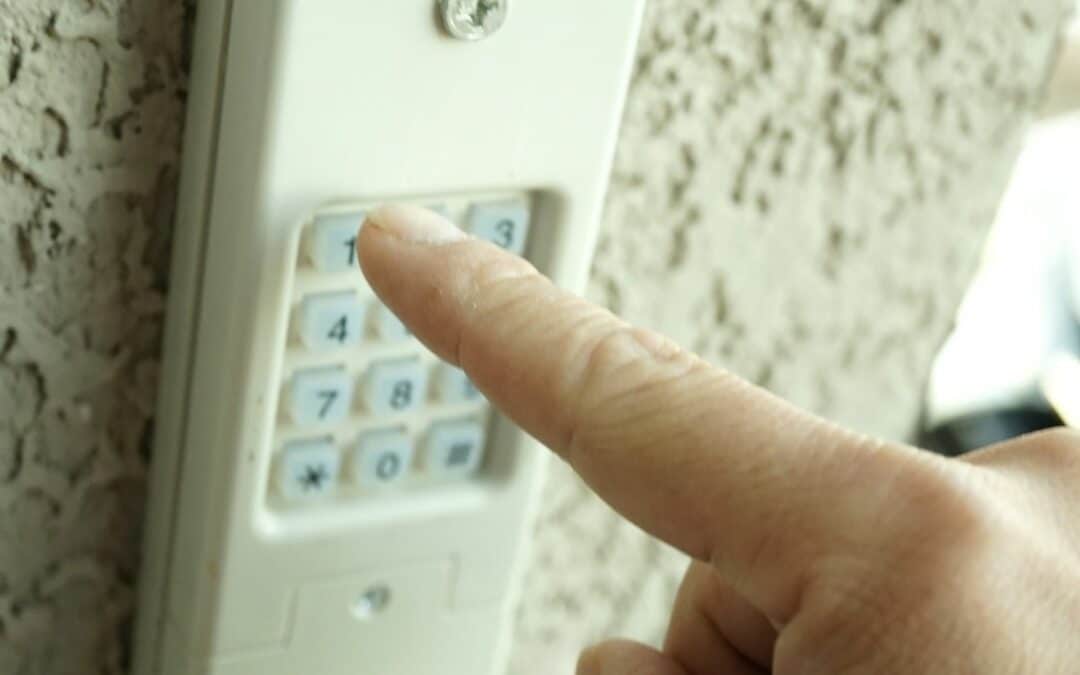
Choosing the Right Replacement Keypad
If you decide to replace your wireless keypad, make sure to select a model compatible with your garage door opener. Universal keypads are available, but always check the manufacturer’s compatibility list before purchasing. For more tips on selecting the right device, see this comprehensive guide to garage door keypads.
Installation is typically straightforward: mount the keypad near your garage door, follow the programming instructions, and test the device to ensure it operates correctly.
Additional Resources and Support
For further reading on keypad technology and operation, our article on how garage door keypads work covers the basics and advanced features. If you want an overview of the uses and benefits of these devices, our garage door keypad explained post is a helpful resource.
Frequently Asked Questions
Why does my wireless garage keypad only work sometimes?
Intermittent operation is often caused by weak batteries, signal interference, or worn-out buttons. Try replacing the batteries and moving any nearby electronics that could disrupt the signal. If the problem persists, the keypad may need servicing or replacement.
How do I reset my wireless garage door keypad?
Most keypads can be reset by pressing the “learn” button on your garage door opener and entering a new code on the keypad. Refer to your device’s manual for specific instructions, as steps can vary by brand and model.
Can weather affect my garage door keypad?
Yes, exposure to rain, snow, or extreme temperatures can cause internal damage or corrosion, leading to malfunction. Using a weatherproof cover and installing the keypad in a sheltered location can help prevent these issues.
What should I do if my keypad still doesn’t work after troubleshooting?
If you’ve tried replacing the batteries, reprogramming, and checking for damage but the keypad remains unresponsive, it may be time to replace the device or consult a professional for further diagnosis.