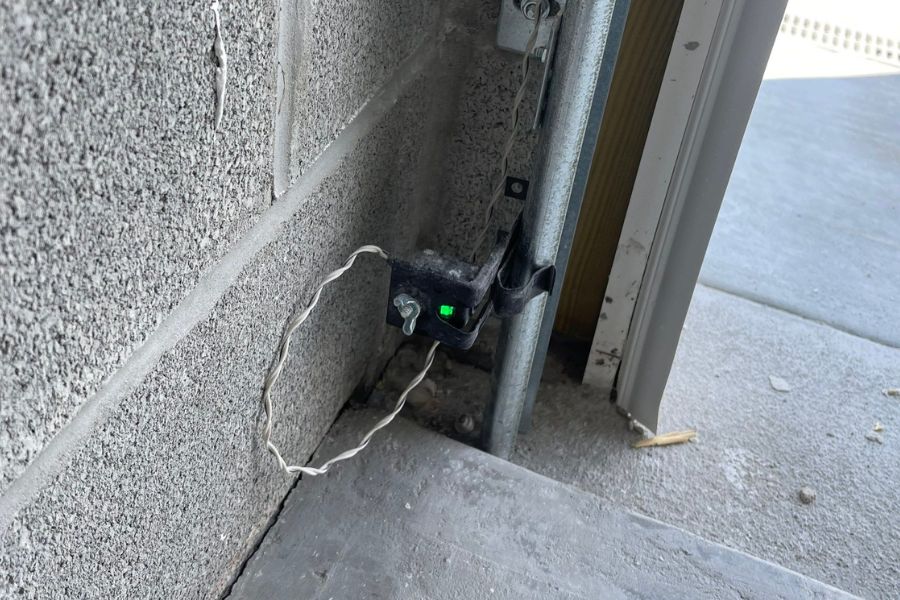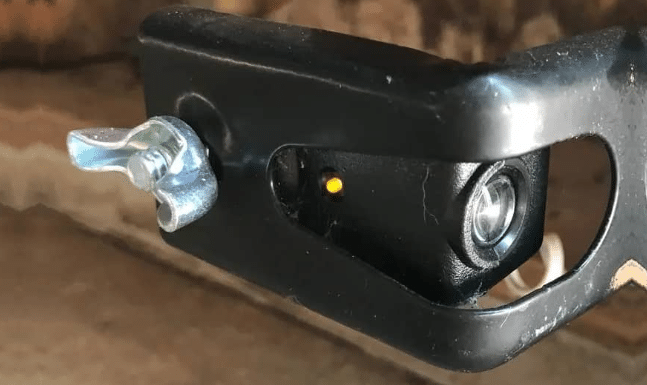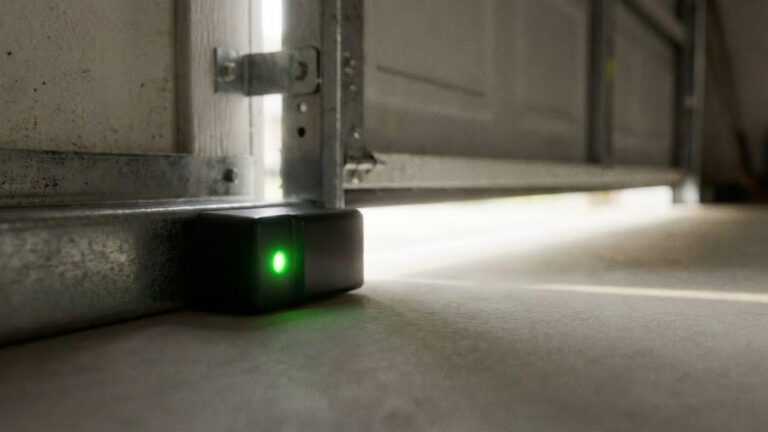
A blinking green light on your garage door sensor can be frustrating, especially when it prevents your garage door from operating smoothly. This issue is common with many modern garage door systems and is usually a sign that something is interfering with the sensor’s function. Understanding what causes this problem and knowing the right steps to resolve it can save you time, money, and unnecessary stress.
In this guide, you’ll learn practical steps to address a green blinking indicator on your garage door sensor. We’ll cover the most common causes, troubleshooting tips, and when it might be time to consider a replacement. If you’re interested in broader troubleshooting, you may also find this how to troubleshoot garage door sensor lights resource helpful.
Understanding Why the Sensor Is Blinking Green
The green light on a garage door sensor typically indicates that the receiving sensor is powered and attempting to detect the infrared beam sent by the sending sensor. When the green light blinks instead of staying solid, it usually means the beam is interrupted, misaligned, or there’s a wiring issue.
- Obstruction: Something may be blocking the beam between the two sensors.
- Misalignment: The sensors are not facing each other directly.
- Dirty Lenses: Dust or debris on the sensor lenses can disrupt the signal.
- Wiring Problems: Loose or damaged wires can cause intermittent signals.
- Faulty Sensor: The sensor itself may be malfunctioning.
For more details on the meaning behind sensor light colors, you can check this comprehensive explanation of garage door sensor colors.
Quick Steps to Resolve a Green Blinking Garage Door Sensor
If you notice your garage door sensor’s green light is blinking, follow these steps to quickly diagnose and resolve the issue:
- Check for Obstructions: Make sure nothing is blocking the path between the two sensors. Even small objects, spider webs, or dust can cause a disruption.
- Clean the Sensor Lenses: Use a soft, dry cloth to gently wipe both sensor lenses. For a detailed cleaning process, refer to this how to clean garage door sensor lenses guide.
- Realign the Sensors: Both sensors should be facing each other directly. Adjust them until the green light stays solid. If you’re unsure about alignment, review the signs of misaligned garage door sensors.
- Inspect the Wiring: Look for loose, frayed, or disconnected wires at the back of each sensor. Secure any loose connections and replace damaged wires if needed.
- Test the Door: After performing the above steps, try operating the garage door. If the green light remains solid and the door works, the issue is resolved.
Common Causes of a Blinking Green Sensor Light
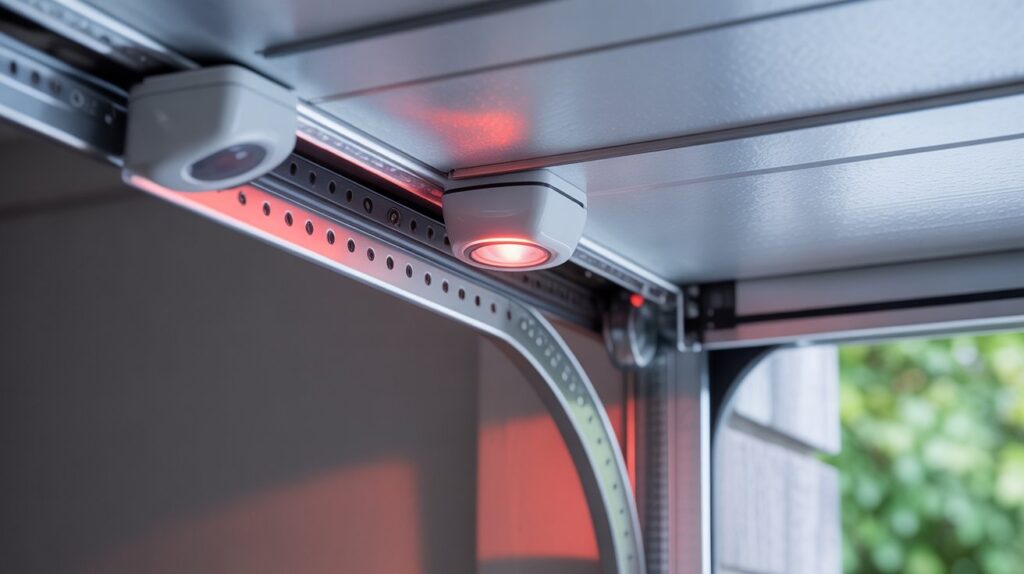
Several factors can trigger a blinking green indicator on your garage door sensor. Understanding these causes can help you pinpoint the problem faster:
- Physical Blockage: Items stored too close to the sensors or debris on the garage floor can break the infrared beam.
- Sensor Misalignment: Vibrations from the door or accidental bumps can knock sensors out of alignment. Even a few millimeters off can cause the sensor to blink.
- Dirty or Foggy Lenses: Garage environments are prone to dust and moisture. Regular cleaning is essential for uninterrupted operation.
- Electrical Issues: Power surges, aging wires, or loose connections can intermittently disrupt sensor function.
- Component Failure: Sensors can wear out over time, especially if exposed to harsh weather or frequent use.
If you suspect your sensor may be faulty, you can perform some simple checks. For a step-by-step process, see this how to tell if garage door sensor is bad article.
How to Realign Garage Door Sensors for a Solid Green Light
Proper alignment is crucial for the sensors to function correctly. Here’s how to realign your garage door sensors and stop the green light from blinking:
- Loosen the Mounting Bracket: Use a screwdriver to gently loosen the screws holding the sensor in place. This allows you to adjust its position.
- Adjust the Sensor: Move the sensor up, down, or sideways until it is directly facing the other sensor. The green light should turn solid when alignment is correct.
- Tighten the Screws: Once the light is steady, carefully tighten the screws to secure the sensor in its new position.
- Test the Door: Open and close the garage door to ensure the sensors are working properly.
If alignment issues persist, check for vibration or movement in the mounting surface, as this can cause the sensors to shift over time.
When to Replace Your Garage Door Sensor
If you’ve tried cleaning, realigning, and checking the wiring but the green light continues to blink, the sensor itself may be defective. Over time, exposure to moisture, dust, or physical damage can cause permanent failure.
- Persistent Blinking: If the light blinks even after troubleshooting, replacement is likely needed.
- Physical Damage: Cracked or broken sensor housings can let in moisture and dirt, leading to malfunction.
- Age: Sensors older than 10 years are more prone to failure and may not be compatible with newer systems.
Replacing a sensor is usually straightforward and can restore reliable operation. Always choose a sensor compatible with your garage door opener model.
Additional Troubleshooting Tips for Sensor Issues
If you continue to experience problems, consider these extra steps:
- Check Sunlight Interference: Direct sunlight on the sensors can sometimes disrupt the infrared beam. Try shading the sensors if this is the case.
- Secure All Wiring: Make sure all connections are tight and free from corrosion.
- Test with a Multimeter: If you’re comfortable, use a multimeter to check for consistent voltage at the sensor terminals.
- Consult the Manual: Manufacturer manuals often provide troubleshooting codes and specific guidance for your model.
For those needing to bypass the sensors temporarily, review this guide to bypass garage door sensors safely. However, bypassing should only be done as a last resort and not as a permanent solution.
Frequently Asked Questions
What does it mean if my garage door sensor is blinking green?
A blinking green light usually indicates that the sensor is powered but not receiving a clear signal from its counterpart. This can be due to misalignment, obstruction, dirty lenses, or wiring issues.
Can I fix a blinking green sensor without professional help?
Yes, most issues can be resolved by checking for obstructions, cleaning the lenses, realigning the sensors, and inspecting the wiring. If these steps do not work, the sensor may need to be replaced.
How do I know if my garage door sensor needs to be replaced?
If the green light continues to blink after all troubleshooting steps, or if the sensor is physically damaged or very old, replacement is recommended. Persistent issues despite cleaning and realignment are strong indicators of sensor failure.