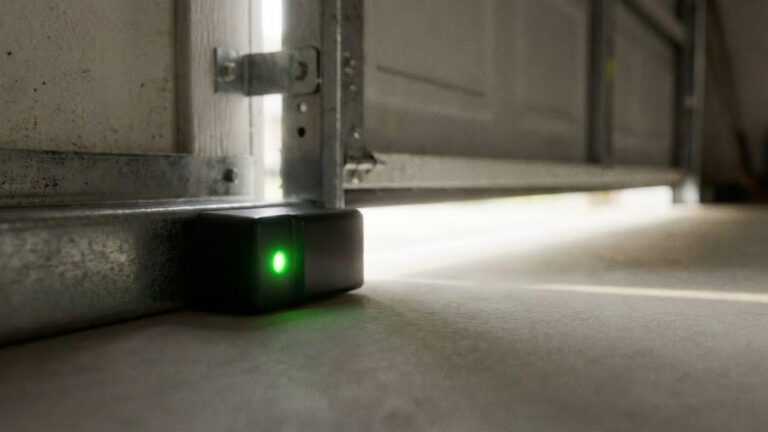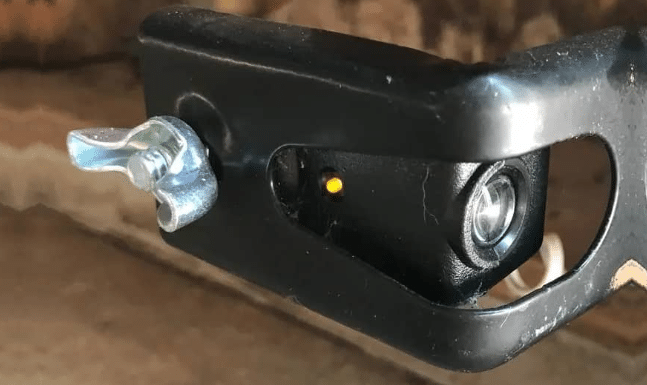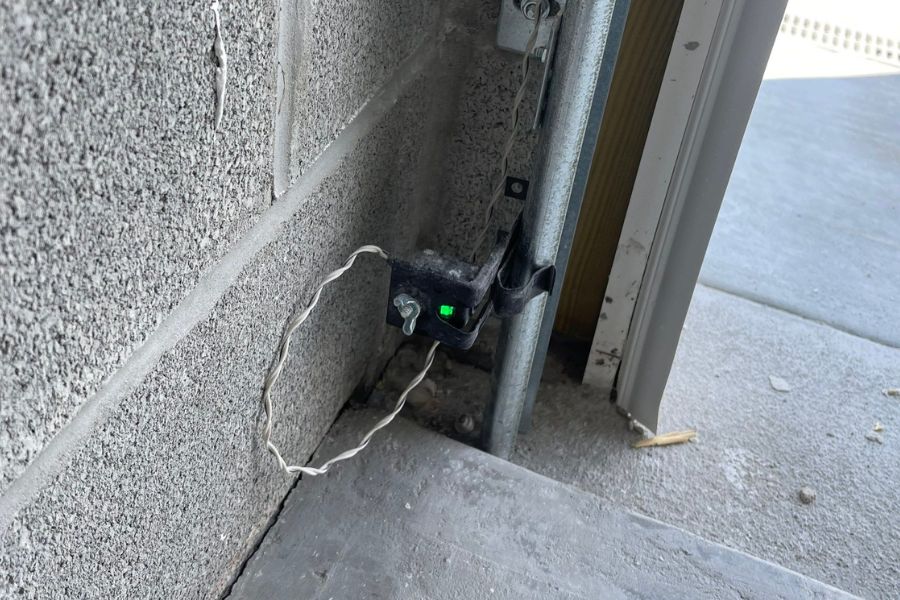
Garage door sensors are a crucial safety feature found on most modern automatic garage door systems. These small devices, typically installed near the bottom of the door tracks, help prevent accidents by detecting obstacles in the path of the closing door. If you’ve ever noticed colored lights—usually green, red, amber, or orange—glowing or blinking on your garage door sensors, you might wonder what each color indicates and how to interpret them. Understanding these signals can help you quickly diagnose issues and keep your garage door operating safely.
In this article, we’ll break down the meaning behind different sensor light colors, explain common causes for color changes, and provide practical troubleshooting tips. If you’re interested in more advanced solutions, you can also check out our guide to bypass garage door sensors safely for further insights.
Understanding Sensor Light Colors and Their Meanings
Most garage door safety sensors use colored indicator lights to communicate their status. The exact colors and meanings can vary by manufacturer, but there are some common standards found across brands. Knowing what do the colors on garage door sensors mean can help you identify whether your system is working properly or if there’s a problem that needs attention.
- Green Light: Typically, a steady green light means the sensor is powered on and aligned correctly. This is the “all clear” signal.
- Red or Amber Light: A solid red or amber light usually indicates the receiving sensor is also aligned and functioning. Some brands use amber for the sending sensor and green for the receiver.
- Blinking Light (Any Color): A blinking or flashing light often signals a problem—such as misalignment, obstruction, or wiring issues.
- No Light: If neither sensor shows a light, there may be a power supply issue or a disconnected wire.
For more detailed troubleshooting steps, you might find this how to troubleshoot garage door sensor lights resource helpful.
Common Color Patterns Across Popular Brands
While the general principles are similar, different garage door opener brands may use slightly different color codes for their safety sensors. Here are some typical patterns:
| Brand | Sending Sensor | Receiving Sensor | Normal Operation |
|---|---|---|---|
| LiftMaster/Chamberlain/Craftsman | Amber (steady) | Green (steady) | Both lights solid |
| Genie | Red (steady) | Green (steady) | Both lights solid |
| Overhead Door | Red or Amber | Green | Both lights solid |
If you see a blinking or off light, refer to your opener’s manual for model-specific guidance. You can also consult resources like this malfunction causes and garage door sensor troubleshooting guide for additional support.
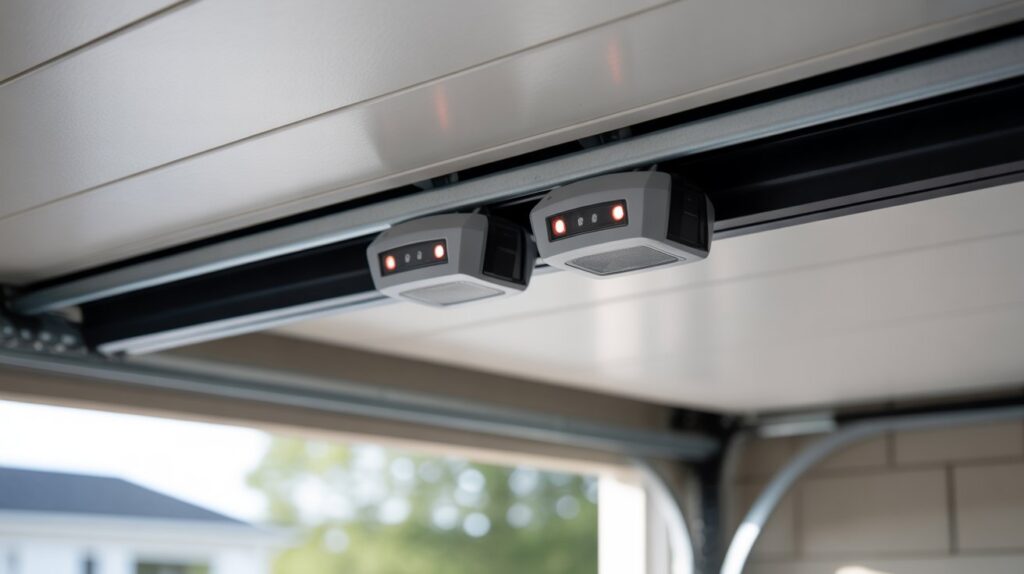
Why Sensor Lights Change Color or Blink
If your garage door sensor lights change color or start blinking, it’s usually a sign that something needs attention. Here are the most common reasons:
- Misalignment: The most frequent cause of a blinking or off light is that the sensors are not facing each other directly. Even a slight bump can knock them out of alignment.
- Obstruction: Dirt, spider webs, or objects blocking the sensor beam will cause the receiving sensor’s light to blink or go out.
- Dirty Lenses: Dust or smudges on the sensor lenses can interfere with the beam. Cleaning the lenses often restores normal operation. For step-by-step cleaning instructions, see this how to clean garage door sensor lenses tutorial.
- Wiring Issues: Loose or damaged wires can interrupt power to the sensors, resulting in no lights or erratic behavior.
- Sunlight Interference: Direct sunlight can sometimes disrupt the infrared beam, causing the sensor to misread and the light to blink.
How to Troubleshoot Garage Door Sensor Light Issues
If your sensor lights aren’t showing the expected colors, follow these basic troubleshooting steps:
- Check Alignment: Both sensors should face each other directly, with their lenses at the same height. Adjust until both lights are steady.
- Clean the Lenses: Gently wipe the sensor lenses with a soft, dry cloth to remove dust or debris.
- Clear Obstructions: Make sure nothing is blocking the path between the sensors.
- Inspect Wiring: Look for loose, frayed, or disconnected wires at the back of each sensor.
- Test the System: After adjustments, operate the garage door to see if the lights return to their normal state.
If you continue to have trouble, you may want to review the signs of misaligned garage door sensors or learn how to tell if garage door sensor is bad for further diagnostics.
When to Replace or Call a Professional
If you’ve tried all the above steps and your sensor lights are still blinking, off, or showing unexpected colors, it may be time for a replacement or professional help. Persistent issues can indicate a faulty sensor, damaged wiring, or a problem with the garage door opener’s logic board. Replacing sensors is generally straightforward, but if you’re unsure, contacting a qualified technician ensures your safety system remains reliable.
Frequently Asked Questions
Can I operate my garage door if the sensor lights are blinking?
Most garage doors will not close automatically if the safety sensors are not working properly. Blinking lights usually mean the system has detected a problem, and the door will only close if you hold down the wall button continuously. This is a safety feature to prevent accidents.
Why does one sensor show green and the other amber or red?
Many systems use different colors to distinguish between the sending and receiving sensors. As long as both lights are steady (not blinking), the system is typically aligned and functioning correctly.
What should I do if both sensor lights are off?
If neither sensor displays a light, check for power issues—such as a tripped breaker, unplugged opener, or loose wiring. If power is present and the lights remain off, the sensors may need replacement.
How often should I clean my garage door sensors?
It’s a good idea to clean the sensor lenses every few months or whenever you notice dust buildup. Regular cleaning helps prevent false readings and keeps the system working smoothly.
Where can I find more troubleshooting tips?
For a comprehensive troubleshooting process, see our full guide on garage door sensor light troubleshooting.
Understanding the meaning behind your garage door sensor lights helps you maintain a safe and reliable system. By learning what each color and pattern represents, you can quickly address minor issues and know when to seek expert assistance.