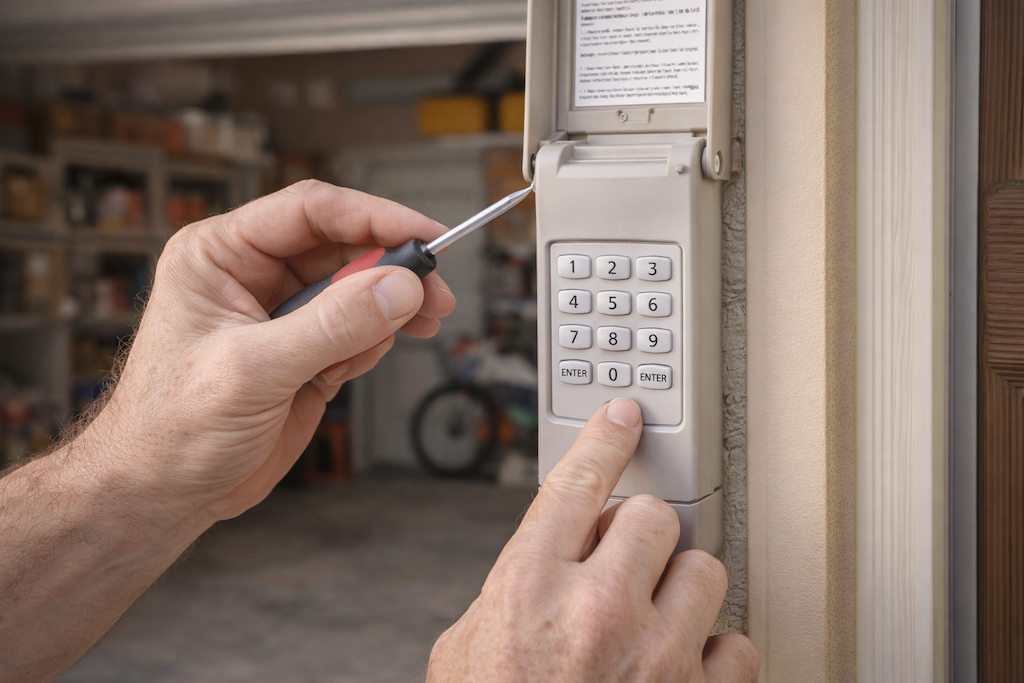
When your garage door keypad buttons not working issue arises, it can be both inconvenient and frustrating, especially if you rely on this entry method for daily access. Keypad malfunctions can stem from a variety of causes, ranging from simple battery problems to more complex wiring or programming errors. Understanding the underlying reasons and knowing how to troubleshoot them can save you time, money, and unnecessary stress.
In this guide, you’ll learn the most common causes of unresponsive garage door keypads, practical troubleshooting steps, and when it might be time to consider a replacement. If you’re also dealing with related garage door sensor issues, you may find this resource on how to fix garage door sensor mounting on metal studs helpful as well.
Common Reasons for Unresponsive Garage Door Keypads
There are several factors that can cause your keypad to stop working properly. Identifying the root cause is the first step toward a solution. Here are the most frequent culprits:
- Dead or Weak Batteries: The most common reason is depleted batteries. Even if the keypad lights up, weak batteries may not provide enough power for reliable operation.
- Worn-Out Buttons: Frequent use can lead to worn or stuck buttons, making it difficult for the keypad to register your input.
- Programming Issues: Sometimes, the keypad loses its programming or needs to be re-synced with the garage door opener.
- Electrical or Wiring Problems: Corroded or loose wires inside the keypad can interrupt the signal.
- Weather Damage: Exposure to rain, snow, or extreme temperatures can affect the internal components.
- Interference: Nearby electronic devices or even physical obstructions can disrupt the wireless signal between the keypad and the opener.
Troubleshooting Steps for Garage Door Keypad Button Issues
If your keypad isn’t responding, follow these practical steps to diagnose and potentially fix the problem:
-
Check and Replace the Batteries
- Open the battery compartment and replace the old batteries with fresh ones.
- Ensure the batteries are inserted correctly, matching the positive and negative terminals.
-
Inspect the Keypad for Physical Damage
- Look for any stuck, worn, or broken buttons.
- Clean the surface gently with a dry cloth to remove dirt or debris.
-
Reprogram the Keypad
- Consult your keypad’s manual for instructions on resetting or reprogramming.
- Most models require you to press a “Learn” button on the opener unit and then enter a new code on the keypad.
-
Check for Wiring or Electrical Issues
- If you’re comfortable, open the keypad housing and inspect for loose or corroded wires.
- Reconnect or clean as necessary, but avoid attempting repairs if you’re unsure—call a professional instead.
-
Test for Wireless Interference
- Move any new electronic devices away from the garage area.
- Ensure there are no large metal objects blocking the signal between the keypad and the opener.
When to Replace Your Garage Door Keypad
Sometimes, troubleshooting doesn’t resolve the issue, especially if the keypad is old or physically damaged. Here are signs it might be time for a new unit:
- The buttons remain unresponsive after replacing batteries and reprogramming.
- Visible cracks, water damage, or corrosion inside the keypad.
- Repeated failures even after multiple resets.
- Outdated models that are no longer compatible with your opener.
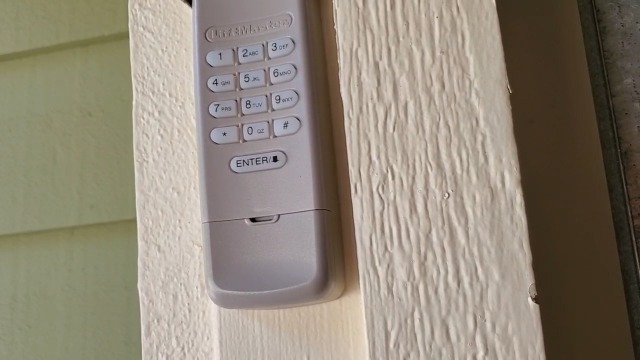
Modern keypads offer improved weather resistance, better wireless range, and enhanced security features. If you decide to upgrade, make sure the new keypad is compatible with your garage door opener brand and model.
Preventive Maintenance for Garage Door Keypads
Regular maintenance can help avoid many common keypad issues. Here are a few tips to keep your entry system reliable:
- Replace batteries at least once a year or when you notice decreased responsiveness.
- Clean the keypad gently with a soft, dry cloth to prevent dirt buildup.
- Check for signs of weather damage, especially after storms or extreme temperatures.
- Test your keypad monthly to ensure all buttons register correctly.
- Keep the area around the keypad clear of obstructions and electronic devices that could cause interference.
If you encounter other garage door issues, such as sensor malfunctions or transmitter problems, resources like why is my garage door sensor transmitter dead can provide additional troubleshooting guidance.
Expert Help and Further Resources
If you’ve tried all the troubleshooting steps and your keypad still isn’t working, it may be time to consult a professional. Persistent issues could indicate a deeper electrical or compatibility problem that requires expert attention.
For more detailed information and advanced troubleshooting, you can refer to this comprehensive guide to garage door keypad malfunctions.
Frequently Asked Questions
Why do my garage door keypad buttons only work intermittently?
Intermittent operation is often caused by weak batteries, worn-out buttons, or signal interference. Try replacing the batteries first and cleaning the keypad. If the problem persists, check for nearby electronic devices that could be disrupting the signal.
Can I reset my keypad if I don’t remember the code?
Yes, most keypads can be reset by pressing the “Learn” button on your garage door opener and following the manufacturer’s reprogramming instructions. Refer to your user manual for specific steps.
What should I do if none of the troubleshooting steps work?
If your keypad remains unresponsive after replacing batteries, cleaning, and reprogramming, it may be time to replace the unit. Persistent issues could also indicate a problem with the opener itself or its wiring, in which case professional assistance is recommended.
Are there ways to prevent keypad issues in the future?
Regularly changing batteries, keeping the keypad clean, and protecting it from harsh weather will help maintain reliable performance. Testing the keypad monthly can also catch problems early before they become major inconveniences.