When your garage door keypad code is not accepted, it can be both frustrating and inconvenient. Keypad entry systems are designed for quick, secure access, but several factors can cause them to stop recognizing your code. Understanding the underlying issues is essential for restoring reliable operation and ensuring your garage remains accessible and secure.
This article explores the most frequent causes behind keypad code failures, offers troubleshooting steps, and provides practical solutions to help you regain control over your garage access. If you’re also dealing with sensor-related issues, you may find it helpful to learn how to check garage door sensor voltage for a comprehensive approach to garage door troubleshooting.
Why Your Garage Door Keypad Isn’t Working
When a keypad fails to accept your entry code, the problem can stem from a range of sources. Some are simple to fix, while others may require more attention or even replacement parts. Below are the most common reasons for keypad code rejection.
Incorrect Programming or Code Entry
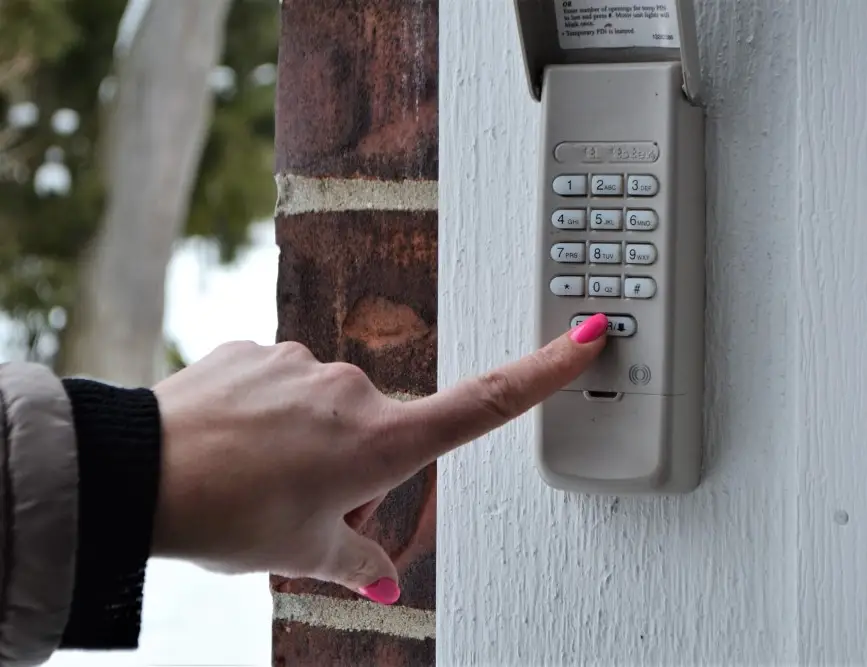
One of the most frequent issues is entering the wrong code or having the keypad programmed incorrectly. Over time, it’s easy to forget the exact sequence or make a typo when entering numbers. Additionally, if the keypad was recently reset or the code was changed and not updated properly, the device will not recognize your input.
- Double-check the code you’re entering.
- Consult your keypad’s manual for programming instructions.
- Try reprogramming the keypad with a new code if you suspect a programming error.
Battery and Power Issues
Keypads are typically powered by batteries, and low or dead batteries are a leading cause of code entry failure. Even if the keypad lights up, insufficient power can prevent it from sending the correct signal to the garage door opener.
- Replace the batteries with fresh, high-quality ones.
- Check for corrosion or loose battery contacts.
- Ensure the battery compartment is clean and dry.

Physical Damage or Wear
Exposure to the elements can cause keypads to deteriorate over time. Sun, rain, and fluctuating temperatures may lead to worn-out buttons, faded numbers, or internal corrosion. If the buttons stick or don’t register when pressed, the device may not recognize your code.
- Inspect the keypad for visible damage or worn keys.
- Clean the surface gently to remove dirt and debris.
- If the keypad is cracked or the buttons are unresponsive, replacement may be necessary.
Signal Interference and Range Problems
Wireless keypads rely on a clear signal to communicate with the garage door opener. Interference from nearby electronics, metal objects, or even thick walls can disrupt this signal. If your keypad is too far from the opener or if there are obstructions, the code may not be received.
- Move closer to the garage door opener when entering your code.
- Remove or reposition any large metal objects near the keypad or opener.
- Check for new sources of electronic interference in your garage or driveway.
Opener Compatibility and Memory Issues
Not all keypads are compatible with every garage door opener. If you’ve recently upgraded your opener or keypad, ensure they are designed to work together. Additionally, many openers have a limited memory for storing codes and remotes. If the memory is full, new codes may not be accepted until old ones are cleared.
- Verify compatibility between your keypad and garage door opener.
- Consult the opener’s manual to clear old codes or remotes from memory.
- Reprogram the keypad after clearing the opener’s memory.
Troubleshooting Steps for Code Entry Problems
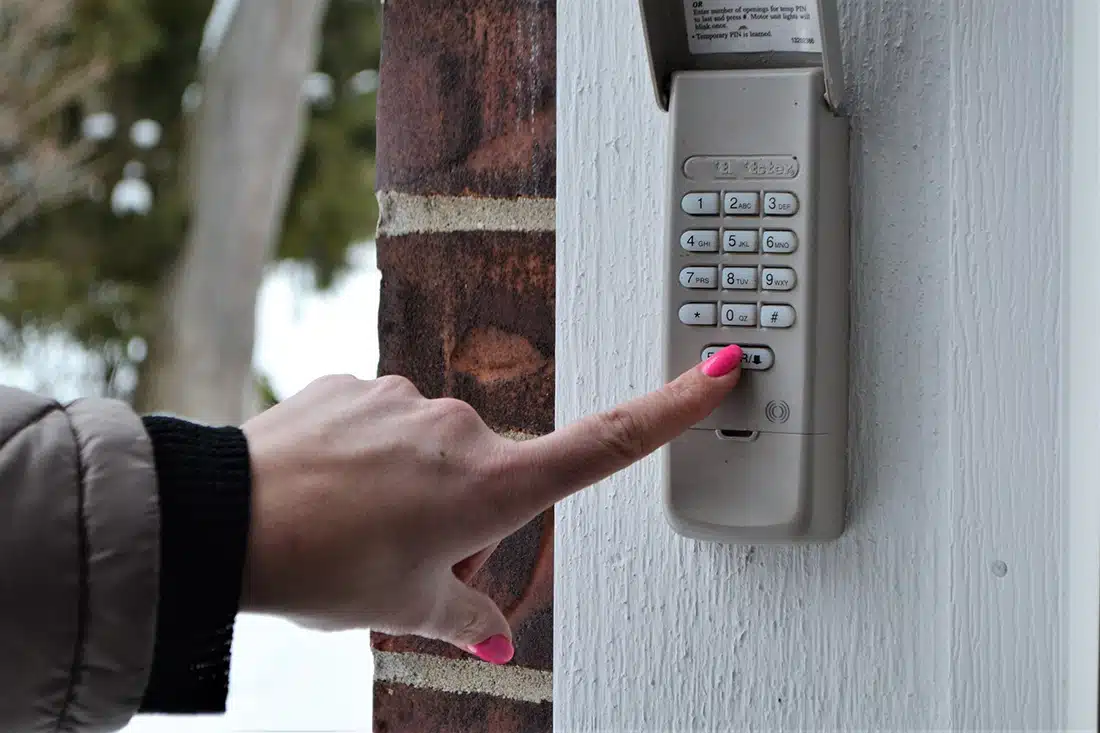
If your garage door keypad code is not being accepted, follow these steps to diagnose and resolve the issue:
- Check the Batteries: Replace with new ones and test the keypad.
- Re-enter the Code: Carefully input the code, ensuring each button press registers.
- Reprogram the Keypad: Follow the manufacturer’s instructions to reset and program a new code.
- Inspect for Damage: Look for physical wear or water damage and replace the keypad if necessary.
- Test the Range: Stand closer to the opener and remove obstructions.
- Clear Opener Memory: If you suspect memory is full, clear old codes and reprogram the keypad.
For more advanced troubleshooting, such as dealing with sensor issues or environmental interference, you might want to explore guides on why is my garage door sensor yellow or how to install garage door sensor sun shields for additional insight.
When to Replace Your Garage Door Keypad
Sometimes, troubleshooting may not resolve the issue, especially if the keypad is old, damaged, or incompatible with your current opener. Signs that it’s time for a replacement include:
- Buttons are unresponsive or stick frequently.
- Keypad is visibly cracked, faded, or corroded.
- Repeated code rejections despite correct programming and fresh batteries.
- Compatibility issues with newer garage door openers.
Upgrading to a new keypad can restore reliable access and may offer additional security features. For a comprehensive overview of keypad options and installation tips, consider reading the ultimate guide to garage door keypads.
Preventing Future Keypad Code Issues
Regular maintenance and a few proactive steps can help prevent future problems with your garage door keypad:
- Replace batteries at least once a year or when you notice reduced responsiveness.
- Keep the keypad clean and free from dirt, moisture, and debris.
- Store a backup code in a secure location in case you forget your primary code.
- Periodically check for firmware updates or compatibility notices from your keypad’s manufacturer.
- Inspect your garage door system for sensor or opener issues that could affect keypad function.
If you encounter persistent problems, professional service may be necessary to inspect wiring, sensors, or the opener itself.
Frequently Asked Questions
Can I reset my garage door keypad without the original code?
Yes, most keypads can be reset by following the manufacturer’s instructions, which usually involve pressing a reset button or following a specific sequence. Refer to your keypad’s manual for the exact process.
Why does my keypad work intermittently?
Intermittent operation is often caused by weak batteries, signal interference, or worn-out buttons. Replacing the batteries and cleaning the keypad may resolve the issue. Persistent problems may indicate the need for a replacement.
How do I know if my keypad is compatible with my garage door opener?
Check the model numbers and compatibility lists provided by the keypad and opener manufacturers. If you’re unsure, consult the product manuals or reach out to customer support for guidance.