Garage door keypads offer a convenient way to access your garage without needing a remote or physical key. However, when synchronization problems arise, they can leave you locked out or dealing with unreliable operation. Understanding the root causes of garage door keypad sync issues is essential for homeowners and property managers who rely on these systems for daily access and security.
This article covers the most common reasons why a keypad might fail to communicate with your garage door opener, practical troubleshooting steps, and tips for preventing future problems. If you’re also experiencing trouble with your garage door sensors, you might find this guide on how to fix garage door sensor mounting on metal studs helpful as well.
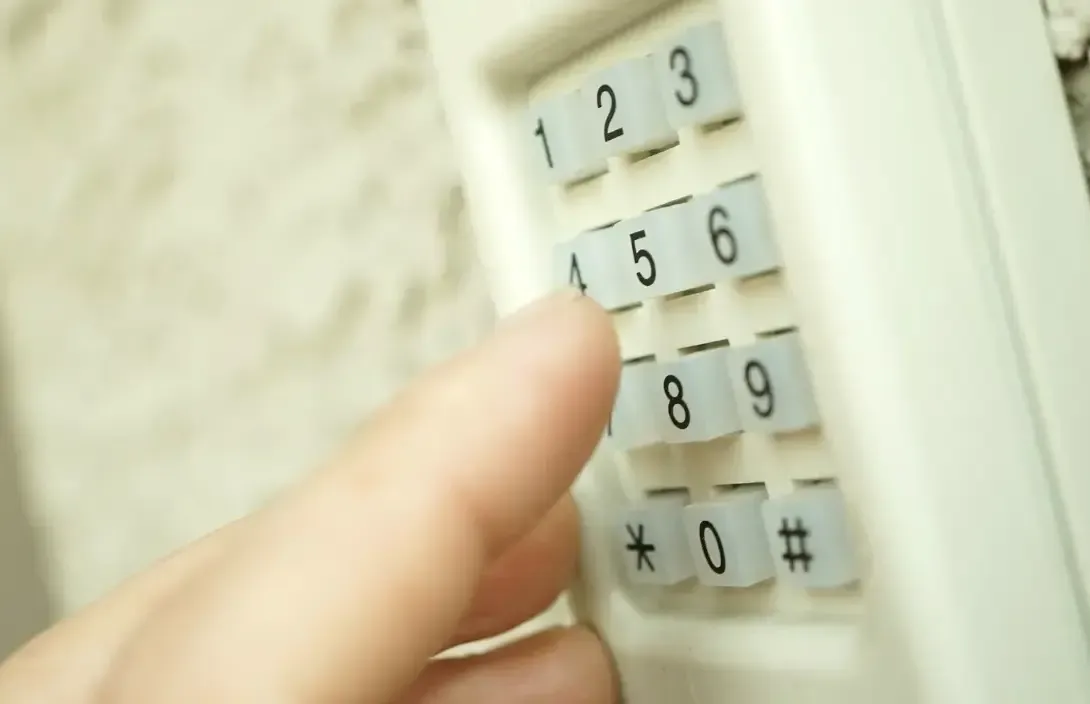
Understanding Common Garage Door Keypad Synchronization Problems
Keypad synchronization failures can be frustrating, but they often stem from a handful of common causes. Recognizing these can help you quickly identify and resolve the issue.
- Battery Problems: Weak or dead batteries are a leading cause of keypad malfunctions. If the keypad lights are dim or unresponsive, replacing the batteries is a good first step.
- Signal Interference: Wireless signals from other devices, thick walls, or even metal objects can disrupt communication between the keypad and the garage door opener.
- Programming Errors: Incorrectly entering the programming sequence or using the wrong code can prevent the keypad from syncing properly.
- Worn-Out Keypads: Over time, exposure to weather and frequent use can cause keypads to fail, requiring replacement.
- Opener Compatibility: Not all keypads are compatible with every garage door opener. Using a mismatched device can lead to persistent syncing issues.
How to Diagnose and Fix Garage Door Keypad Sync Issues
When your keypad stops working, a systematic approach can help you pinpoint the problem. Here’s a step-by-step guide to troubleshooting:
- Check the Batteries: Open the keypad and replace the batteries with fresh ones. Even if the lights appear to work, weak batteries can cause intermittent failures.
- Inspect for Physical Damage: Look for signs of wear, corrosion, or water damage. If the keypad is cracked or the buttons stick, replacement may be necessary.
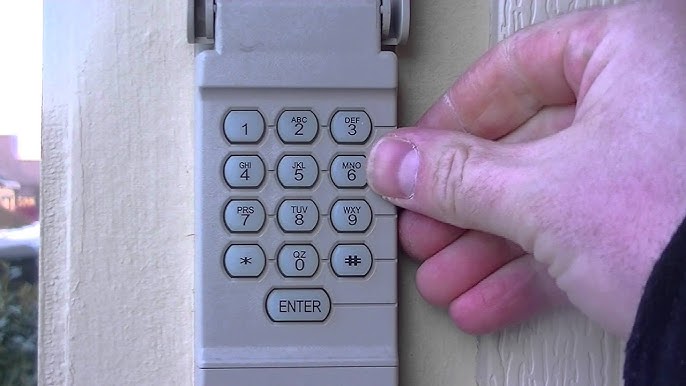
- Reprogram the Keypad: Follow the manufacturer’s instructions to reset and reprogram your keypad. This usually involves pressing a “learn” button on the opener and entering a new code on the keypad.
- Test for Interference: Move any wireless devices or metal objects away from the keypad and opener. Sometimes, even LED light bulbs in the garage can cause interference.
- Check Compatibility: Ensure your keypad is designed for your specific opener model. Consult the product manual or manufacturer’s website for compatibility information.
Advanced Troubleshooting for Persistent Keypad Connection Failures
If basic troubleshooting doesn’t resolve the problem, you may need to dig deeper. Here are some advanced steps for tackling stubborn garage door keypad sync issues:
- Reset the Garage Door Opener: Unplug the opener for 30 seconds, then plug it back in. This can clear minor electronic glitches.
- Erase All Codes: Some openers allow you to erase all programmed keypads and remotes. After erasing, reprogram each device from scratch.
- Inspect Wiring and Antenna: For wired keypads, check for loose or damaged wires. For wireless models, ensure the opener’s antenna is intact and hanging down as recommended.
- Update or Replace the Keypad: If your keypad is several years old, consider upgrading to a newer model. Modern keypads often have improved security and reliability.
- Consult the Manual: Manufacturer instructions often include troubleshooting tips specific to your model. If you’ve lost the manual, most are available online.
If you’re still unable to resolve the issue, it may be time to contact a professional. Persistent syncing problems can sometimes indicate a failing opener or deeper electrical issue.
Preventing Future Garage Door Keypad Sync Issues
Regular maintenance and a few proactive steps can help you avoid keypad synchronization headaches in the future:
- Replace Batteries Annually: Don’t wait for the keypad to fail—make battery replacement part of your yearly home maintenance routine.
- Keep Keypad Clean and Dry: Wipe down the keypad regularly and ensure it’s protected from direct rain or snow.
- Test the System Monthly: Regularly check that the keypad and opener are communicating properly. Address any issues as soon as they arise.
- Stay Up to Date: If your opener or keypad is more than a decade old, consider upgrading to a newer, more secure system.
For more information about keypad options and what to consider before upgrading, see this comprehensive guide to choosing a garage door keypad.
Related Troubleshooting Topics
Keypad synchronization is just one aspect of garage door system maintenance. If you’re facing other issues, such as sensor malfunctions or wiring problems, you might also want to review these resources:
- How to fix garage door sensor wiring using electrical tape
- Why is my garage door sensor transmitter dead?
- Why is my garage door sensor light blinking twice?
- How to fix garage door sensor hum or buzz
Frequently Asked Questions
Why does my garage door keypad stop working after changing the batteries?
After replacing the batteries, the keypad may require reprogramming. Some models lose their connection to the opener when power is interrupted. Follow the manufacturer’s instructions to re-sync the keypad with your opener.
Can weather affect my garage door keypad’s ability to sync?
Yes, extreme temperatures, moisture, and direct sunlight can damage keypads or cause them to malfunction. Weatherproof covers and regular maintenance can help prevent these issues.
How do I know if my keypad is compatible with my garage door opener?
Check the keypad and opener model numbers and consult the manufacturer’s compatibility list. Universal keypads work with many openers, but not all. If you’re unsure, contact the manufacturer or a professional installer.
What should I do if reprogramming doesn’t fix my keypad sync problem?
If reprogramming fails, try resetting the opener, checking for interference, and inspecting for physical damage. If the issue persists, the keypad or opener may need to be replaced.
Are there security risks if my keypad is not syncing properly?
A malfunctioning keypad can leave your garage vulnerable if it intermittently opens or fails to lock. Address sync problems promptly to maintain the security of your home.