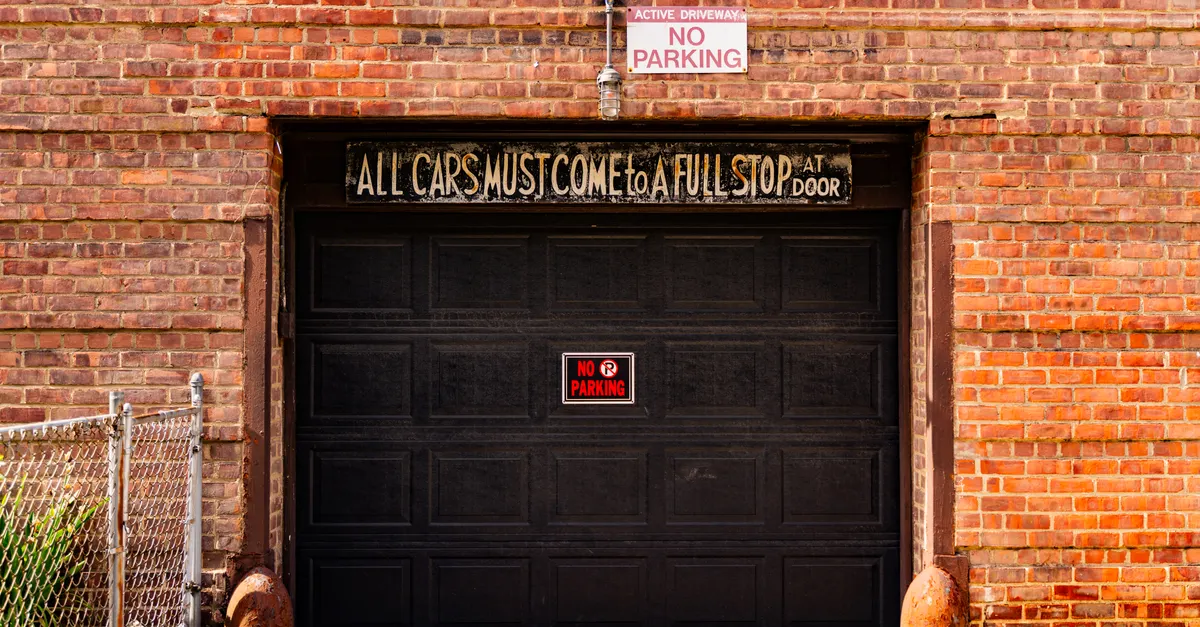
A malfunctioning garage door keypad can be frustrating, especially when you rely on it for convenient access to your home. When your keypad stops working, it’s important to identify the cause quickly to restore normal operation and maintain security. This guide will walk you through the most common reasons a keypad fails to open the garage door, practical troubleshooting steps, and when to consider replacement or professional help.
Many homeowners encounter issues with their garage door keypad at some point. Whether the keypad is unresponsive, the code isn’t working, or the door simply won’t budge, there are several potential causes. Addressing these problems promptly can save you time, prevent lockouts, and avoid unnecessary expenses. If you’re also experiencing sensor issues, you may find it helpful to review why is my garage door sensor indicator light missing for additional troubleshooting tips.
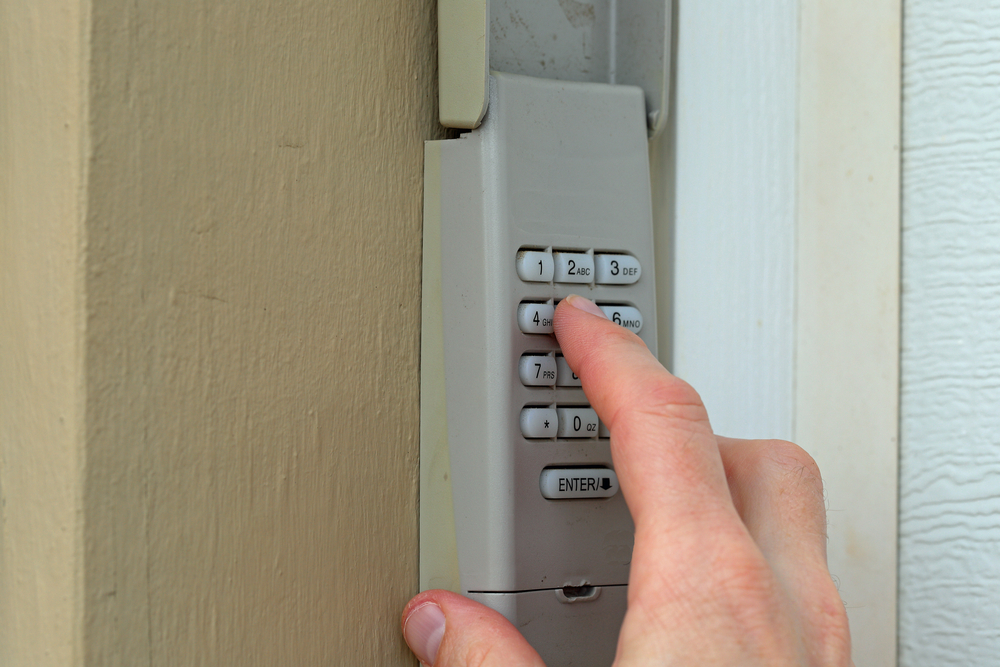
Common Reasons a Garage Door Keypad Stops Working
When your garage door keypad won’t open door, several factors could be at play. Understanding these common issues can help you pinpoint the source of the problem more efficiently.
- Dead or Weak Batteries: The most frequent cause is depleted batteries. Keypads require fresh batteries to transmit the code to the opener.
- Worn or Stuck Buttons: Dirt, dust, or wear can cause buttons to stick or fail to register presses.
- Incorrect or Forgotten Code: Entering the wrong code or forgetting the programmed sequence will prevent access.
- Signal Interference: Electronic interference from nearby devices or metal objects can disrupt the wireless signal between the keypad and the opener.
- Wiring or Connection Issues: For wired keypads, loose or damaged wires can interrupt communication.
- Weather Damage: Exposure to rain, snow, or extreme temperatures can damage the keypad’s internal components.
- Opener Malfunction: Sometimes, the issue lies with the garage door opener itself, not the keypad.
Step-by-Step Troubleshooting for Unresponsive Keypads
If your keypad isn’t opening the door, follow these steps to diagnose and potentially resolve the issue:
- Check the Batteries: Open the keypad cover and replace the batteries with fresh ones. Even if the keypad lights up, weak batteries can cause unreliable operation.
- Inspect the Buttons: Press each button to ensure they move freely and don’t stick. Clean around the buttons with a soft, dry cloth to remove debris.
- Re-enter the Code: Carefully enter your code. If you’ve recently changed the code, double-check for typos or errors.
- Test for Signal Interference: Move any electronic devices or large metal objects away from the keypad and opener. Try operating the keypad again.
- Reset the Keypad: Many models have a reset button or require you to reprogram the code. Refer to your manufacturer’s instructions for the exact process.
- Check the Opener: Use the wall button or remote control to see if the opener responds. If not, the problem may be with the opener or its sensors.
- Inspect Wiring (Wired Keypads): If your keypad is wired, examine the connections for loose or frayed wires.
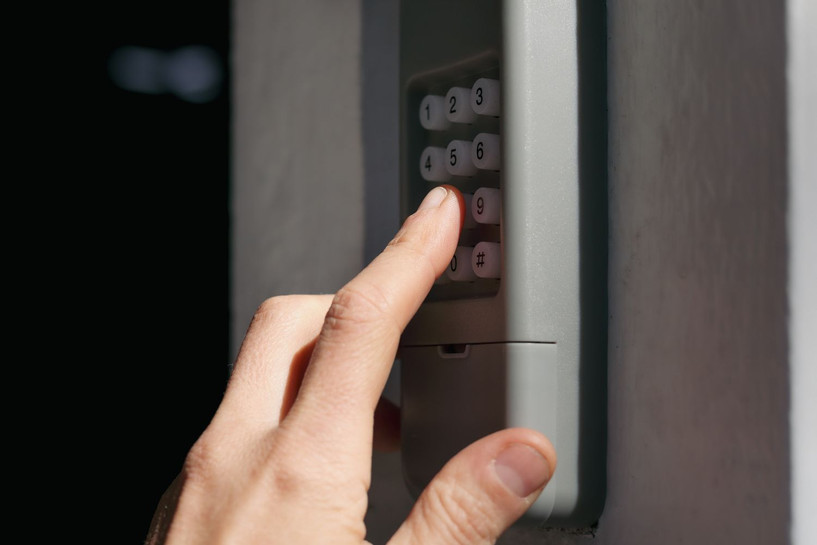
How to Fix a Garage Door Keypad That Won’t Open the Door
Once you’ve identified the likely cause, you can take targeted action to restore your keypad’s function. Here are some practical solutions for the most common issues:
- Replace Batteries: Always use high-quality, new batteries. After replacement, test the keypad to see if the issue is resolved.
- Clean the Keypad: Remove dirt and debris from the surface and between the buttons. For stubborn grime, use a slightly damp cloth, but avoid letting moisture enter the device.
- Reprogram the Code: If you suspect the code was lost or changed, follow the manufacturer’s instructions to reprogram it. This often involves pressing a “learn” button on the opener and entering a new code on the keypad.
- Check for Physical Damage: Inspect the keypad for cracks, water ingress, or corrosion. Damaged keypads may need replacement.
- Address Interference: Remove or relocate any sources of wireless interference. If you live in an area with many wireless devices, consider changing the frequency or upgrading your opener.
- Examine the Garage Door Opener: If the keypad seems fine but the door won’t move, the opener or its safety sensors may be at fault. For sensor-related issues, see how to fix garage door sensor mounting on metal studs for detailed guidance.
When to Replace Your Garage Door Keypad
If your troubleshooting efforts haven’t restored function, it may be time to consider a new keypad. Signs that replacement is necessary include:
- Visible water damage or corrosion inside the keypad
- Buttons that no longer respond even after cleaning
- Repeated failure to program or sync with the opener
- Physical damage such as cracks or broken mounting hardware
Modern keypads offer improved security features, backlit keys, and weather-resistant designs. If you’re ready to upgrade, you can learn more about choosing a new garage door opener keypad from trusted resources.
Preventing Future Keypad Problems
Regular maintenance can help you avoid many common keypad issues. Here are a few tips to keep your entry system reliable:
- Replace batteries every 6–12 months, even if the keypad seems to be working.
- Clean the keypad surface and buttons periodically to prevent dirt buildup.
- Inspect for signs of weather damage after storms or extreme temperatures.
- Reprogram your code occasionally for security, especially after moving into a new home.
- Check the mounting and wiring (if applicable) to ensure everything is secure.
If you notice recurring issues with your garage door sensors, you might also want to read about why is my garage door sensor light turning off and on for more troubleshooting insights.
FAQ: Garage Door Keypad Issues
Why does my garage door keypad work intermittently?
Intermittent operation is often due to weak batteries, signal interference, or worn-out buttons. Try replacing the batteries and cleaning the keypad. If the problem persists, check for sources of interference or consider replacing the keypad.
Can weather affect my garage door keypad’s performance?
Yes, exposure to moisture, extreme heat, or cold can damage the keypad’s internal electronics or cause buttons to stick. Using a weather-resistant model and installing the keypad in a sheltered location can help prevent these issues.
What should I do if my keypad is unresponsive after battery replacement?
If fresh batteries don’t solve the problem, try reprogramming the keypad according to the manufacturer’s instructions. If it remains unresponsive, inspect for visible damage or corrosion. In some cases, the keypad may need to be replaced.
Conclusion
A non-functioning garage door keypad can be inconvenient, but most issues can be resolved with basic troubleshooting. By checking batteries, cleaning the buttons, and ensuring proper programming, you can often restore access quickly. If the keypad is damaged or outdated, upgrading to a new model may be the best solution for security and reliability. For more advanced sensor issues, explore resources like how to fix garage door sensor bracket bending to keep your entire system in top shape.