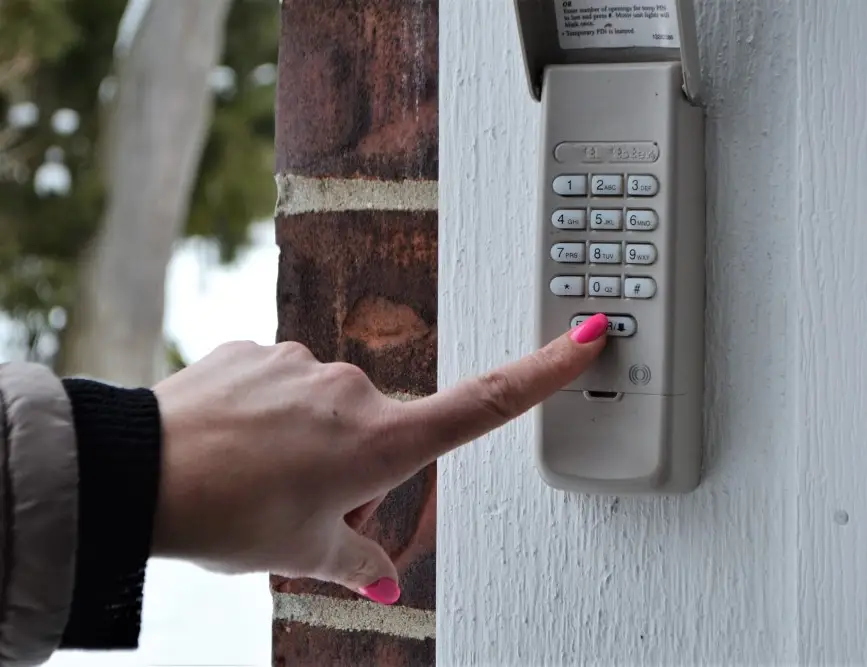
Smart garage door keypads and their companion apps have made home access more convenient than ever. However, many homeowners run into frustrating issues when their keypad app fails to connect or operate the garage door as expected. Understanding the root causes of these garage door keypad app connectivity problems can help you troubleshoot and restore reliable access to your garage.
This article explores the most common reasons for keypad app failures, how to diagnose them, and practical solutions to get your system back online. Whether you’re dealing with intermittent disconnections, pairing issues, or total loss of control, the following guide provides clear steps and helpful resources. If you’re also experiencing sensor issues, you may find it helpful to review why is my garage door sensor indicator light missing for related troubleshooting tips.
Understanding Wireless Keypad and App Communication
Modern garage door keypads often connect to your opener via wireless signals, and many models now support integration with smartphone apps. These apps allow you to open, close, and monitor your garage remotely. However, the convenience of wireless access also introduces several points where connectivity issues can occur.
- Wi-Fi reliability: Most keypad apps rely on your home Wi-Fi network to communicate with the garage door opener or its hub.
- Bluetooth pairing: Some systems use Bluetooth for direct communication between your phone and the keypad or opener.
- Cloud services: Many apps require a stable internet connection to access cloud-based features and remote controls.
When any of these links in the chain fail, you may lose the ability to control your garage door through the app or experience delayed responses.
Common Causes of Garage Door Keypad App Connectivity Problems
Several factors can disrupt the connection between your keypad, app, and garage door opener. Here are the most frequent culprits:
- Weak Wi-Fi Signal: If your garage is far from your router or has thick walls, the signal may not reach the opener or keypad reliably.
- Outdated App or Firmware: Running old versions of the keypad app or opener firmware can cause compatibility issues and disconnects.
- Interference: Nearby electronics, metal objects, or even neighboring Wi-Fi networks can interfere with wireless signals.
- Incorrect Setup: Misconfigured network settings or incomplete pairing can prevent the app from communicating with the keypad.
- Power Issues: Low batteries in the keypad or power interruptions to the opener can disrupt connectivity.
- Cloud Service Outages: If the manufacturer’s servers are down, remote app features may become unavailable.
Identifying which of these issues is affecting your system is the first step toward a solution.

Troubleshooting Steps for Wireless Keypad App Issues
If your keypad app isn’t working as expected, try these troubleshooting steps before calling for professional help:
- Check Wi-Fi Strength: Use your phone to test Wi-Fi signal strength in the garage. If it’s weak, consider moving your router or adding a Wi-Fi extender.
- Update Software: Make sure both your keypad app and garage door opener firmware are up to date. Manufacturers often release fixes for known connectivity problems.
- Restart Devices: Power cycle your garage door opener, keypad, and smartphone. This can resolve temporary glitches.
- Re-pair Devices: Follow the manufacturer’s instructions to remove and re-add your keypad or opener in the app.
- Check for Interference: Move any large metal objects or electronics away from the opener and keypad area.
- Replace Batteries: If your keypad uses batteries, replace them to rule out power issues.
- Review App Permissions: Ensure the app has the necessary permissions (Bluetooth, Wi-Fi, location) on your smartphone.
For more detailed setup and troubleshooting advice, you can consult the ultimate guide to garage door keypads, which covers both basic and advanced solutions.
Advanced Solutions for Persistent Connectivity Failures
If basic troubleshooting doesn’t resolve your garage door keypad app connectivity problems, consider these advanced steps:
- Reset Network Settings: Some openers and keypads allow you to perform a factory reset, clearing old network configurations.
- Change Wi-Fi Channel: Adjust your router’s Wi-Fi channel to avoid interference from neighboring networks.
- Upgrade Hardware: If your keypad or opener is several years old, upgrading to a newer model may improve reliability and compatibility with modern apps.
- Contact Support: Reach out to the manufacturer’s customer support for device-specific troubleshooting or warranty assistance.
Persistent issues may also be related to sensor alignment or mounting. For example, if you notice your garage door sensors are shifting or misaligned, you might want to review how to fix garage door sensor from shifting due to temperature for additional guidance.
Preventing Future Keypad App Disruptions
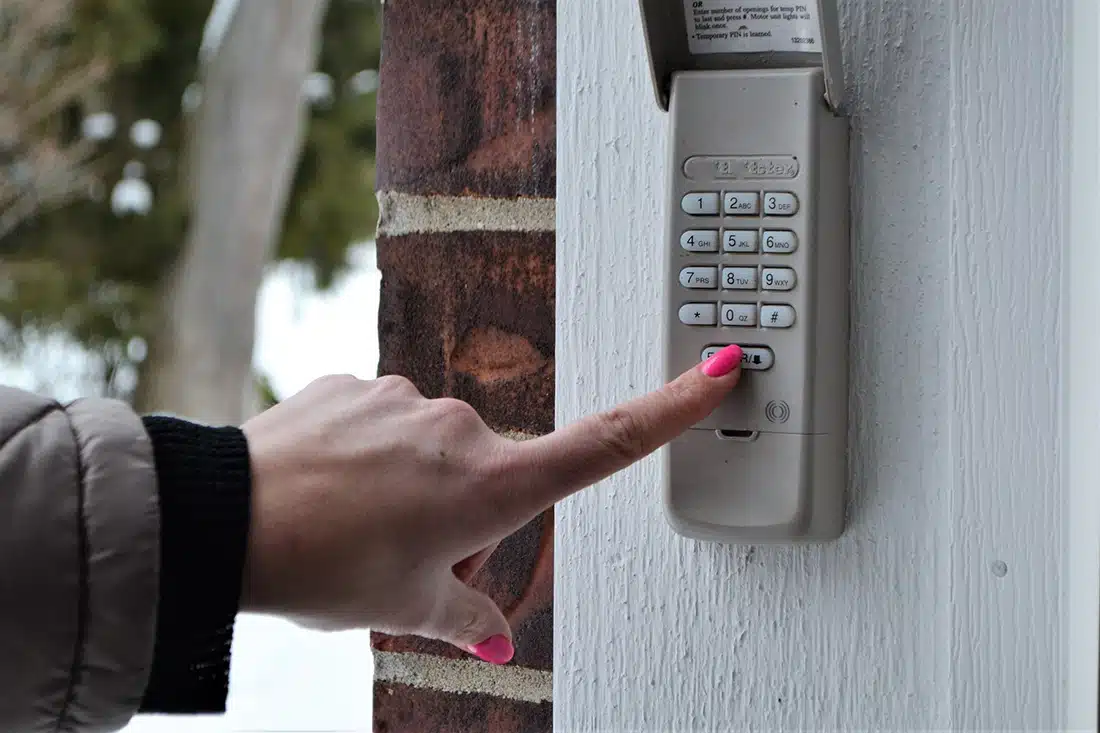
Once your system is working again, a few proactive steps can help prevent future garage door keypad app connectivity problems:
- Regularly update your app and device firmware to benefit from security patches and bug fixes.
- Monitor Wi-Fi health in your garage and invest in a mesh network or extender if needed.
- Keep batteries fresh in your keypad and test the system monthly.
- Document your setup (network names, passwords, device models) for easier troubleshooting in the future.
- Stay informed about manufacturer recalls or known issues through their website or support channels.
By maintaining your system and staying aware of potential sources of interference, you can enjoy seamless access and peace of mind.
FAQ: Keypad App Connectivity for Garage Doors
Why does my garage door keypad app keep disconnecting?
Frequent disconnections are often caused by weak Wi-Fi signals, interference from other devices, or outdated app/firmware. Start by checking your signal strength in the garage and updating all related software. If issues persist, try re-pairing the keypad and app or resetting your network settings.
Can I use my garage door keypad app without Wi-Fi?
Some keypads and openers support Bluetooth connections for local control, but most remote features require a stable Wi-Fi and internet connection. Check your device’s manual to see if offline operation is supported, and consider a model with Bluetooth if Wi-Fi is unreliable in your garage.
What should I do if my keypad app won’t pair with the opener?
First, ensure both devices are compatible and within range. Remove the device from the app and try pairing again, following the manufacturer’s instructions. If pairing fails repeatedly, reset both the keypad and opener, and check for firmware updates. For sensor-related pairing issues, see how to fix garage door sensor mounting on metal studs for additional troubleshooting steps.
Are there security risks with garage door keypad apps?
As with any smart home device, it’s important to use strong, unique passwords and keep your app and firmware updated. Enable two-factor authentication if available, and monitor access logs for unusual activity. Avoid sharing app access with untrusted users.
Conclusion
Wireless keypad and app systems offer great convenience, but they can also introduce new challenges when connectivity issues arise. By understanding the most common causes of garage door keypad app connectivity problems and following the troubleshooting steps outlined here, you can quickly restore reliable access to your garage. For more in-depth information about keypad systems and maintenance, don’t hesitate to explore resources like the ultimate guide to garage door keypads. Regular maintenance, software updates, and attention to your home network will help keep your smart garage system running smoothly for years to come.