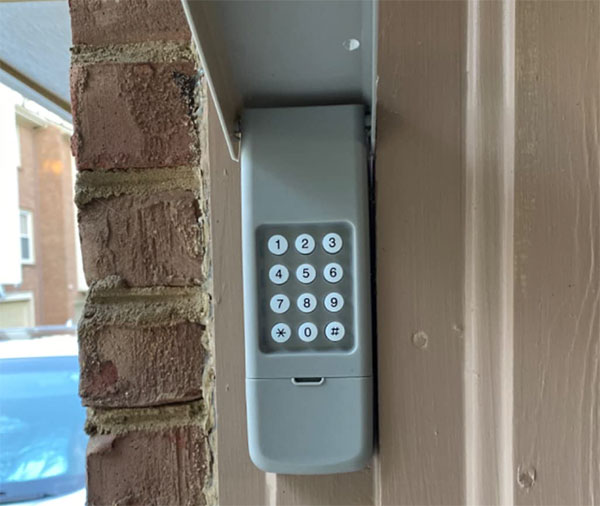
Resetting a garage door keypad is a straightforward process, but it can be confusing if you’ve never done it before or if you’ve lost your manual. Whether you’re troubleshooting access issues, moving into a new home, or simply want to update your security, understanding how to perform a garage door keypad factory reset is essential. This guide covers the key steps, common pitfalls, and important safety tips to help you restore your keypad to its default settings and regain full control over your garage access.
If you’re also facing issues with garage door sensors, you may find it helpful to read about how to fix garage door sensor mounting on metal studs for additional troubleshooting advice.
When Should You Reset Your Garage Door Keypad?
There are several situations where performing a reset on your keypad is recommended:
- You’ve forgotten your entry code and can’t access the garage.
- After moving into a new property to ensure previous codes are erased.
- If the keypad is malfunctioning or not responding to inputs.
- As part of regular security maintenance, especially after sharing codes with guests or service providers.
Resetting restores the keypad to its original settings, removing all stored codes and allowing you to program a new one. This is a crucial step in maintaining garage security and preventing unauthorized access.
Understanding the Factory Reset Process
The exact steps for a garage door keypad factory reset can vary depending on the brand and model of your opener. However, most keypads follow a similar process involving the “Learn” or “Program” button on the garage door opener motor unit. Here’s a general overview:
- Locate the Learn Button: This button is usually found on the back or side of the garage door opener motor, often under a light cover. It may be labeled as “Learn,” “Program,” or have an LED indicator.
- Press and Hold: Press and hold the Learn button for about 6–10 seconds until the LED light turns off. This action erases all remote and keypad codes from the opener’s memory.
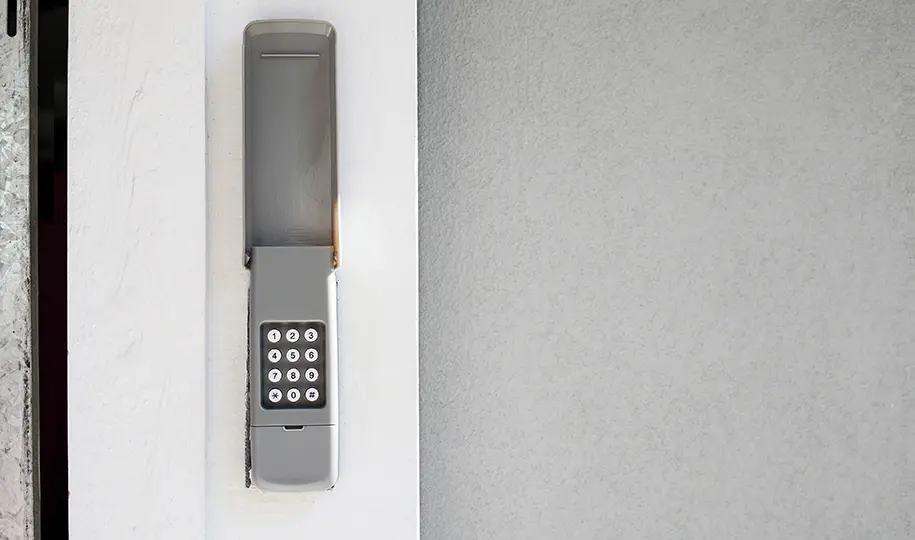
- Reprogram the Keypad: After resetting, you’ll need to reprogram your keypad with a new entry code. This typically involves entering a specific sequence on the keypad and pressing the Learn button again to sync it.
Step-by-Step Instructions for Popular Brands
While the general reset method is similar across brands, it’s important to consult your keypad’s manual for model-specific instructions. Below are common procedures for some leading manufacturers:
LiftMaster, Chamberlain, and Craftsman
- Find the Learn button on the opener motor (often yellow, red, orange, or purple).
- Press and hold the Learn button until the LED turns off (about 6 seconds).
- Release the button. All codes are now erased.
- To reprogram, enter your desired code on the keypad, then press Enter.
- Press the Learn button once more, then within 30 seconds, press Enter on the keypad again to sync.
Genie
- Remove the keypad cover and locate the Learn button on the opener.
- Press and hold the Learn button until the indicator light goes out.
- Follow the keypad’s programming instructions to set a new PIN.
Other Brands
For other manufacturers, the reset process usually involves a similar combination of holding a reset or Learn button and reprogramming the keypad. Always refer to your specific model’s instructions for the most accurate steps.
Troubleshooting Common Issues After Resetting
Sometimes, things don’t go as planned after a factory reset. Here are some common problems and solutions:
- Keypad Not Responding: Check the battery and replace if necessary. Ensure the keypad is within range of the opener.
- New Code Not Working: Make sure you followed the programming steps exactly. Some keypads require you to press Enter or another button to confirm the code.
- Multiple Devices Not Syncing: After a reset, all remotes and keypads must be reprogrammed. Repeat the process for each device.
- Security Light Blinking: This may indicate a sensor issue. For help, see why is my garage door sensor light blinking twice.
Safety and Security Considerations
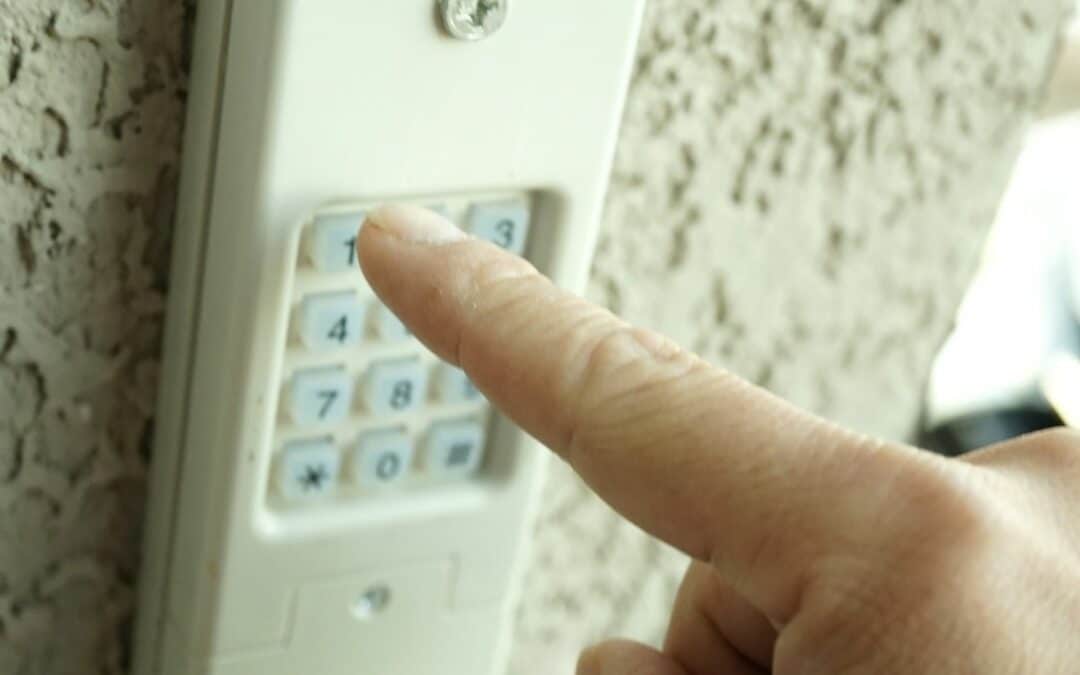
Performing a factory reset on your garage door keypad is not only about convenience—it’s also about protecting your home. Here are some best practices to keep in mind:
- Change Codes Regularly: Update your entry code periodically, especially after sharing it with others.
- Erase Old Codes: Always reset the keypad and opener when moving into a new home or after a security concern.
- Keep Manuals Accessible: Store your keypad’s manual in a safe place for quick reference.
- Test After Reset: Confirm that only your new code works and that all old codes have been removed.
For further reading on keypad options and security, check out this comprehensive guide to choosing garage door keypads.
Additional Tips for Maintaining Your Keypad
To extend the life of your keypad and ensure reliable operation:
- Replace batteries at least once a year or when the keypad becomes unresponsive.
- Clean the keypad regularly to prevent dirt buildup that can interfere with the buttons.
- Check for weather damage, especially if your keypad is exposed to the elements.
- If you encounter wiring issues, see this guide on how to fix garage door sensor wiring using electrical tape.
Frequently Asked Questions
Can I reset my garage door keypad without the original code?
Yes, most keypads can be reset without knowing the old code. The process typically involves pressing and holding the Learn or Program button on the opener motor, which erases all stored codes. You’ll then need to program a new code following your keypad’s instructions.
Do I need to reprogram my remote controls after a factory reset?
After a garage door keypad factory reset, all remotes and keypads are erased from the opener’s memory. You must reprogram each device individually to restore access.
What should I do if my keypad still doesn’t work after resetting?
First, check the battery and replace it if needed. Make sure you followed the programming steps correctly. If the issue persists, consult your keypad’s manual or contact the manufacturer for support. For sensor-related problems, see why is my garage door sensor transmitter dead for more troubleshooting tips.
Is it safe to share my garage keypad code with others?
Only share your code with trusted individuals. Always reset and update your code after providing access to guests, service providers, or tenants to maintain security.