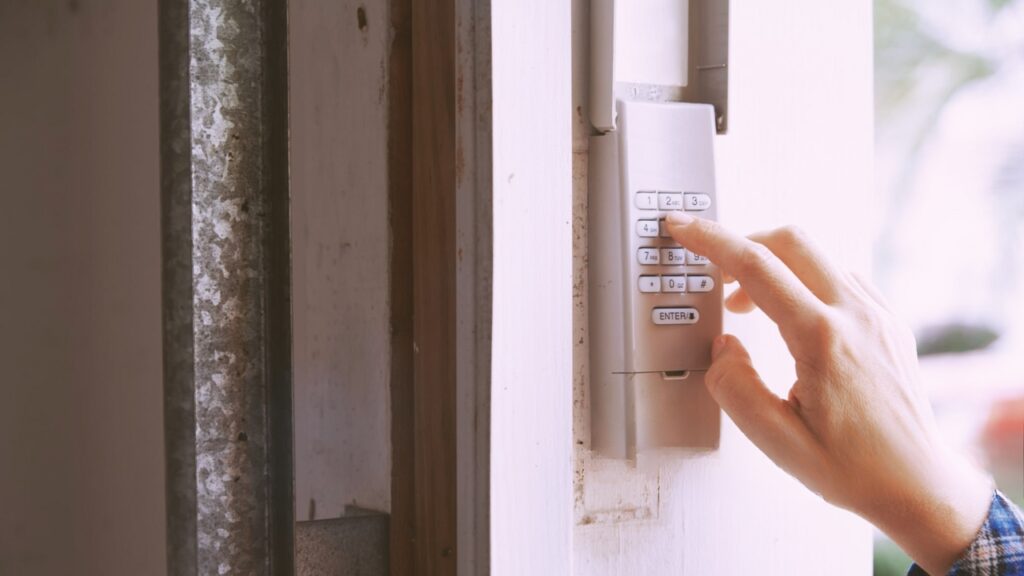
A malfunctioning garage entry keypad can be frustrating, especially when it refuses to communicate with the opener. Whether you’re dealing with blinking lights, unresponsive buttons, or failed attempts at programming, understanding why your garage door keypad not syncing with opener is happening can help you restore smooth operation. This article breaks down the most common causes, troubleshooting steps, and practical solutions to get your system working again.
Before diving into detailed fixes, it’s important to recognize that syncing issues can stem from battery problems, interference, incorrect programming, or even hardware faults. Addressing these systematically will save you time and prevent unnecessary replacements.
If you’re also experiencing sensor issues, you might find this guide on how to fix garage door sensor mounting on metal studs helpful for related troubleshooting.
Common Reasons for Keypad and Opener Communication Problems
When your wireless keypad fails to operate the garage door, several factors could be at play. Here are the most frequent culprits behind synchronization failures:
- Dead or Weak Batteries: Low battery power is a leading cause of keypad malfunctions. Always check and replace batteries before moving to advanced steps.
- Programming Errors: Incorrectly entering the programming sequence or using the wrong code can prevent syncing.
- Signal Interference: Wireless signals can be disrupted by nearby electronics, metal objects, or even thick walls.
- Worn-Out Keypad: Over time, keypads can wear out or develop internal faults, leading to inconsistent operation.
- Opener Memory Full: Many openers can only store a limited number of remote/keypad codes. If the memory is full, new devices won’t sync.
Step-by-Step Troubleshooting for Sync Issues
If your garage door keypad is not syncing with the opener, follow these steps to systematically identify and resolve the issue:
1. Check and Replace the Keypad Batteries
Start with the simplest fix: open the keypad’s battery compartment and insert fresh batteries. Weak batteries can cause intermittent or total failure to communicate with the opener.
2. Inspect for Physical Damage or Wear
Examine the keypad for visible signs of damage, such as cracked buttons or corroded battery terminals. Clean any corrosion and ensure the buttons are responsive.
3. Reprogram the Keypad
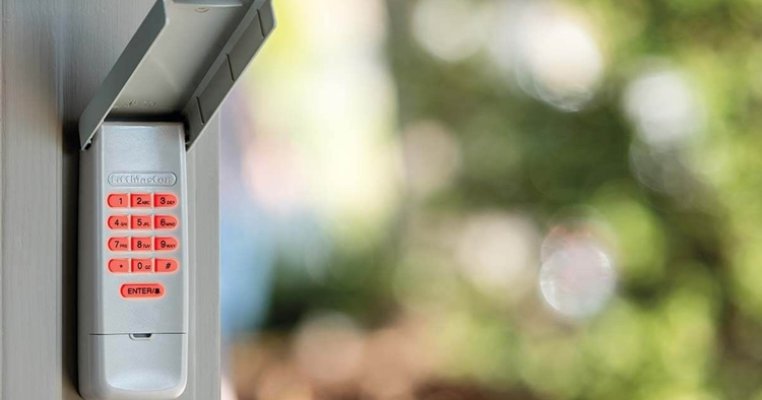
Most syncing issues can be resolved by resetting and reprogramming the keypad. Refer to your opener’s manual for the exact sequence, but the general process is:
- Locate the “Learn” or “Program” button on your garage door opener motor unit.
- Press and release the “Learn” button. An indicator light should turn on.
- Within 30 seconds, enter your desired code on the keypad and press the “Enter” button.
- Wait for the opener light to blink or hear a click, confirming successful programming.
If the process fails, repeat the steps carefully. Ensure you’re within range and that no other remotes are being programmed simultaneously.
4. Clear Opener Memory and Re-Sync Devices
If your opener has reached its memory limit, you may need to clear all codes and reprogram remotes and keypads. This is usually done by holding down the “Learn” button for 6–10 seconds until the indicator light turns off. Afterward, reprogram each device individually.
5. Addressing Signal Interference
Electronic devices, LED lights, and even nearby Wi-Fi routers can interfere with the wireless signal. Try moving such devices away from the opener and keypad. Also, avoid mounting the keypad on metal surfaces, as this can block the signal.
For more on resolving sensor-related issues, see this article on how to fix garage door sensor wiring using electrical tape.
When to Replace Your Garage Entry Keypad
If you’ve tried all troubleshooting steps and your keypad still won’t sync, it may be time for a replacement. Signs that a new unit is needed include:
- Keypad does not light up or respond after battery replacement
- Buttons are stuck, unresponsive, or physically damaged
- Repeated programming attempts fail with a known-good opener
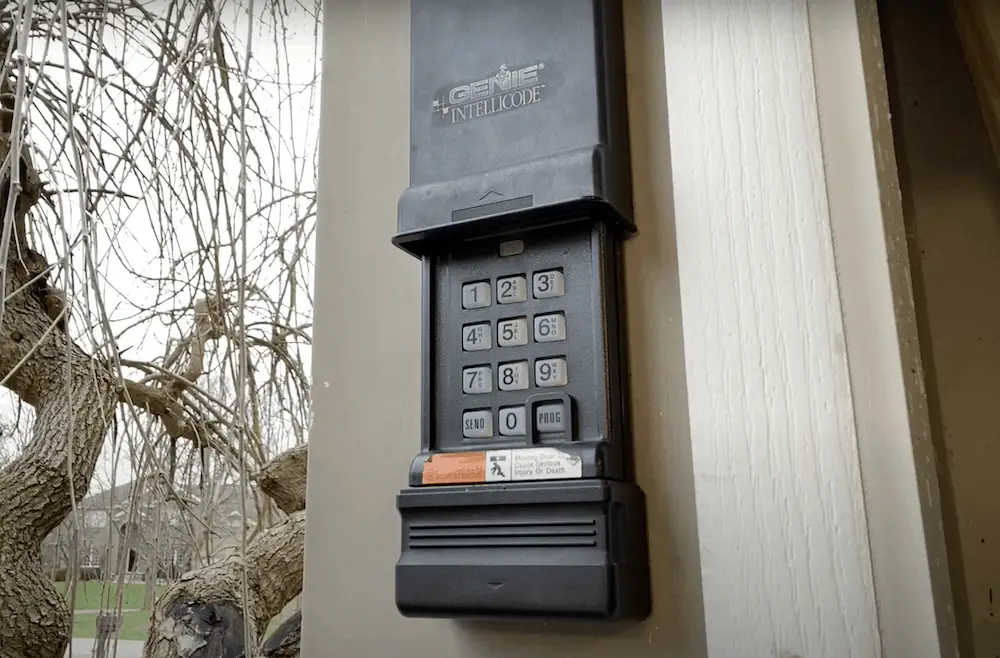
Choosing a compatible replacement is important. Universal keypads work with most major brands, but always check compatibility with your opener’s model.
Tips for Preventing Future Keypad Syncing Issues
- Change keypad batteries annually or when you notice a decrease in range or responsiveness.
- Keep the keypad clean and protected from direct rain or snow exposure.
- Regularly test the keypad and opener connection to catch issues early.
- Limit the number of programmed remotes and keypads to avoid memory overload in the opener.
- Mount the keypad away from metal surfaces and sources of electronic interference.
If you’re considering upgrading your system, check out this guide to the best garage door openers for 2025 for recommendations on reliable, modern openers.
Related Troubleshooting Resources
- For issues with sensor lights, see why is my garage door sensor light blinking twice.
- If your transmitter isn’t working, read why is my garage door sensor transmitter dead.
- For strange noises from your sensors, visit how to fix garage door sensor hum or buzz.
Frequently Asked Questions
Why does my garage keypad stop working after changing the batteries?
Sometimes, after replacing batteries, the keypad may lose its programmed code and require reprogramming. Always follow the manufacturer’s instructions to re-sync the keypad with the opener after a battery change.
Can interference from other devices cause my keypad to lose connection?
Yes, electronic interference from nearby devices, LED bulbs, or metal surfaces can disrupt the signal between your keypad and opener. Try relocating interfering devices or the keypad itself to improve connectivity.
How do I know if my garage opener’s memory is full?
If you cannot add new remotes or keypads and existing ones work fine, your opener’s memory may be at capacity. Clearing the memory and reprogramming all devices usually resolves this issue.
Is it possible to use a universal keypad with any garage door opener?
Most universal keypads are compatible with major brands, but always verify compatibility with your specific opener model before purchasing.
What should I do if my keypad still won’t sync after all troubleshooting steps?
If all else fails, the keypad or opener may be faulty. Consider replacing the keypad or consulting a professional for further diagnosis.