Dealing with garage door keypad pairing problems can be frustrating, especially when you rely on your keypad for daily access. Whether you’re installing a new keypad, replacing an old one, or troubleshooting a device that suddenly stopped working, understanding the common causes and practical fixes can save you time and hassle. This article covers the most frequent pairing issues, step-by-step solutions, and tips for reliable keypad operation.
If you’re also experiencing trouble with your garage door sensors, you may find it helpful to review how to fix garage door sensor mounting on metal studs for additional troubleshooting advice.
Understanding Wireless Keypad Connection Issues
Wireless keypads are designed to make garage access convenient, but several factors can prevent successful pairing with your opener. These range from battery problems and signal interference to compatibility mismatches and incorrect programming procedures. Recognizing the symptoms and root causes is the first step toward resolving these challenges.
- Keypad not responding after entering the code
- Flashing lights or error beeps during setup
- Pairing process times out or fails to complete
- Keypad works intermittently or only at close range
Common Causes of Garage Door Keypad Pairing Problems
Several issues can disrupt the connection between your keypad and garage door opener. Here are the most frequent culprits:
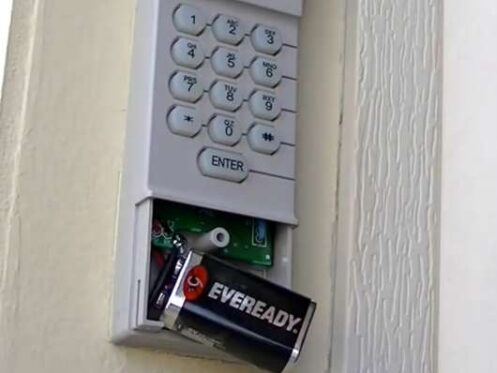
Dead or Weak Batteries
A depleted battery is one of the simplest reasons a keypad won’t pair or function. Even if the keypad lights up, low voltage can prevent successful communication with the opener. Always start troubleshooting by replacing the batteries with fresh ones.
Incorrect Programming Steps
Each brand and model of garage door opener has a specific pairing procedure. Skipping a step, entering the wrong code, or not pressing the “Learn” button at the right time can all prevent successful setup. Always consult your keypad and opener manuals for the correct instructions.
Compatibility Issues
Not all keypads are universally compatible with all garage door openers. Some older openers use fixed codes, while newer models rely on rolling code technology for security. If your keypad and opener use different systems, pairing may not be possible. For more on opener types and their features, see this guide to garage door opener types.
Signal Interference or Range Problems
Wireless signals can be disrupted by metal objects, thick walls, or nearby electronic devices. If your keypad only works when you’re very close to the opener, or pairing fails at a distance, interference may be to blame. Try moving the keypad or removing obstacles to improve signal strength.
Opener Memory Is Full
Most garage door openers have a limit on the number of remote devices they can remember. If you’ve paired multiple remotes or keypads over time, the opener’s memory may be full. In this case, you’ll need to erase old codes before adding a new keypad.
Step-by-Step Solutions for Keypad Pairing Challenges
If you’re struggling to connect your keypad, follow these troubleshooting steps to resolve the most common issues:
- Replace the batteries in your keypad, even if the lights still turn on. Weak batteries can cause intermittent failures.
- Reset the keypad by removing the batteries for 30 seconds, then reinstalling them. This can clear minor glitches.
- Consult the manual for both your keypad and opener. Follow the programming steps exactly, paying attention to timing and button sequences.
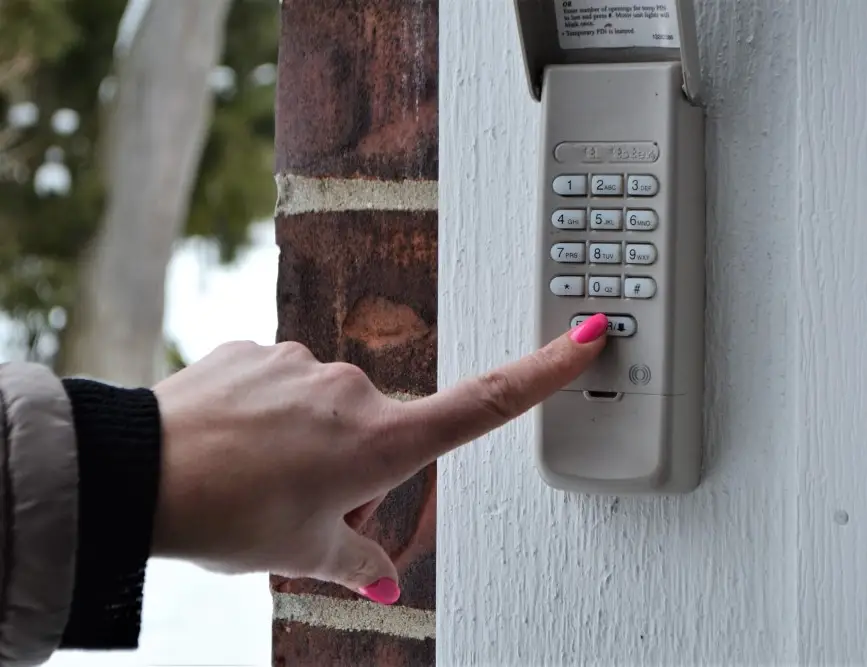
- Press the “Learn” button on your garage door opener. This is usually located on the back or side of the opener unit. You’ll typically have 30 seconds to enter your code on the keypad.
- Test the keypad after programming. If it doesn’t work, repeat the process, ensuring you’re within range and entering the code correctly.
- Clear the opener’s memory if you suspect it’s full. Hold the “Learn” button for 6–10 seconds until the indicator light turns off, then reprogram all devices.
- Check for compatibility if pairing repeatedly fails. Verify that your keypad supports your opener’s brand and technology.
Advanced Troubleshooting for Persistent Pairing Issues
If you’ve tried the basic steps and your keypad still won’t connect, consider these advanced fixes:
- Inspect wiring on the opener unit for loose or corroded connections, especially if other remotes also fail.
- Move the keypad to a different location to reduce interference from metal doors, vehicles, or electronics.
- Reset the opener by unplugging it for 60 seconds, then plugging it back in. This can resolve software glitches.
- Update your keypad if it’s several years old. Newer models offer better compatibility and security features.
- Contact support for your keypad or opener manufacturer if you’re unable to resolve the issue.
Preventing Future Keypad Connection Problems
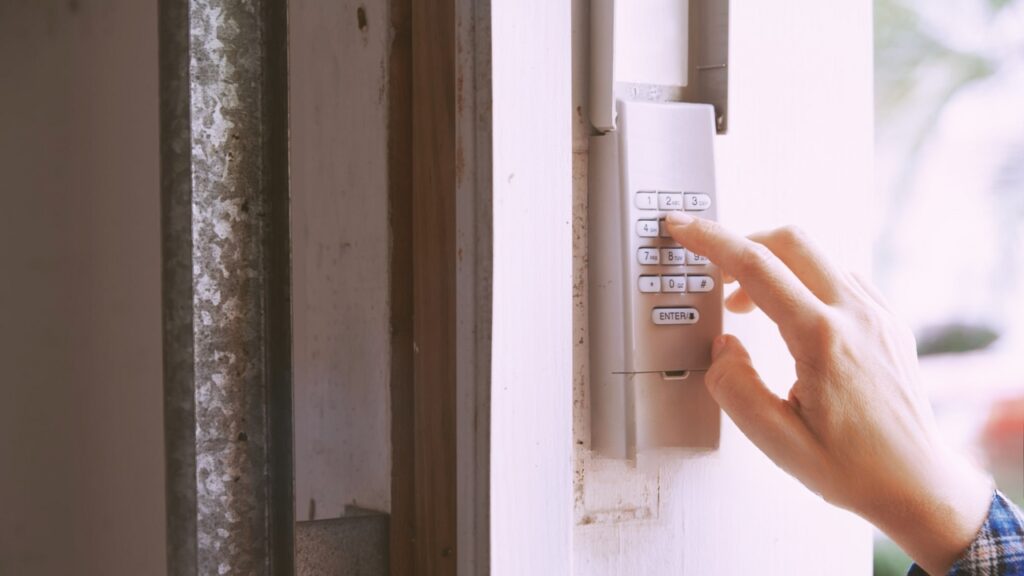
To minimize future disruptions, keep these best practices in mind:
- Change keypad batteries annually or whenever performance drops.
- Keep your keypad clean and protected from weather. Use a cover if it’s exposed to rain or direct sunlight.
- Limit the number of paired devices to avoid memory issues with your opener.
- Update your equipment if you upgrade your garage door opener or add smart home features.
- Refer to troubleshooting guides for related issues, such as why is my garage door sensor transmitter dead or why is my garage door sensor light blinking twice.
Frequently Asked Questions
Why won’t my new keypad connect to the garage door opener?
The most common reasons are incorrect programming steps, dead batteries, or compatibility issues between the keypad and opener. Double-check the instructions for both devices and ensure you’re using a compatible model.
How do I reset my garage door keypad if pairing fails?
Remove the keypad batteries for 30 seconds, then reinstall them. Next, follow the manufacturer’s programming instructions from the beginning. If issues persist, clear the opener’s memory and re-pair all devices.
Can signal interference prevent my keypad from working?
Yes, metal doors, vehicles, and electronic devices can disrupt the wireless signal. Try relocating the keypad or removing obstacles to improve connectivity.
What should I do if my keypad works only sometimes?
Intermittent operation is often caused by weak batteries, interference, or a keypad that’s starting to fail. Replace the batteries, check for obstacles, and consider upgrading to a newer keypad if problems continue.
Conclusion
Addressing garage door keypad pairing problems requires a systematic approach—start with the basics like battery replacement and correct programming, then move on to compatibility checks and interference troubleshooting. By following the steps outlined here, you can restore reliable access to your garage and prevent future issues. For more in-depth sensor troubleshooting, see our guide on how to fix garage door sensor wiring using electrical tape or explore solutions for how to fix garage door sensor hum or buzz.