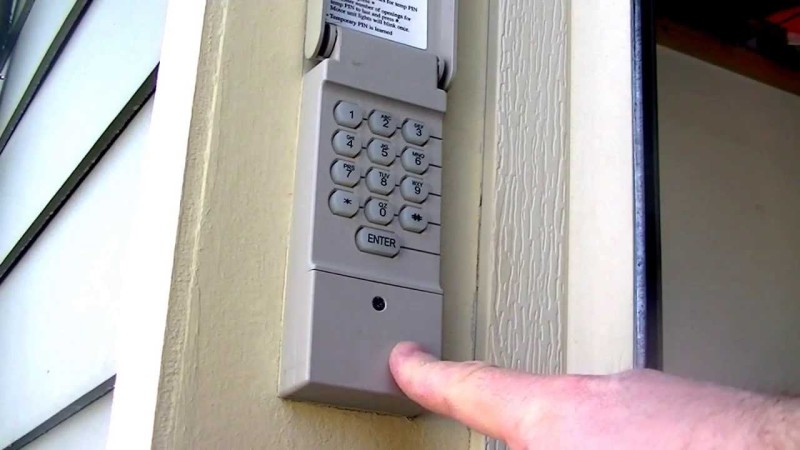
Setting up a garage door keypad can make daily access to your garage more convenient and secure. Whether you’re installing a new keypad or reprogramming an existing one, understanding the right steps is essential. This article breaks down the process into clear, manageable instructions, helping you avoid common pitfalls and ensuring your keypad works seamlessly with your garage door opener.
Many homeowners find the process intimidating, especially with the variety of keypad models and opener brands available. However, most keypads follow a similar programming sequence. By following these straightforward guidelines, you’ll save time and reduce frustration. If you encounter issues with sensors or wiring during setup, you may also find it helpful to review related guides such as how to fix garage door sensor mounting on metal studs for troubleshooting tips.
Understanding Garage Door Keypad Programming Basics
Before you begin, it’s important to identify your keypad and opener model. Most modern systems use wireless keypads that communicate with the opener via a secure radio frequency. The programming process typically involves syncing the keypad with the opener’s receiver, then setting a personal identification number (PIN) for secure access.
Manufacturers often provide specific garage door keypad programming instructions in the product manual, but the general steps remain consistent across brands. Gathering the necessary information—such as your opener’s model number and the keypad’s battery status—will help streamline the process.
Step-by-Step Guide to Programming Your Garage Door Keypad
Follow these steps to set up your keypad efficiently:
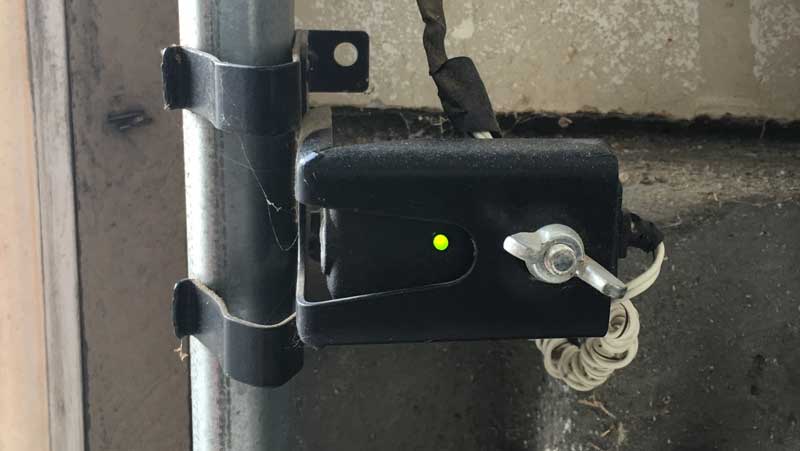
- Locate the Learn Button: On your garage door opener (usually mounted on the ceiling), find the “Learn” or “Program” button. This button is often behind a light cover or on the back panel.
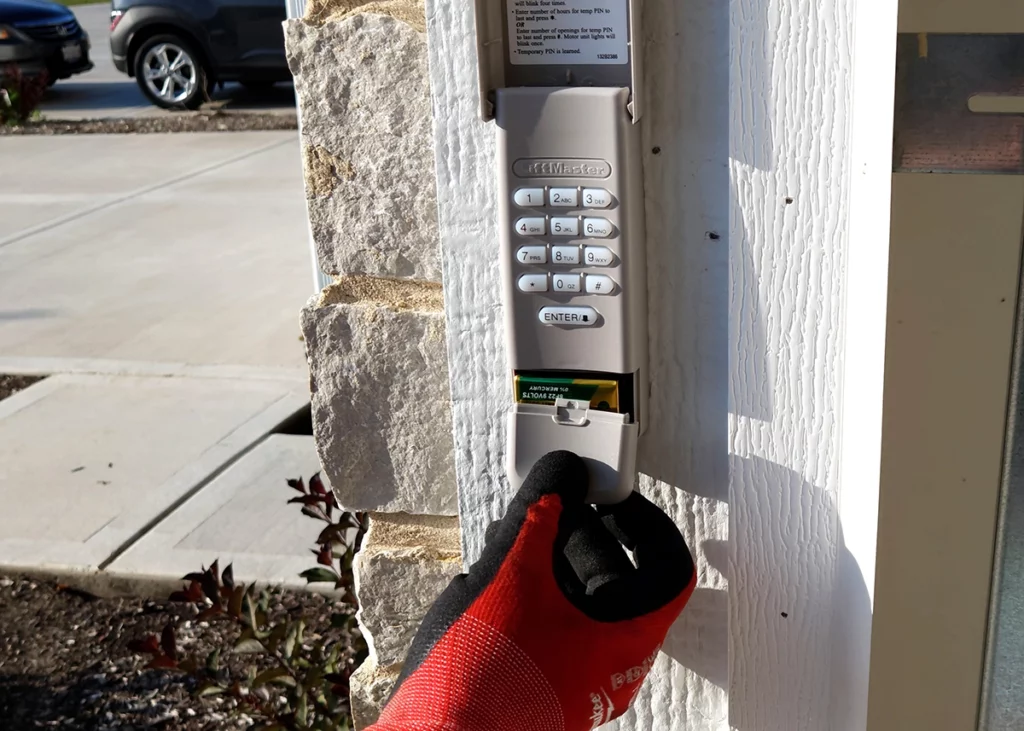
- Prepare the Keypad: Ensure the keypad has fresh batteries. If the keypad is new, remove any protective tabs from the battery compartment.
- Enter Programming Mode: Press the “Learn” button on the opener. An indicator light will typically illuminate or blink, signaling that the opener is ready to pair with a new device.
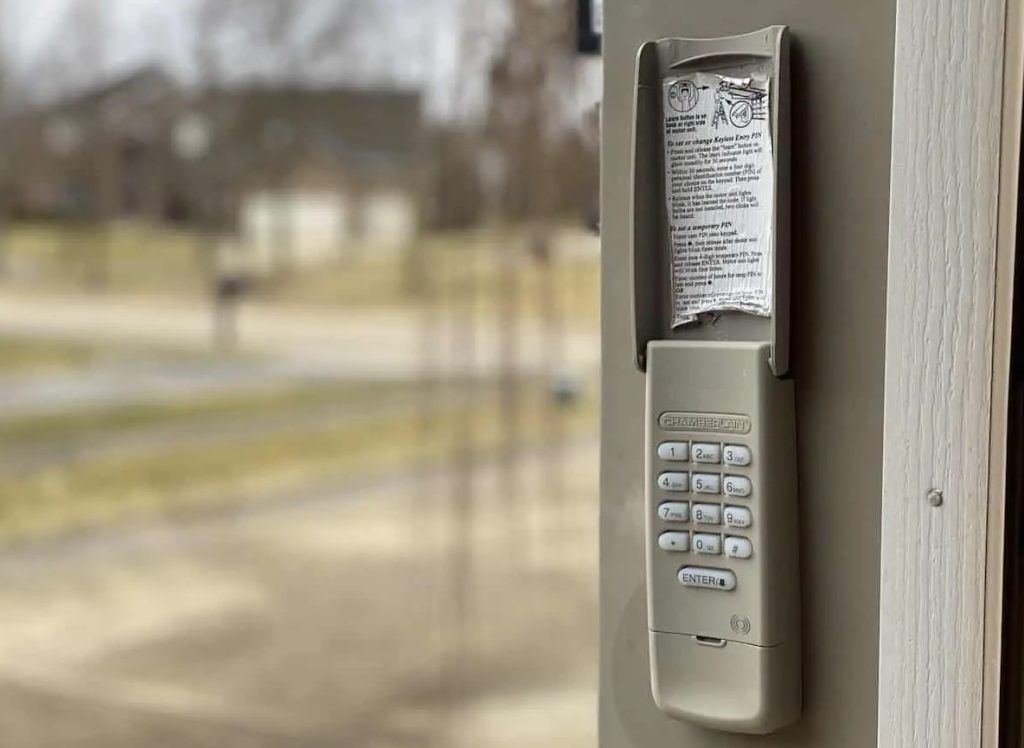
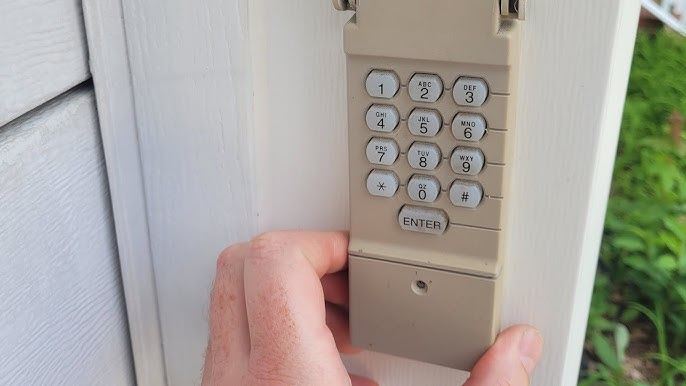
- Input Your PIN: On the keypad, enter your desired 4-digit PIN, then press the “Enter” or “Send” button (refer to your keypad’s manual for the exact button).
- Confirm Programming: The opener’s light may blink or you may hear a click, indicating successful programming. Test the keypad by entering your PIN and pressing “Enter” to operate the door.
If the process does not work on the first try, repeat the steps, ensuring each action is completed within the recommended time frame (usually 30 seconds). Some systems may require a slightly different sequence, so always refer to the manufacturer’s instructions for your specific model.
Troubleshooting Common Keypad Programming Issues
Occasionally, keypads may not program correctly on the first attempt. Here are some common issues and solutions:
- Weak or Dead Batteries: Replace the keypad batteries if the keys are unresponsive or the backlight is dim.
- Outdated Keypad or Opener: Some older keypads may not be compatible with newer openers. Check compatibility before purchasing or programming.
- Interference: Electronic devices or metal objects near the opener can cause signal interference. Move such items away during programming.
- Incorrect Sequence: If the programming steps are not followed in the correct order or within the required time, the process may fail. Start over and follow each step carefully.
If your keypad still won’t program, consult your product manual or contact the manufacturer’s support line. For sensor-related issues, you might find why is my garage door sensor light blinking twice helpful for additional troubleshooting.
Tips for Secure and Reliable Keypad Use
Once your keypad is programmed, consider these best practices to keep your garage secure and your keypad functioning reliably:
- Choose a Unique PIN: Avoid using easily guessed codes like “1234” or your address. Select a PIN that is memorable but not obvious.
- Change Your PIN Regularly: Update your code periodically, especially if you suspect someone else may know it.
- Keep the Keypad Clean and Dry: Exposure to weather can affect performance. Wipe the keypad regularly and ensure the cover is closed after use.
- Test Monthly: Regularly check that the keypad operates the door as expected. This helps catch battery or connectivity issues early.
When to Replace or Upgrade Your Keypad
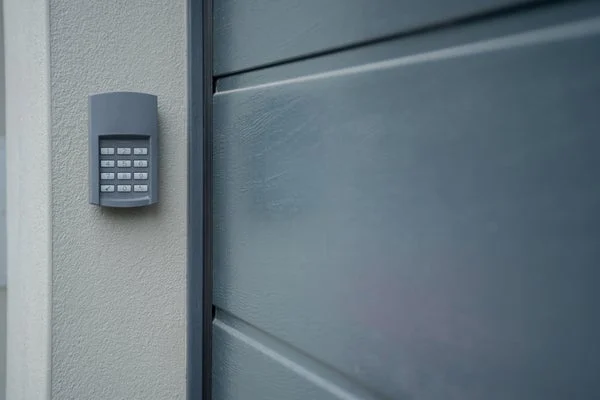
Over time, keypads can wear out or become incompatible with newer garage door openers. If you notice persistent issues such as unresponsive buttons, inconsistent operation, or physical damage, it may be time to replace your keypad. Upgrading to a newer model can also provide enhanced security features and improved wireless range.
For those considering a new purchase, review this comprehensive guide to buying a garage door opener to ensure you select a compatible and reliable system for your needs.
If you encounter wiring or sensor issues during installation, you may find it useful to consult resources like how to fix garage door sensor wiring using electrical tape for step-by-step repair advice.
Frequently Asked Questions
Can I program my garage door keypad without the original manual?
Yes, most keypads can be programmed by following the general steps outlined above. However, for model-specific details, it’s best to consult the manufacturer’s website or support resources.
What should I do if my keypad stops working after programming?
First, check the battery and ensure the keypad is clean and dry. If the issue persists, reprogram the keypad following the recommended sequence. If problems continue, the keypad or opener may need servicing.
Is it possible to program multiple keypads to one garage door opener?
Most modern openers allow multiple keypads or remotes to be programmed. Repeat the programming process for each device, ensuring you follow the correct steps for your opener model.
How do I reset my garage door keypad PIN?
To reset your PIN, enter programming mode using the “Learn” button on your opener, then enter a new PIN on the keypad. Refer to your keypad’s manual for any model-specific instructions.
For more troubleshooting tips and repair guides, explore articles such as why is my garage door sensor transmitter dead or how to fix garage door sensor hum or buzz.