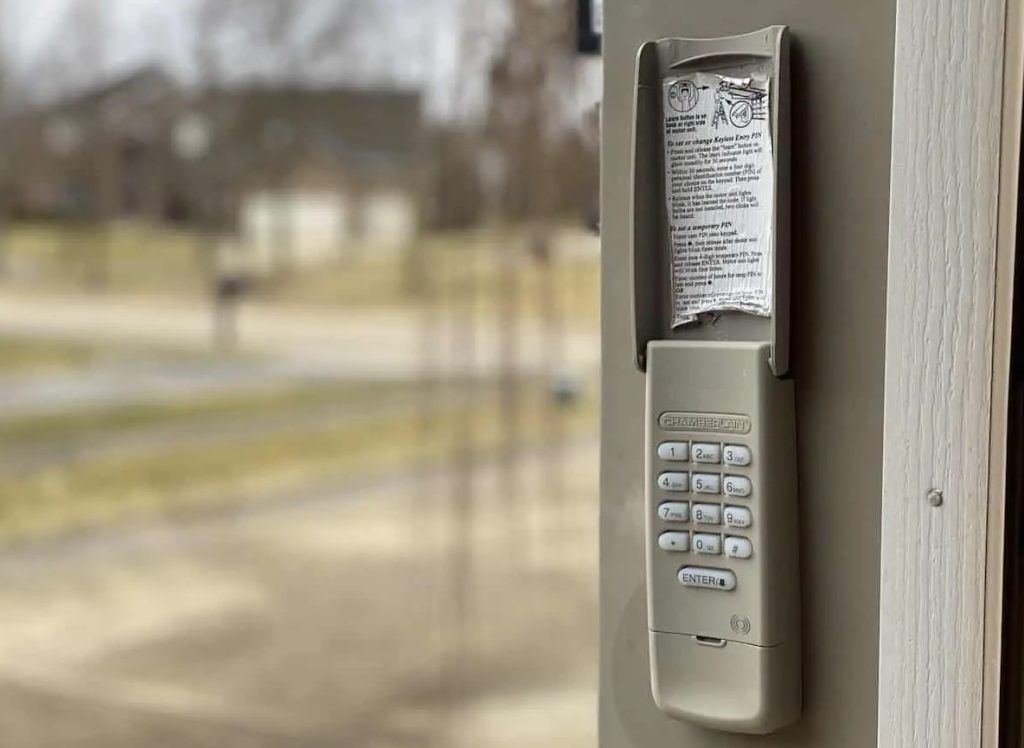
A garage door keypad offers convenient, secure access to your garage without the need for a remote or physical key. However, there are times when you need to update or reset the code—whether due to security concerns, a forgotten PIN, or after moving into a new home. Understanding how to reprogram garage door keypad systems is essential for maintaining both safety and ease of use.
This article provides a clear, step-by-step approach to updating your keypad code, addresses common troubleshooting issues, and highlights important safety tips. If you’re also dealing with sensor issues, you might find our guide on how to fix garage door sensor mounting on metal studs helpful.
Why You Might Need to Update Your Garage Keypad Code
There are several reasons you may need to change your garage door keypad code:
- Security: If you suspect someone unauthorized knows your code, updating it helps protect your property.
- Moving In: When moving into a new home, always reset the keypad to ensure previous owners or tenants don’t have access.
- Forgotten Code: If you or a family member forgets the current PIN, reprogramming is necessary to regain access.
- Routine Maintenance: Periodically updating your code can prevent accidental lockouts and improve overall security.
Understanding Different Garage Door Keypad Systems
Before starting the process, it’s important to know which type of keypad and opener you have. Most modern systems use wireless keypads that pair with the opener unit via a “Learn” or “Smart” button. However, older models may have different procedures.
If you’re unsure about your opener type, check the manufacturer’s label on the opener motor or consult resources like this overview of garage door opener types.
Step-by-Step Guide: Reprogramming Your Garage Door Keypad
The process to reset your garage keypad code is generally straightforward, but always refer to your manufacturer’s manual for model-specific instructions. Here’s a standard approach for most keypads:
- Locate the Learn Button: Find the “Learn” or “Smart” button on your garage door opener motor unit. This is usually on the back or side of the unit, often under a light cover.
- Press the Learn Button: Press and release the button. An indicator light will typically turn on or blink, signaling that the opener is in programming mode.
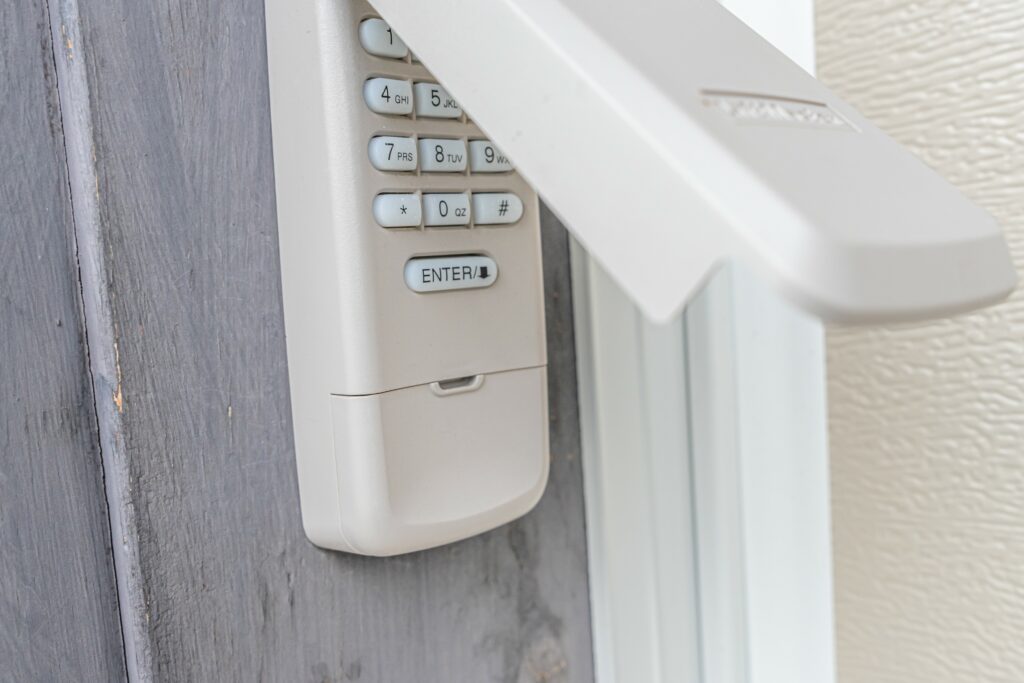
- Enter New Code on Keypad: Within 30 seconds, go to your keypad and enter your desired 4-digit code. Then press the “Enter” or “Send” button (refer to your keypad’s labeling).
- Confirmation: The opener’s light may blink or you may hear a click, confirming the new code is accepted. Test the new code to ensure it works.
Tips for Successful Keypad Reprogramming
- Clear Old Codes: Some openers allow you to erase all previous codes by holding the “Learn” button for 6–10 seconds. This is useful if you want to remove access for lost remotes or old codes.
- Choose a Secure Code: Avoid simple codes like “1234” or your address. Use a combination that’s easy for you to remember but hard for others to guess.
- Replace Batteries: If your keypad isn’t responding, try replacing the battery before reprogramming.
- Consult the Manual: If you have a less common brand or an older system, always check the manufacturer’s instructions for any unique steps.
Troubleshooting Common Issues When Updating Your Keypad
Even when following the correct steps, you might encounter problems. Here are some frequent issues and solutions:
- Keypad Not Responding: Check for dead batteries or corroded battery contacts. Clean or replace as needed.
- Code Not Accepted: Ensure you’re entering the code within the 30-second window after pressing the “Learn” button. If the opener light doesn’t blink, try again.
- Multiple Keypads or Remotes: If you have several devices, you may need to reprogram each one after resetting the opener.
- Physical Damage: If the keypad is cracked or the buttons are sticking, replacement may be necessary.
For sensor-related troubleshooting, such as blinking lights or wiring problems, see our guides on why is my garage door sensor light blinking twice and how to fix garage door sensor wiring using electrical tape.
When to Replace Your Garage Door Keypad
If your keypad is outdated, unreliable, or physically damaged, replacing it can restore convenience and security. Modern keypads often offer improved weather resistance and compatibility with newer openers. When purchasing a new unit, ensure it matches your opener’s brand and frequency.
Safety Precautions and Best Practices
- Keep Your Code Private: Only share your PIN with trusted family members.
- Test After Programming: Always test the new code several times to ensure it works before relying on it.
- Regular Maintenance: Clean the keypad surface and check for weather damage, especially if it’s exposed to the elements.
- Update Remotes: If you change your keypad code, consider updating or reprogramming your remote controls for added security.
For more on troubleshooting and sensor maintenance, you may also want to read our article on why is my garage door sensor transmitter dead.
Frequently Asked Questions
Can I reprogram my garage keypad without the original code?
Yes, most systems allow you to reset the keypad by using the “Learn” button on the opener unit. This bypasses the need for the old code, enabling you to set a new one.
How often should I change my garage keypad code?
For optimal security, consider updating your code every 6–12 months or whenever you suspect it may have been compromised.
What if my keypad still doesn’t work after reprogramming?
If the keypad remains unresponsive, check the batteries, ensure you’re following the correct steps, and inspect for physical damage. If issues persist, replacing the keypad may be the best solution.
Do I need to reprogram my remote controls after changing the keypad code?
Typically, changing the keypad code does not affect remote controls. However, if you perform a full reset on the opener, you may need to reprogram all remotes and keypads.
Conclusion
Learning how to reprogram garage door keypad systems is a practical skill that enhances your home’s security and convenience. By following the steps outlined above and keeping up with regular maintenance, you can ensure reliable access to your garage. For further troubleshooting or advanced repairs, explore our additional resources on sensor issues and opener maintenance.