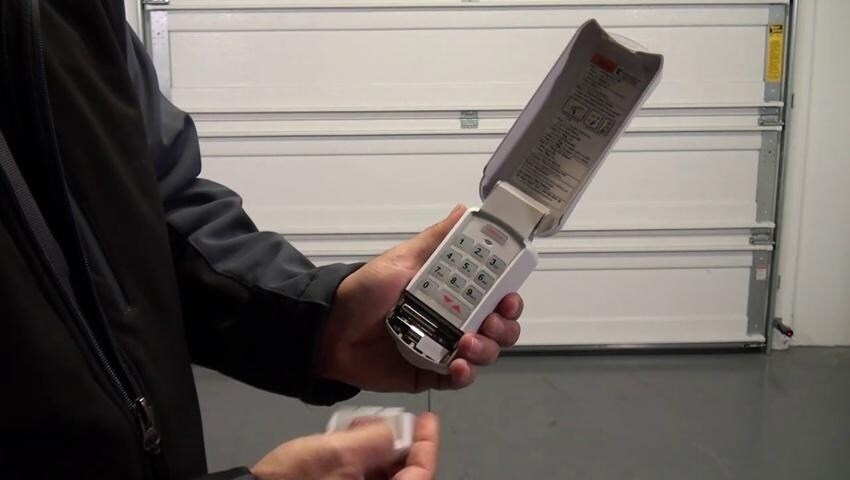
A malfunctioning garage door keypad can be a major inconvenience, especially when you rely on it for secure and easy access. Whether you’re experiencing unresponsive buttons, forgotten codes, or security concerns, understanding how to perform a garage door keypad software reset is essential for homeowners and property managers alike. This guide will walk you through the process, explain why resets are sometimes necessary, and provide practical troubleshooting tips to keep your entry system running smoothly.
Before diving into the reset process, it’s important to recognize that keypad issues can sometimes be related to other components, such as sensors or wiring. If you’re also dealing with sensor problems, you may find it helpful to review resources like how to fix garage door sensor mounting on metal studs for additional troubleshooting.
Understanding Why a Keypad Reset Is Needed
Over time, garage door keypads may develop issues such as unresponsive keys, forgotten entry codes, or syncing problems with the opener. A garage door keypad software reset can resolve many of these issues by clearing old codes and restoring the device to its default state. This process is especially useful if:
- You’ve moved into a new home and want to ensure previous codes are erased.
- The keypad is not responding to your current code.
- You suspect someone else may have access to your code.
- You’ve recently replaced the garage door opener or made other system changes.
Resetting the keypad is a straightforward process, but it’s important to follow the correct steps for your specific model to avoid further complications.
How to Perform a Garage Door Keypad Software Reset
The exact procedure for resetting a garage door keypad varies depending on the manufacturer and model. However, most wireless keypads follow a similar process. Here are the general steps:
- Locate the “Learn” or “Program” Button: This button is usually found on the back or side of your garage door opener motor unit. You may need a ladder to reach it.
- Press and Hold the Button: Hold the “Learn” or “Program” button until the indicator light turns off (usually about 6–10 seconds). This action erases all programmed keypads and remotes from the opener’s memory.
- Reprogram the Keypad: After erasing the codes, you’ll need to reprogram your keypad. Enter your desired PIN, then press the “Enter” or “Send” button. Next, press the “Learn” button on the opener again and, within 30 seconds, enter your PIN and press “Enter” on the keypad. The opener light should blink or click, indicating successful programming.
- Test the Keypad: Enter your new PIN and check that the door operates as expected.
Always consult your keypad’s manual for model-specific instructions. If you’ve misplaced the manual, many manufacturers provide downloadable versions on their websites.
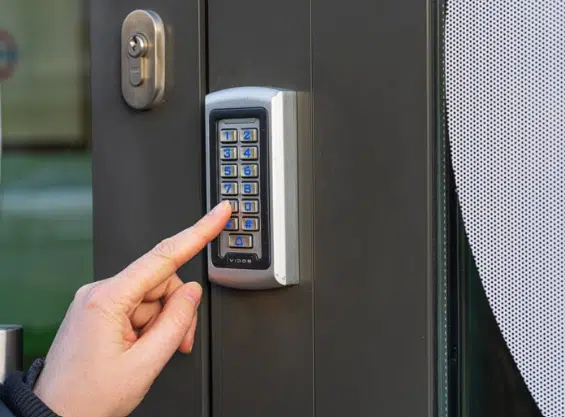
Common Issues Resolved by a Keypad Reset
Performing a software reset for your garage door keypad can address a variety of problems, including:
- Unresponsive Keypad: If the keypad doesn’t register button presses, a reset may restore normal operation.
- Forgotten or Compromised Codes: Resetting erases all previous codes, allowing you to set a new, secure PIN.
- Syncing Problems: If the keypad and opener are out of sync, reprogramming after a reset can reestablish communication.
- Security Concerns: After moving or if you suspect unauthorized access, a reset ensures only trusted users have entry.
If you continue to experience issues after a reset, consider checking related components. For example, problems with the sensor system can sometimes mimic keypad malfunctions. For more information, see why is my garage door sensor indicator light missing.
Tips for a Successful Reset and Reprogramming
To maximize the effectiveness of your garage door keypad reset, keep these tips in mind:
- Check the Batteries: Weak or dead batteries are a common cause of keypad failure. Replace them before attempting a reset.
- Clear Obstructions: Ensure the keypad and opener antenna are free from dirt, spider webs, or physical obstructions that could interfere with the signal.
- Follow Manufacturer Instructions: Each brand may have unique steps or timing requirements. Refer to your manual for details.
- Test Multiple Times: After reprogramming, test the keypad several times to confirm consistent operation.
- Update Security Codes Regularly: Change your PIN periodically to enhance security, especially after guests or service providers have had access.
If you encounter persistent problems, it might be time to consider upgrading your keypad or opener. For a selection of compatible keypads, check out the garage door keypad FAQs and buying guide for more information.
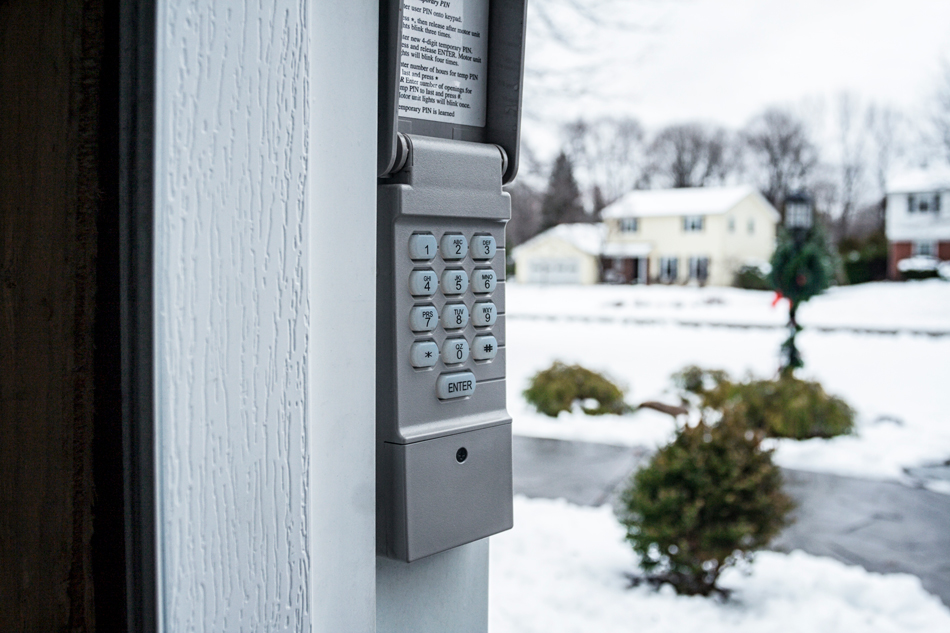
When a Reset Doesn’t Solve the Problem
If you’ve followed the reset steps and your keypad still isn’t working, further troubleshooting may be necessary. Consider these possibilities:
- Wiring Issues: For wired keypads, inspect the wiring for damage or loose connections.
- Opener Malfunction: The problem may lie with the garage door opener itself, not the keypad.
- Interference: Nearby electronics or metal objects can sometimes interfere with wireless signals.
- Physical Damage: Exposure to weather or impact can damage keypads, requiring replacement.
For more advanced troubleshooting, you might want to explore topics like how to fix garage door sensor from shifting due to temperature if you suspect environmental factors are affecting your system.
Maintaining Your Garage Door Keypad for Long-Term Reliability
Regular maintenance can help prevent the need for frequent resets. Here are some best practices:
- Clean the Keypad: Wipe down the keypad periodically to remove dirt and debris.
- Protect from Weather: If your keypad is exposed, consider installing a weather cover.
- Replace Batteries Annually: Even if the keypad seems to be working, annual battery replacement can prevent unexpected failures.
- Monitor for Wear: If buttons become sticky or hard to press, address the issue promptly to avoid more serious problems.
Staying proactive with maintenance ensures your entry system remains secure and convenient for years to come.
Frequently Asked Questions
How often should I reset my garage door keypad?
You don’t need to reset your keypad regularly unless you suspect a security risk, forget your code, or experience malfunctions. It’s a good idea to reset and update your code after moving into a new home or if you believe someone unauthorized has your PIN.
Will resetting my keypad erase all remotes and other keypads?
Yes, performing a full software reset on most garage door openers will erase all paired remotes and keypads. You’ll need to reprogram each device individually after the reset.
What should I do if my keypad still doesn’t work after a reset?
If a reset doesn’t resolve the issue, check the batteries, inspect for physical or wiring damage, and ensure you’re following the correct programming steps. If problems persist, consult your manufacturer’s support or consider replacing the keypad.
Can I reset my keypad without access to the opener unit?
Most resets require pressing the “Learn” or “Program” button on the opener unit. If you can’t access the opener, you may not be able to perform a full reset. In such cases, contact a professional for assistance.
A properly functioning keypad is key to both convenience and security. By understanding how to perform a garage door keypad software reset and following the tips above, you can keep your system running reliably. For more troubleshooting advice, see why is my garage door sensor light turning off and on or explore additional resources on garage door maintenance.