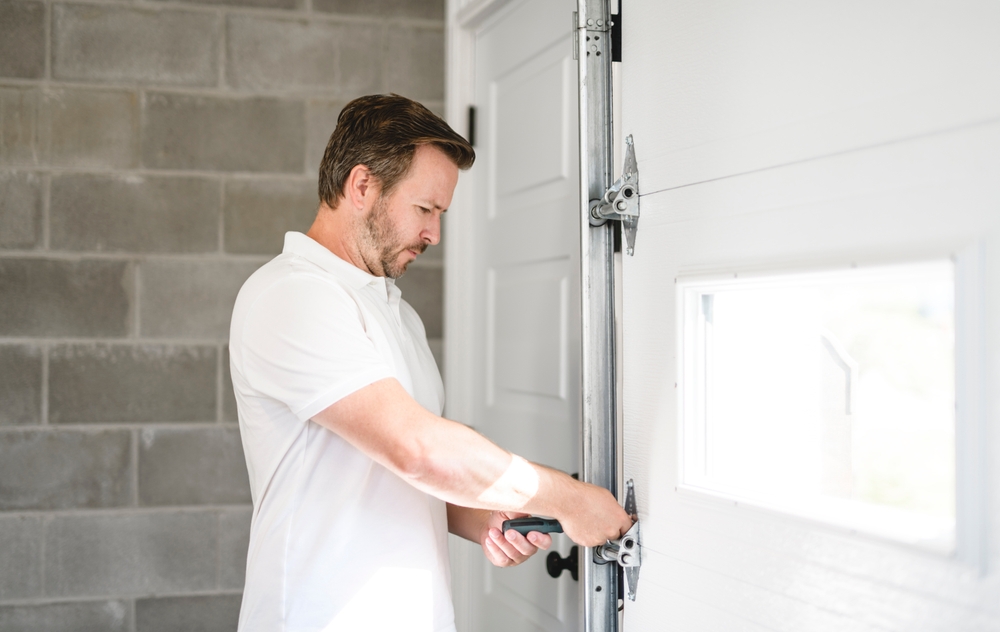
Garage door openers rely on a combination of sensors and a logic board to operate safely and efficiently. When these components malfunction, your garage door may stop working, reverse unexpectedly, or display confusing error codes. Understanding how to fix garage door sensor logic board issues is essential for homeowners who want to restore their garage door’s functionality without unnecessary expense.
This article covers the most common causes of logic board and sensor problems, step-by-step troubleshooting, and practical repair tips. Whether your door won’t close, the lights keep blinking, or you’re seeing error messages, you’ll find clear guidance here. If you’re also dealing with related sensor mounting or wiring concerns, you may find this guide on how to fix garage door sensor mounting on metal studs helpful as well.
Understanding Garage Door Logic Board and Sensor Functions
The logic board acts as the “brain” of your garage door opener, processing signals from remotes, wall controls, and safety sensors. The sensors, usually located near the bottom of the door tracks, detect obstacles and prevent the door from closing on objects or people. When either the logic board or sensors malfunction, the system may refuse to operate or behave unpredictably.
- Logic board: Receives and interprets input signals, controls the motor, and manages safety features.
- Safety sensors: Emit and receive an infrared beam across the garage door opening. If the beam is interrupted, the door will not close.
Problems can arise from electrical surges, physical damage, loose wiring, or component wear over time. Recognizing the symptoms helps you pinpoint whether the issue lies with the sensors, the logic board, or both.
Common Signs of Sensor and Logic Board Problems
Before diving into repairs, it’s important to identify the symptoms that suggest a logic board or sensor malfunction. Some of the most frequent signs include:
- The garage door won’t close or reverses immediately after starting to close.
- Sensor lights are off, blinking, or show inconsistent colors.
- The opener’s light blinks a set number of times, indicating an error code.
- Remote controls and wall buttons stop working or respond intermittently.
- Unusual humming, buzzing, or clicking noises from the opener unit.
If you notice a blinking sensor light, you may want to review this resource on why is my garage door sensor light blinking twice for more details on interpreting sensor signals.
Troubleshooting Steps for Garage Door Sensor Logic Board Errors
Systematic troubleshooting is the best way to resolve garage door sensor logic board issues. Follow these steps to diagnose and fix the problem:
1. Check Sensor Alignment and Cleanliness
Misaligned or dirty sensors are a leading cause of operational errors. Ensure both sensors are facing each other directly and are free from dust, cobwebs, or debris. Gently clean the lenses with a soft cloth.
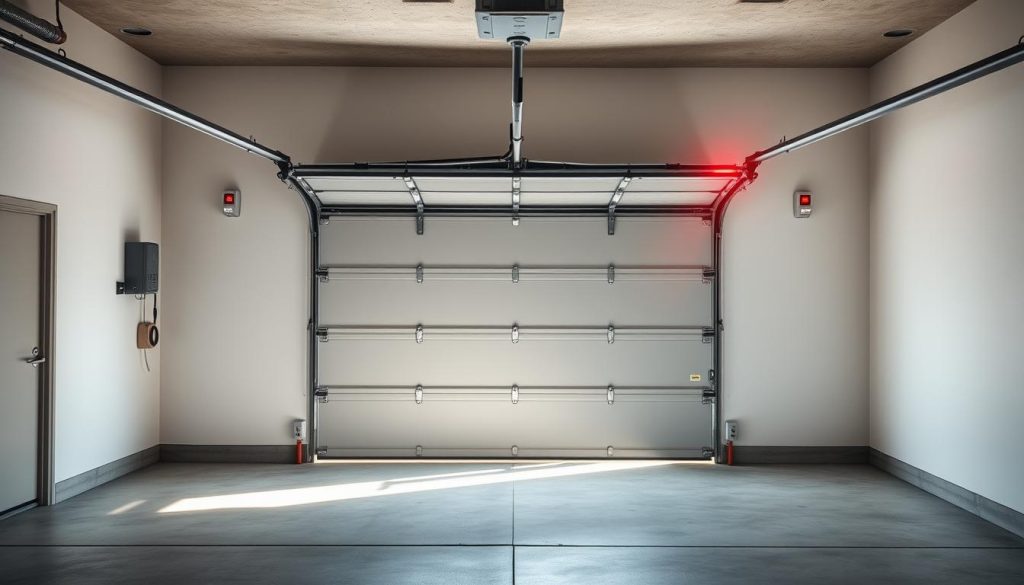
2. Inspect Sensor Wiring and Connections
Loose or damaged wires can interrupt communication between the sensors and the logic board. Examine the wiring at the sensor units and at the opener. Look for frayed wires, loose connections, or corrosion. If you find damaged wiring, you may benefit from this article on how to fix garage door sensor wiring using electrical tape for safe repair techniques.
3. Test the Logic Board for Power and Functionality
Unplug the opener and plug it back in to reset the logic board. If the opener still doesn’t respond, check for blown fuses or tripped circuit breakers. Some openers have a diagnostic LED on the logic board that flashes error codes—consult your owner’s manual for interpretation.
If the board shows no signs of life, it may have suffered a power surge or internal failure. In this case, replacement is often more cost-effective than repair.
4. Examine for Error Codes and Blinking Lights
Many garage door openers use blinking lights to signal specific problems. For example, a certain number of flashes may indicate sensor misalignment, wiring faults, or a failed logic board. Refer to your opener’s manual or manufacturer’s website for a code chart.
If you hear a humming or buzzing noise from the opener, it could also point to a logic board or motor issue. For more on this, see how to fix garage door sensor hum or buzz.
How to Repair or Replace Faulty Components
Once you’ve identified the source of the problem, you can take targeted action:
- Sensor realignment: Loosen the mounting brackets, adjust the sensors until both indicator lights are steady, then retighten.
- Wiring repair: Use electrical tape or wire nuts to fix minor breaks. Replace severely damaged wires.
- Logic board replacement: Purchase a compatible board from your opener’s manufacturer. Disconnect the opener from power, remove the cover, and carefully swap the old board for the new one, following the wiring diagram.
- Sensor replacement: If cleaning and realignment don’t work, install new sensors. Ensure they are the correct type for your opener model.
Always disconnect power before working on electrical components. If you’re not comfortable with DIY repairs, contact a professional technician.
Preventing Future Logic Board and Sensor Issues
Regular maintenance can help you avoid many common garage door opener problems:
- Keep sensors clean and free from obstructions.
- Check wiring and connections annually for signs of wear or corrosion.
- Install surge protectors to shield the logic board from electrical spikes.
- Test the door’s safety reversal system monthly to ensure proper operation.
When in doubt, consult your opener’s manual or manufacturer’s support site. For additional troubleshooting tips, you can also refer to this comprehensive guide to fixing garage door sensors.
Frequently Asked Questions
What causes a garage door logic board to fail?
Common causes include electrical surges, water damage, age-related wear, and manufacturing defects. Power outages and lightning strikes can also damage the board’s circuitry.
How do I know if my garage door sensor or logic board is at fault?
If both sensor lights are off or blinking, start by checking alignment and wiring. If the opener is unresponsive or displays error codes even after sensor checks, the logic board may be the problem.
Can I replace a garage door logic board myself?
Yes, if you are comfortable with basic electrical work and follow safety precautions. Always disconnect power before opening the unit. If you are unsure, it’s safer to hire a professional technician.
Why does my garage door opener make a humming noise but not move?
This could indicate a jammed motor, a faulty capacitor, or a failing logic board. Unplug the opener and inspect for obstructions or burned components before proceeding with repairs.
How often should I check my garage door sensors?
Inspect and clean the sensors at least once every few months, or whenever you notice operational issues. Regular checks help prevent unexpected malfunctions.