A malfunctioning garage door keypad can be frustrating, especially when you rely on it for daily access and security. Whether your keypad isn’t responding, the code won’t work, or you’re dealing with intermittent issues, understanding how to diagnose and resolve common problems is essential for every homeowner. This garage door keypad troubleshooting guide provides clear, step-by-step solutions to help you restore reliable operation and avoid unnecessary service calls.
Many keypad issues can be resolved with a few simple checks, while others may require a deeper look at wiring, batteries, or programming. Before reaching out to a professional, it’s worth exploring these practical troubleshooting steps. If you’re also experiencing issues with your garage door sensors, you might find this resource on how to fix garage door sensor mounting on metal studs helpful for related repairs.
Common Reasons Your Garage Door Keypad Stops Working
Understanding why your keypad isn’t functioning is the first step to a solution. Here are the most frequent causes:
- Dead or Weak Batteries: The most common culprit is depleted batteries. Even if the keypad lights up, low battery power can prevent signal transmission.
- Worn or Stuck Buttons: Years of use can cause buttons to stick or wear out, making it difficult to enter your code correctly.
- Programming Errors: Keypads can lose their programming after a power outage or battery change, requiring reprogramming.
- Signal Interference: Nearby electronics or physical obstructions may block the wireless signal between your keypad and opener.
- Weather Exposure: Rain, snow, and extreme temperatures can damage internal components or cause corrosion.
- Wiring Issues: For hardwired keypads, loose or damaged wires can interrupt communication with the opener.
Step-by-Step Garage Door Keypad Troubleshooting
Follow these steps to systematically identify and resolve keypad problems:
1. Check and Replace the Batteries
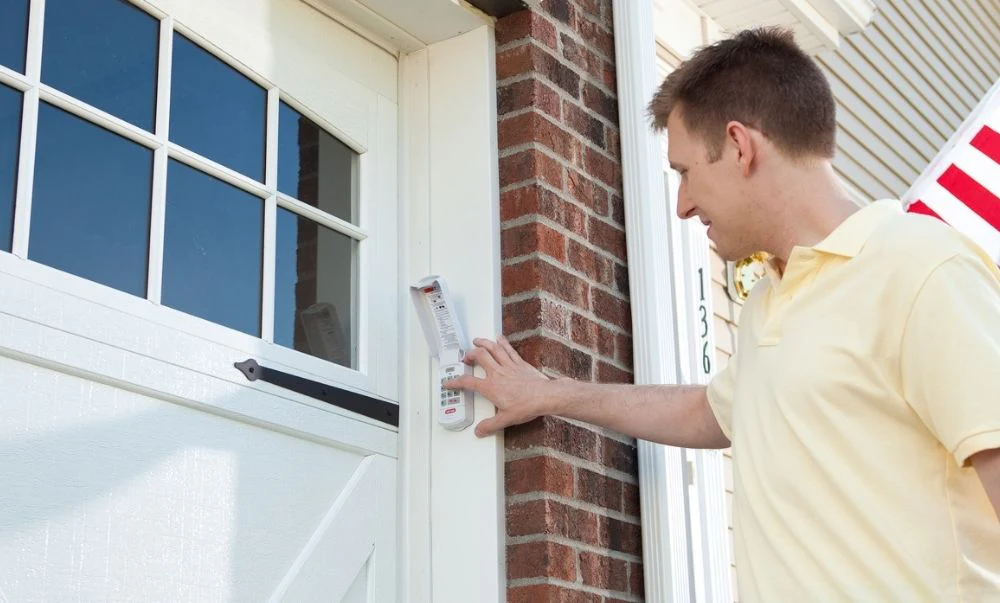
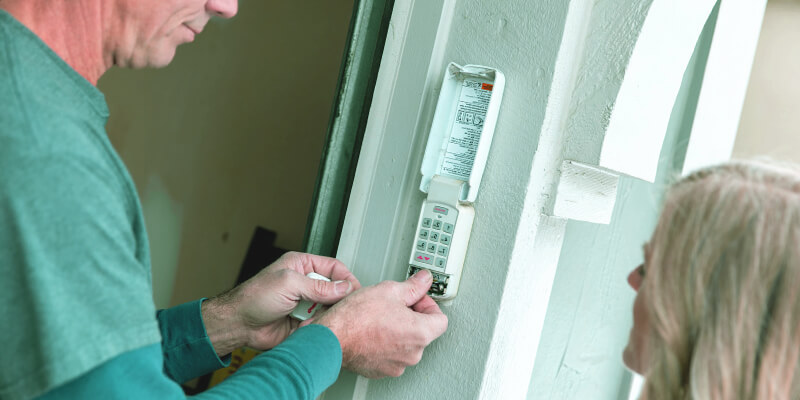
Remove the keypad cover and replace the batteries with fresh ones. Most keypads use a 9V or AA batteries. Ensure the contacts are clean and free of corrosion. If the keypad lights up or beeps after battery replacement, test your code again.
2. Inspect the Keypad Buttons
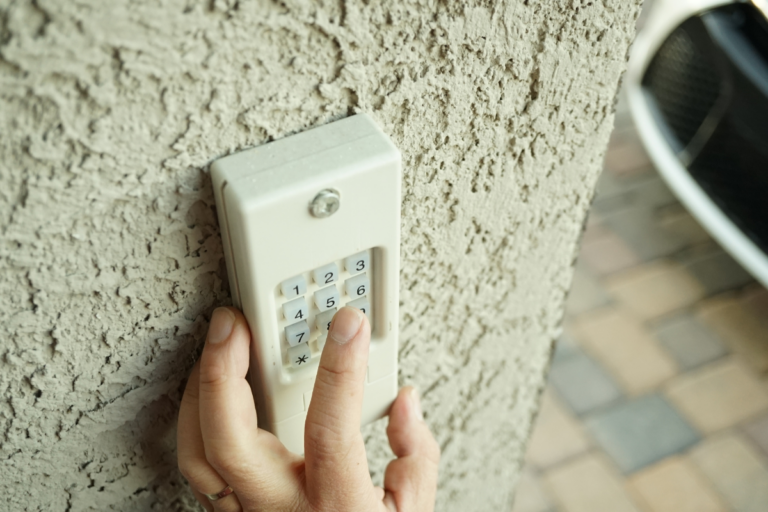
Press each button individually to check for sticking or unresponsive keys. If certain numbers don’t register, gently clean around the buttons with a soft cloth. Avoid using excessive moisture, as this can damage the electronics.
3. Reprogram the Keypad
If your keypad still isn’t working, it may have lost its connection to the opener. Locate the “Learn” or “Program” button on your garage door opener motor (usually on the back or side). Follow your manufacturer’s instructions to reprogram the keypad. This typically involves pressing the “Learn” button, entering your desired code on the keypad, and pressing “Enter.”
For detailed programming steps, consult your keypad’s manual or refer to an in-depth guide to garage door opener keypads.
4. Address Signal Interference
Wireless keypads can be affected by interference from LED lights, wireless routers, or metal objects near the opener. Try moving these devices away or temporarily turning them off to see if the keypad starts working. Ensure the keypad is mounted within the recommended range (usually 5–20 feet) of the opener.
5. Examine for Weather or Physical Damage
Inspect the keypad for signs of water ingress, corrosion, or cracks. If the internal circuit board is visibly damaged, replacement is usually the best option. For outdoor keypads, consider adding a weatherproof cover to prevent future issues.
6. Check Wiring Connections (For Wired Keypads)
If your keypad is hardwired, turn off the power to the opener and inspect the wiring at both the keypad and opener terminals. Tighten any loose connections and look for frayed or damaged wires. Restore power and test the keypad again.
When to Replace Your Garage Door Keypad
If you’ve tried all troubleshooting steps and your keypad still doesn’t work, it may be time for a replacement. Signs that a new unit is needed include:
- Multiple unresponsive buttons, even after cleaning
- Visible water damage or corrosion inside the keypad
- Frequent loss of programming, requiring constant resets
- Physical cracks or broken mounting hardware
Modern keypads offer improved security features and weather resistance. When purchasing a new keypad, ensure it’s compatible with your garage door opener brand and model. If you’re unsure, consult your opener’s manual or contact the manufacturer for guidance.
Preventive Maintenance Tips for Reliable Keypad Operation
Regular maintenance can extend the life of your keypad and minimize future issues:
- Replace batteries annually or at the first sign of slow response.
- Clean the keypad surface and buttons with a dry, soft cloth.
- Check for signs of insect nests or debris inside the keypad housing.
- Inspect mounting screws and weather seals to keep the unit secure and dry.
- Reprogram your code periodically for added security.
If you notice problems with your garage door sensors, such as indicator lights not working or the door not closing properly, you may also want to review resources like why is my garage door sensor indicator light missing for additional troubleshooting help.
Additional Troubleshooting Resources
Some keypad issues may be linked to broader garage door system problems. For example, sensor misalignment, bracket bending, or temperature-related shifting can affect overall operation. Explore these related guides for more in-depth solutions:
- How to Fix Garage Door Sensor Bracket Bending and Damage
- Why Is My Garage Door Sensor Light Turning Off and On?
- How to Fix Garage Door Sensor Shifting Due to Temperature
Frequently Asked Questions
How do I reset my garage door keypad if I forgot the code?
Most keypads can be reset by pressing the “Learn” button on your garage door opener motor. After pressing this button, enter a new code on the keypad and press “Enter.” Refer to your manufacturer’s instructions for specific steps, as procedures may vary by brand.
Why does my keypad work intermittently?
Intermittent operation is often caused by weak batteries, signal interference, or weather-related damage. Replace the batteries, check for obstructions or electronic interference, and inspect the keypad for moisture or corrosion.
Can I use the same keypad for multiple garage doors?
Some universal keypads allow you to control more than one door by programming different codes or using a multi-door function. Check your keypad’s manual to see if this feature is supported, and follow the programming instructions for each opener.
What should I do if my keypad lights up but doesn’t open the door?
If the keypad lights up but the door doesn’t move, the issue may be with the programming, signal interference, or the opener itself. Try reprogramming the keypad, moving potential sources of interference, and testing the opener with a remote to isolate the problem.
Conclusion
A non-working garage door keypad can disrupt your routine, but most issues can be resolved with simple troubleshooting steps. By checking batteries, cleaning buttons, reprogramming, and inspecting for damage, you can often restore reliable access without professional help. For persistent problems or physical damage, replacing the keypad is a straightforward solution. Regular maintenance and prompt attention to issues will keep your garage access secure and convenient.