If your garage door keypad stopped working suddenly, it can be both inconvenient and frustrating. Keypads are a popular way to access your garage without a remote or key, so when they fail unexpectedly, it disrupts your routine and may even leave you locked out. Fortunately, most keypad issues can be traced to a handful of common causes, many of which you can troubleshoot yourself before calling a professional.
In this article, you’ll find a practical checklist to help you identify why your keypad is unresponsive, along with step-by-step solutions for each potential problem. We’ll also highlight when it’s time to consider a replacement or seek expert help. If you’re dealing with other garage door issues, such as sensor problems, you may find our guide on how to fix garage door sensor mounting on metal studs helpful as well.
Common Reasons for a Non-Responsive Garage Door Keypad
When a wireless keypad fails to operate, the cause is usually one of several straightforward issues. Understanding these can help you quickly restore access to your garage.
- Dead or Weak Batteries: The most frequent reason for a keypad to stop working is depleted batteries. Even if the keypad lights up, weak batteries can prevent it from sending a strong enough signal.
- Worn-Out Keypad Buttons: Over time, frequent use can cause the buttons to wear out or become unresponsive, especially if exposed to weather.
- Programming Loss: Power outages or electrical surges can cause the keypad to lose its programming, disconnecting it from the garage door opener.
- Signal Interference: Wireless keypads communicate with the opener using radio frequencies. Interference from nearby electronics or metal structures can disrupt this signal.
- Physical Damage or Moisture: Exposure to rain, snow, or extreme temperatures can damage internal components, leading to sudden failure.
Step-by-Step Troubleshooting for Sudden Keypad Failure
If your garage door keypad stopped working suddenly, follow these steps to diagnose and potentially fix the issue:
1. Check and Replace the Batteries
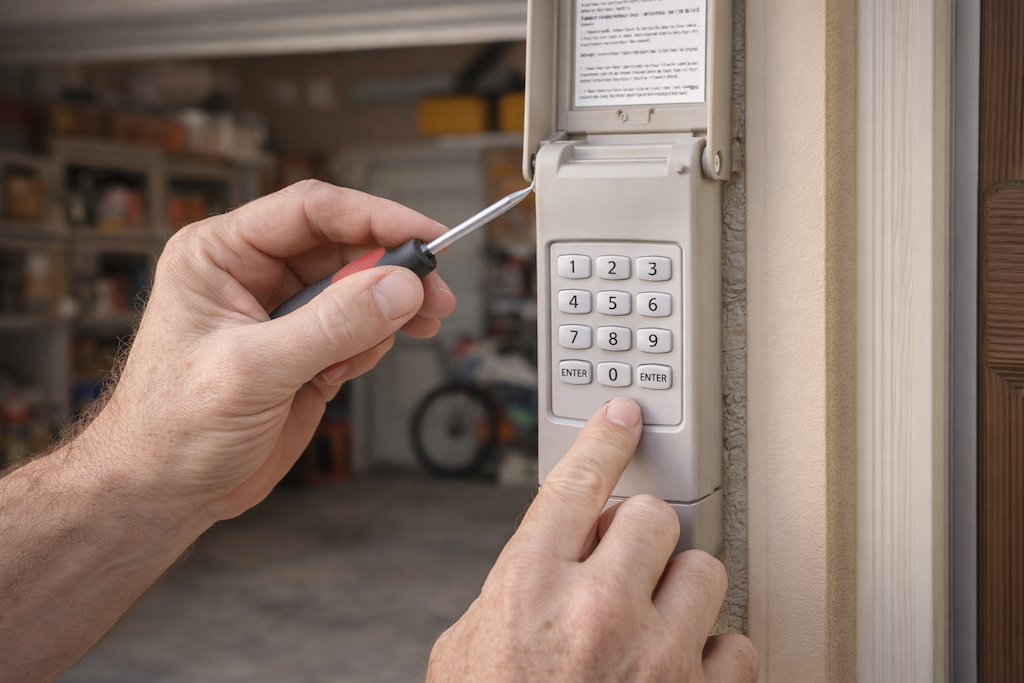
Start by opening the keypad housing and replacing the batteries with fresh ones. Most keypads use standard AA or 9V batteries. Ensure they are inserted correctly and the contacts are clean. If the keypad lights up or beeps after battery replacement, try entering your code again.
2. Inspect the Keypad for Visible Damage
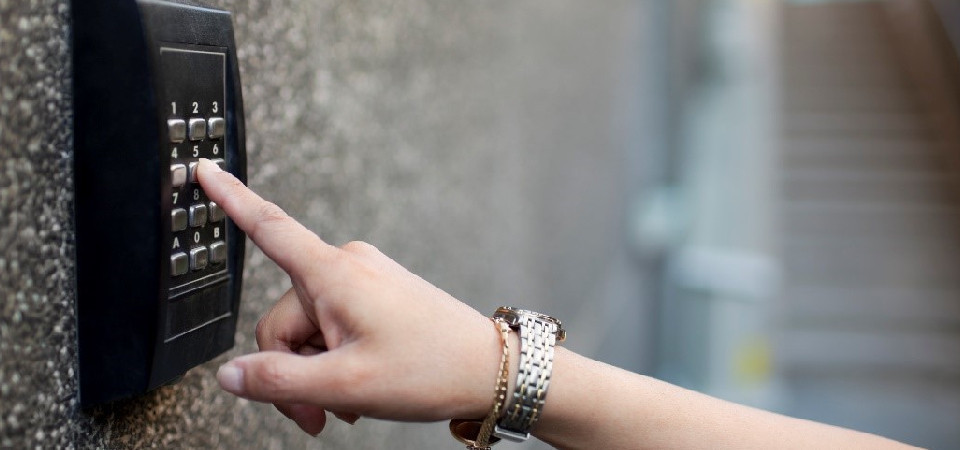
Examine the device for cracks, water intrusion, or worn buttons. If you notice corrosion on the battery terminals, clean them gently with a cotton swab and a bit of vinegar. If the keypad is physically damaged or the buttons are stuck, it may need to be replaced.
3. Reprogram the Keypad
Sometimes, the keypad loses its connection to the opener. Locate the “Learn” or “Program” button on your garage door opener motor (usually on the back or side). Press it, then enter your keypad code within 30 seconds. This process varies by manufacturer, so consult your owner’s manual for exact instructions.
4. Test for Signal Interference
If the keypad works intermittently or only at close range, interference may be the culprit. Move any new electronic devices or metal objects away from the opener and keypad. If your garage is constructed with metal studs, you may want to review our article on how to fix garage door sensor mounting on metal studs for tips on reducing interference.
5. Check the Garage Door Opener Unit
If the keypad and remote controls both fail, the issue may be with the opener itself. Ensure the opener is plugged in and the circuit breaker hasn’t tripped. If only the keypad is unresponsive, the problem is likely isolated to the keypad.
When to Replace or Upgrade Your Keypad
If troubleshooting doesn’t resolve the issue, or if the keypad is over 10 years old, it may be time for a replacement. Modern keypads offer improved weather resistance, security features, and compatibility with smart home systems.
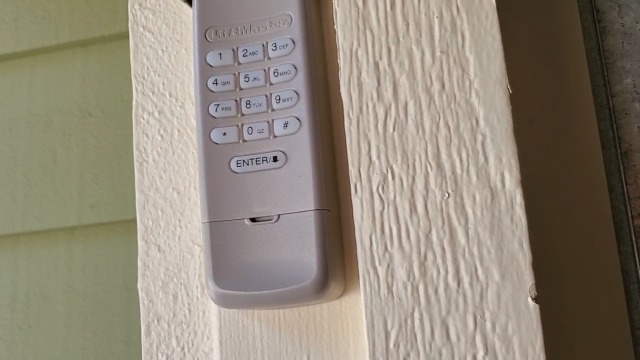
When shopping for a new keypad, ensure compatibility with your opener’s brand and model. If you need guidance on wiring or sensor troubleshooting, our resource on how to fix garage door sensor wiring using electrical tape may also be helpful.
Professional Help and Additional Resources
If you’ve tried all the above steps and your keypad still won’t respond, it may be time to consult a garage door technician. Persistent problems could indicate deeper electrical issues or a faulty opener. For more detailed troubleshooting, you can review this comprehensive guide to garage door keypad problems for additional tips and solutions.
For related troubleshooting, you might also want to check out our articles on why is my garage door sensor transmitter dead and why is my garage door sensor light blinking twice, which cover other common garage door issues.
Frequently Asked Questions
Why does my garage door keypad work intermittently?
Intermittent operation is often caused by weak batteries, signal interference, or worn-out buttons. Try replacing the batteries and checking for sources of interference nearby. If the problem persists, the keypad may be nearing the end of its lifespan.
Can I reset my garage door keypad without the original code?
Many keypads can be reset by pressing the “Learn” button on the opener unit and following the manufacturer’s reprogramming instructions. If you don’t have the original code, consult your owner’s manual or the manufacturer’s website for model-specific steps.
What should I do if replacing the keypad batteries doesn’t solve the problem?
If new batteries don’t restore function, inspect the keypad for visible damage, clean the contacts, and try reprogramming it. If these steps fail, the keypad may need to be replaced or there could be an issue with the opener itself.
Is it safe to install a new keypad myself?
Most wireless keypads are designed for easy DIY installation. Follow the instructions provided with the new unit, and make sure to test the keypad thoroughly after setup. If you encounter wiring or programming difficulties, consider professional installation.