Garage door sensors are essential for safety and reliable operation. When your garage door won’t close or the sensor lights aren’t behaving as expected, the first thing to check is whether the sensors are actually receiving power. Understanding how to tell if a garage door sensor is getting power can save you time, prevent unnecessary repairs, and keep your garage door functioning safely.
This guide covers the most effective ways to check if your garage door safety sensors are powered, what signs to look for, and what to do if you discover a power issue. We’ll also touch on troubleshooting tips and direct you to helpful resources, including advice on how to fix garage door sensor mounting on metal studs if your installation presents unique challenges.
Recognizing the Signs of Power in Garage Door Sensors
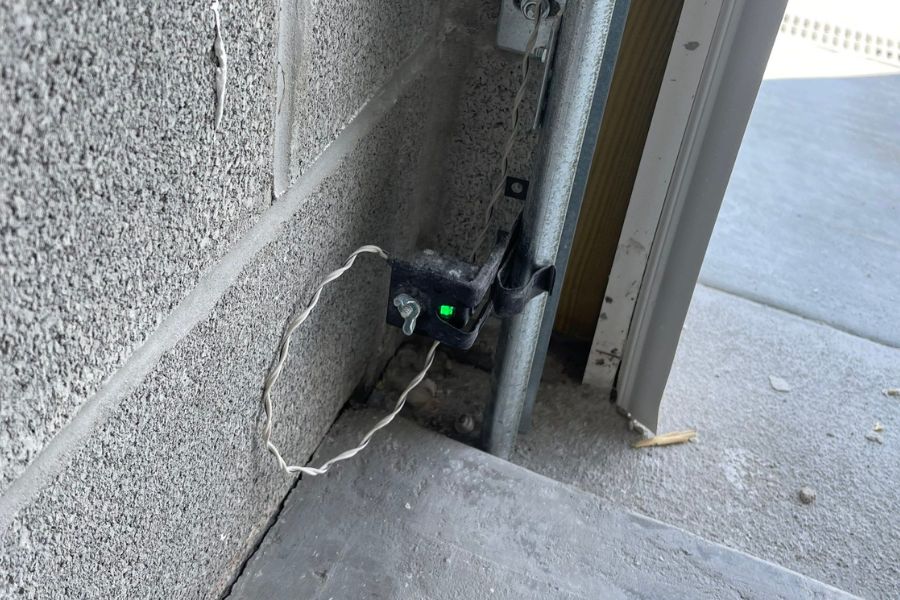
Most modern garage door systems use a pair of sensors—one on each side of the door, near the floor. These devices use an infrared beam to detect obstructions and prevent the door from closing on objects or people. To function, both sensors need a steady supply of electricity.
Here are the most common indicators that your sensors are powered:
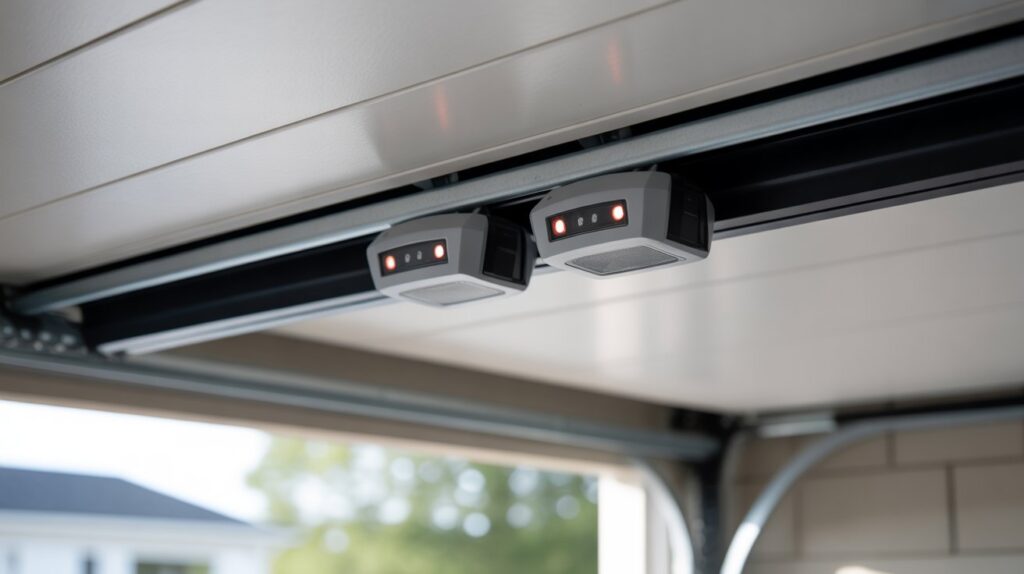
- Indicator lights – Most sensors have a small LED light. If the light is on (steady or blinking), the sensor is receiving power.
- Response to alignment – When you adjust the sensor’s position, the LED may change from blinking to solid, showing that it’s powered and communicating with its pair.
- Garage door behavior – If the door won’t close and the opener light blinks, it may signal a sensor power or alignment issue.
If you don’t see any lights or response, it’s time to check the power supply directly.
Step-by-Step: Checking If Your Garage Door Sensor Has Power
Follow these steps to determine if your garage door sensor is receiving electricity:
-
Inspect the LED indicator
Look for a small light on each sensor. A glowing or blinking LED usually means the sensor is powered. If both are dark, there may be a power issue. -
Test the outlet and opener
Unplug the garage door opener and plug in another device (like a lamp) to confirm the outlet works. If the outlet is dead, check your circuit breaker. -
Check the sensor wiring
Examine the wires leading from the sensors to the opener. Look for loose connections, frayed wires, or damage. If you spot issues, you may need to repair or replace the wiring. For minor wiring fixes, see this guide on how to fix garage door sensor wiring using electrical tape. -
Use a multimeter
If you’re comfortable with basic electrical tools, use a multimeter to check for voltage at the sensor terminals. Most sensors operate on low voltage (typically 12–24V DC). No voltage means the sensor isn’t getting power. -
Observe the door opener’s lights and sounds
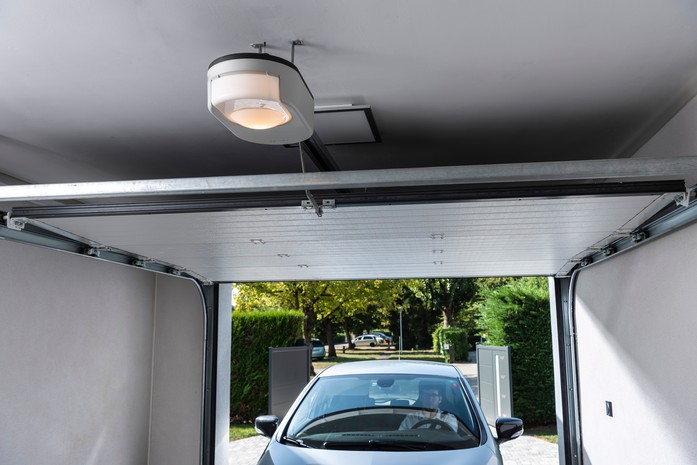
Some openers flash their built-in lights or emit beeps if there’s a sensor problem. Refer to your opener’s manual for specific error codes.
Common Reasons Garage Door Sensors Lose Power
There are several reasons why your safety sensors might not be getting electricity:
- Tripped breaker or blown fuse – If the circuit controlling your garage loses power, the sensors will go dark.
- Loose or damaged wiring – Vibrations, rodents, or accidental bumps can loosen or break sensor wires.
- Faulty power supply in the opener – If the opener’s internal transformer or circuit board fails, it may stop sending voltage to the sensors.
- Corroded connectors – Moisture and age can cause corrosion where wires connect to sensors or the opener, interrupting the flow of electricity.
If you’ve ruled out power issues but still have trouble, you might want to check if the garage door sensor transmitter is dead or if there’s another underlying problem.
What to Do If Your Garage Door Sensor Isn’t Getting Power
If you’ve determined that your sensor isn’t receiving electricity, here’s what you can do:
-
Reset the power
Flip the breaker off and on, or unplug and replug the opener. Sometimes, a simple reset restores power. -
Repair or replace damaged wiring
If you find frayed or broken wires, use electrical tape or replace the wiring as needed. For persistent issues, consult a professional. -
Replace the sensor
If the sensor is old or visibly damaged, replacing it may be the best solution. New sensors are affordable and can restore safe operation. -
Call a technician
If you’re not comfortable working with electrical components, or if the problem persists, contact a garage door repair specialist.
For more detailed troubleshooting, you can refer to comprehensive guides like this in-depth resource on garage door sensor troubleshooting.
Extra Troubleshooting Tips for Power Issues
If your sensors are powered but the system still isn’t working, consider these additional checks:
- Sensor alignment – Even with power, misaligned sensors won’t function. Adjust them until the LED is steady.
- Obstructions or dirt – Clean the sensor lenses and remove any objects blocking the infrared beam.
- Unusual noises – If you hear humming or buzzing, see this article on how to fix garage door sensor hum or buzz for solutions.
- Blinking lights – Some sensors blink to indicate alignment or wiring problems. If your sensor light blinks twice, consult this guide on why is my garage door sensor light blinking twice.
Always consult your garage door opener’s manual for model-specific troubleshooting steps and safety information.
Frequently Asked Questions
How can I tell if my garage door sensor is working?
Check for a steady or blinking LED light on the sensor. If the light is on and the door responds to obstructions as expected, the sensor is likely working. If the light is off or the door won’t close, check the power supply and sensor alignment.
What does it mean if my garage door sensor light is off?
An unlit sensor usually means it isn’t getting power. Check the outlet, circuit breaker, and wiring. If everything appears normal but the light remains off, the sensor or opener may need repair or replacement.
Can I replace a garage door sensor myself?
Yes, most homeowners can replace a faulty sensor with basic tools. Always disconnect power before working on the system, follow the manufacturer’s instructions, and ensure proper alignment after installation.
Why does my garage door only close when I hold the wall button?
This often indicates a sensor issue—either no power, misalignment, or obstruction. The door opener requires a continuous signal from the wall button to override the safety sensors when they aren’t functioning correctly.
Is it safe to bypass garage door sensors?
Bypassing sensors is not recommended, as it disables a critical safety feature. It’s better to diagnose and repair the issue to ensure your garage door operates safely for everyone.