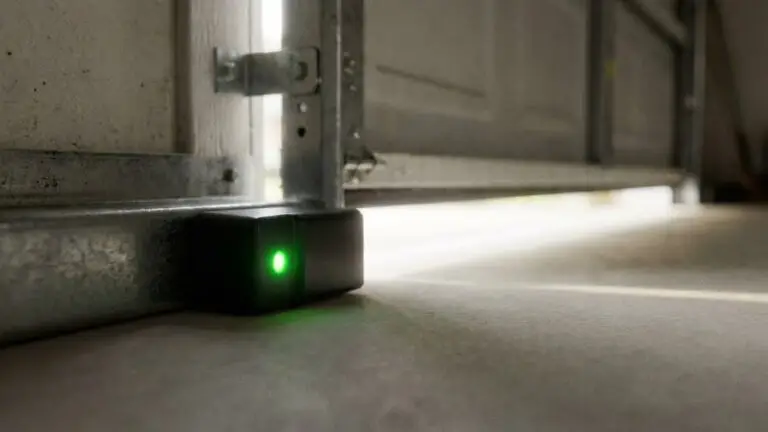
If you’ve noticed a persistent clicking sound coming from your garage door sensor, you’re not alone. Many homeowners encounter this issue, and it can be both confusing and concerning. Understanding the reasons behind this noise is essential for maintaining the safety and reliability of your garage door system. In this guide, we’ll break down the most common causes of a clicking garage door sensor, explain what the sound means, and provide actionable steps to resolve the problem.
A clicking noise from your garage door sensor often signals a problem with alignment, wiring, or the sensor’s internal components. Addressing these issues promptly can prevent further complications and ensure your garage door operates smoothly. If you’re also dealing with related concerns, such as why is my garage door sensor light blinking twice or sensor mounting challenges, there are dedicated resources to help you troubleshoot those specific problems.
Understanding the Clicking Sound from Garage Door Sensors
Garage door sensors are designed to enhance safety by preventing the door from closing if an object or person is detected in its path. When these sensors malfunction, they may emit a clicking noise. This sound typically indicates that the sensor is attempting to communicate with the garage door opener but is encountering an issue.
The clicking can be intermittent or constant, depending on the underlying cause. In most cases, the noise is a warning that something needs attention—whether it’s a misalignment, obstruction, faulty wiring, or a failing component.
Common Reasons for a Clicking Garage Door Sensor
There are several potential causes for a garage door sensor to start clicking. Identifying the root of the problem is the first step toward a solution. Below are the most frequent culprits:
- Sensor Misalignment: If the sensors on either side of the garage door are not properly aligned, they may fail to communicate, resulting in a clicking sound as the system repeatedly tries to establish a connection.
- Obstructions or Dirt: Dirt, cobwebs, or physical obstructions blocking the sensor’s lens can interfere with the infrared beam, causing the sensor to click as it attempts to reset.
- Wiring Issues: Damaged or loose wires can disrupt the sensor’s operation, leading to clicking noises. For tips on addressing wiring problems, see this guide on how to fix garage door sensor wiring using electrical tape.
- Power Supply Fluctuations: Inconsistent power or a failing transformer can cause the sensor to reset repeatedly, producing a clicking sound.
- Internal Sensor Failure: Over time, the sensor’s internal components may wear out or fail, resulting in abnormal noises.
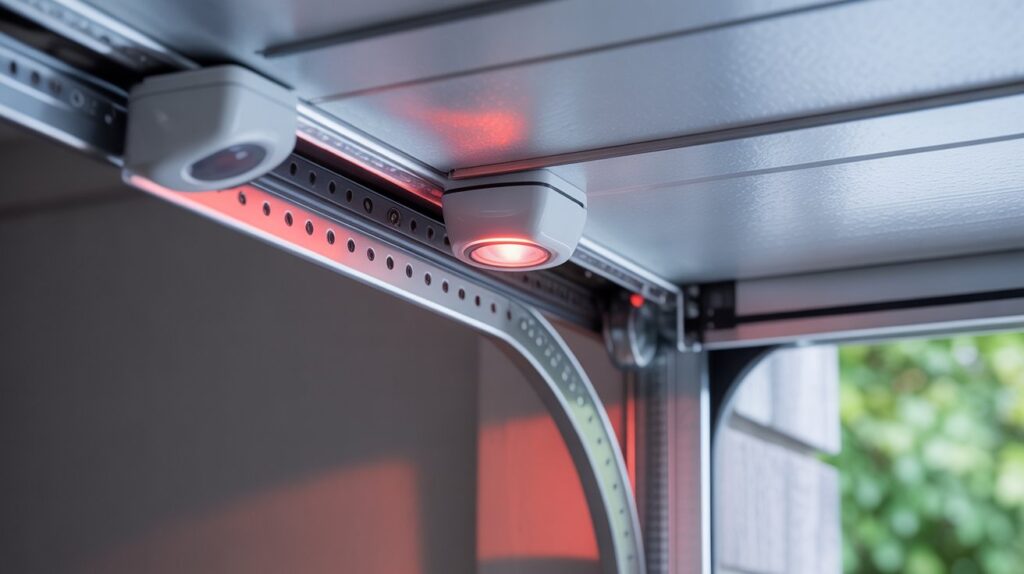
Step-by-Step Troubleshooting for Clicking Sensors
To resolve the clicking noise, follow these practical troubleshooting steps. Most issues can be addressed with basic tools and a careful approach.
1. Check Sensor Alignment
Ensure both sensors are facing each other directly and are mounted at the same height. Even a slight misalignment can disrupt the infrared beam, causing the system to click as it attempts to reconnect. Adjust the sensors until the indicator lights are steady, not blinking or flickering.
If you’re dealing with metal framing, you might find this resource on how to fix garage door sensor mounting on metal studs helpful for achieving proper alignment.
2. Remove Obstructions and Clean the Lenses
Inspect the area around each sensor for dust, cobwebs, or debris. Use a soft, dry cloth to gently clean the lenses. Even a thin layer of grime can interfere with the signal, causing the sensor to click as it tries to reset.
3. Inspect and Repair Wiring
Carefully examine the wires leading to each sensor for signs of wear, fraying, or disconnection. Secure any loose connections and replace damaged wires if necessary. For detailed instructions, refer to the guide on repairing garage door sensor wiring with electrical tape.
4. Test the Power Supply
Unstable or insufficient power can cause the sensors to behave erratically. Make sure the garage door opener is plugged in securely and that the outlet is functioning properly. If you suspect a transformer issue, consult a professional for further diagnosis.
5. Replace Faulty Sensors
If the above steps do not resolve the clicking, the sensor itself may be defective. In this case, replacing the sensor is often the most effective solution. Look for compatible replacement parts and follow the manufacturer’s installation instructions.
For more information on sensor status indicators and what different colors mean, check out this comprehensive guide to garage door sensor colors and troubleshooting.
When to Call a Professional
While many sensor issues can be resolved with DIY troubleshooting, some situations require professional assistance. If you’ve checked alignment, cleaned the lenses, repaired wiring, and tested the power supply but the clicking persists, it may be time to consult a garage door technician. Persistent problems could indicate a deeper electrical fault or a malfunctioning opener.
Additionally, if you notice other unusual symptoms—such as humming, buzzing, or a completely unresponsive sensor—refer to resources like how to fix garage door sensor hum or buzz for further troubleshooting.
Preventing Future Sensor Problems
Regular maintenance can help prevent sensor issues and extend the life of your garage door system. Here are some practical tips:
- Clean the sensor lenses monthly to remove dust and debris.
- Check alignment after any accidental bumps or adjustments to the door tracks.
- Inspect wiring annually for signs of wear or damage.
- Test the door’s safety reversal system periodically to ensure proper operation.
- Replace sensors promptly if they show signs of malfunction or physical damage.
By staying proactive, you can minimize the risk of unexpected noises and keep your garage door running smoothly.
Related Issues and Further Reading
If you’re experiencing additional problems, such as a sensor that won’t power on, you may find this article on why is my garage door sensor transmitter dead helpful. For issues involving blinking lights or other error indicators, see the earlier link about blinking twice. These resources provide targeted advice for specific sensor malfunctions.
Frequently Asked Questions
- What does a clicking sound from my garage door sensor mean?
- A clicking noise usually indicates that the sensor is struggling to communicate with the garage door opener. This can be caused by misalignment, obstructions, wiring issues, or internal sensor failure.
- Can I fix a clicking garage door sensor myself?
- Many sensor issues can be resolved with basic troubleshooting, such as cleaning the lenses, realigning the sensors, and checking the wiring. However, if these steps don’t work, or if you’re uncomfortable working with electrical components, it’s best to call a professional.
- How do I know if my garage door sensor needs to be replaced?
- If the sensor continues to click after you’ve checked alignment, cleaned the lenses, and repaired any wiring issues, it may be faulty. Persistent problems or visible damage are strong indicators that replacement is necessary.