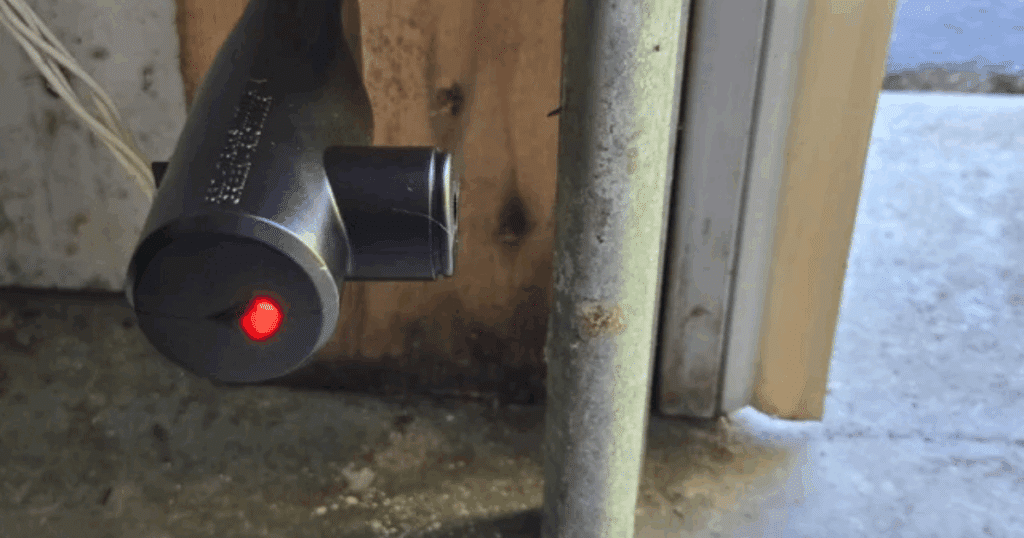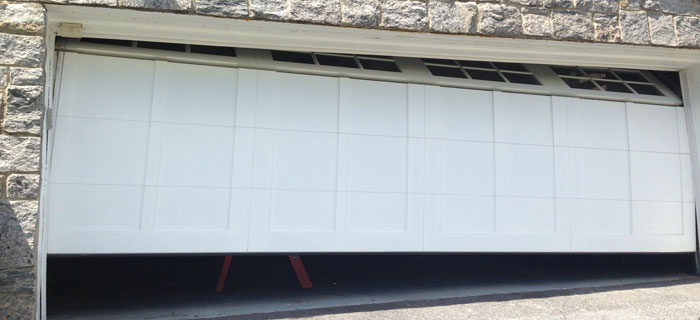
If you’ve noticed that the indicator light on your garage door sensor remains red, you’re not alone. Many homeowners encounter this issue, which can prevent the garage door from closing properly or cause it to reverse unexpectedly. Understanding what a persistent red light means and how to address it is essential for both safety and convenience.
This guide will walk you through the most common causes for a red sensor light, step-by-step troubleshooting, and practical solutions. You’ll also find tips for maintenance and when to consider professional help. If you’re dealing with mounting or wiring challenges, you may also find our resource on how to fix garage door sensor mounting on metal studs helpful as you work through your diagnosis.
Understanding Garage Door Sensor Lights
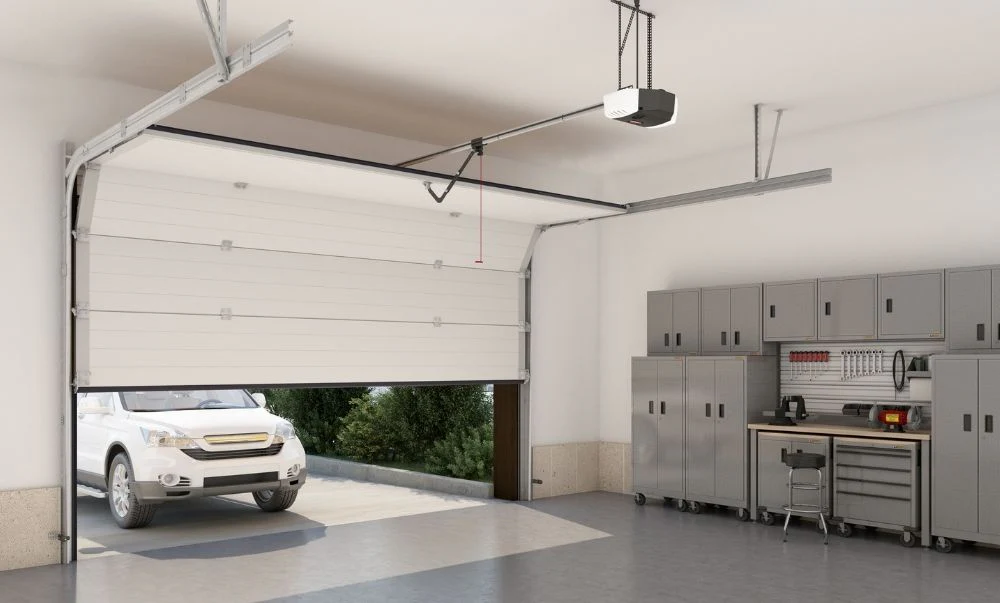
Garage door sensors are designed as a safety feature to prevent the door from closing on people, pets, or objects. Most systems use a pair of photo-eye sensors—one transmitter and one receiver—mounted near the bottom of the door tracks. These sensors communicate using an invisible beam. When the beam is interrupted, the door won’t close.
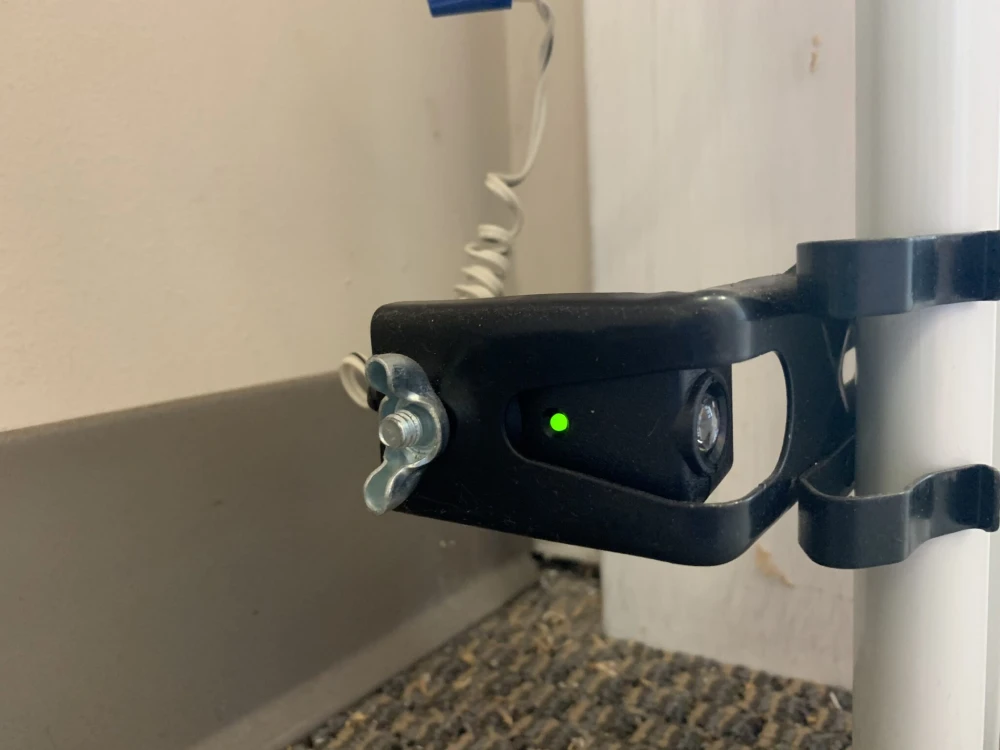
The indicator lights on these sensors provide clues about their status. Typically, a green or amber light means the sensors are aligned and working, while a red light signals a problem. If the red light stays on, it usually means the sensor is either misaligned, dirty, obstructed, or experiencing a wiring or hardware fault.
Common Reasons for a Persistent Red Sensor Light
There are several possible causes for a garage door sensor light that won’t turn off or change color. Here are the most frequent culprits:
- Misalignment: If the sensors are not facing each other directly, the beam is broken, and the red light stays on.
- Dirt or Debris: Dust, cobwebs, or dirt on the sensor lens can block the beam, causing a constant red indicator.
- Obstruction: Any object blocking the path between the sensors will prevent proper operation.
- Wiring Issues: Loose, damaged, or corroded wires can disrupt the connection and trigger a red light.
- Faulty Sensor: If the sensor itself is defective, it may display a red light regardless of alignment or cleanliness.
Step-by-Step Troubleshooting for Red Sensor Lights
To resolve a red sensor light, follow these practical steps:
-
Check for Obstructions:
Inspect the area between the sensors for any objects, debris, or buildup. Remove anything that could block the beam.
-
Clean the Sensor Lenses:
Gently wipe both sensor lenses with a soft, dry cloth to remove dust, dirt, or cobwebs. Avoid using harsh chemicals.
-
Realign the Sensors:
Both sensors should point directly at each other. Adjust them until the indicator lights change from red to green or amber, depending on your model. Some sensors have mounting brackets that can be loosened for easier adjustment.
-
Inspect the Wiring:
Look for loose, frayed, or disconnected wires at the sensor and opener terminals. If you find issues, you might want to review our guide on how to fix garage door sensor wiring using electrical tape for safe repair tips.
-
Test the Sensors:
After cleaning and realigning, test the door. If the red light remains, try swapping the sensors (if possible) to see if the issue follows the sensor or stays with the wiring.
-
Reset the Sensors:
Some garage door openers allow you to reset the sensors. For detailed instructions, refer to this step-by-step guide on resetting garage door sensors.
When to Replace or Call a Professional
If you’ve tried all the troubleshooting steps and the red light persists, the sensor may be faulty or the wiring could be damaged beyond a simple fix. In such cases, replacing the sensor is often the most reliable solution. Make sure to purchase compatible replacement parts for your specific opener model.
For issues involving complex wiring, persistent electrical faults, or if you’re uncomfortable working with electrical components, it’s best to contact a qualified garage door technician. They can safely diagnose and repair the problem, ensuring your system remains safe and functional.
Preventing Sensor Issues in the Future
To minimize the chances of your garage door sensor light staying red again, consider these maintenance tips:
- Regular Cleaning: Wipe the sensors every few months to keep them free of dust and debris.
- Check Alignment: After storms, accidental bumps, or any garage work, verify that the sensors are still facing each other.
- Inspect Wiring: Periodically check for signs of wear, corrosion, or loose connections.
- Test Safety Features: Occasionally block the sensor beam to ensure the door reverses as intended, confirming the system is working.
For more troubleshooting tips, you might also want to read about why is my garage door sensor light blinking twice or why is my garage door sensor transmitter dead if you encounter other sensor-related issues.
Frequently Asked Questions
What does a solid red light on my garage door sensor mean?
A solid red light typically indicates a problem with alignment, obstruction, dirt, or wiring. It signals that the sensor is not able to communicate properly with its counterpart, preventing the door from closing safely.
How do I realign my garage door sensors?
Loosen the mounting brackets and gently adjust each sensor until both indicator lights (usually green or amber) are steady. Once the sensors are facing each other directly, tighten the brackets to secure their position.
Can I bypass a faulty garage door sensor?
Bypassing a sensor is not recommended as it disables a critical safety feature. Instead, focus on cleaning, realigning, or replacing the sensor. If you must operate the door temporarily, do so with extreme caution and only while holding the wall-mounted control button continuously.
How often should I clean or check my garage door sensors?
It’s a good idea to inspect and clean the sensors every few months or after any incident that might affect their alignment, such as moving large items in the garage or after a storm.
Where can I find more help for sensor wiring or mounting issues?
For detailed guidance, see our articles on how to fix garage door sensor mounting on metal studs and how to fix garage door sensor wiring using electrical tape for step-by-step instructions.